 KitGuru KitGuru.net – Tech News | Hardware News | Hardware Reviews | IOS | Mobile | Gaming | Graphics Cards


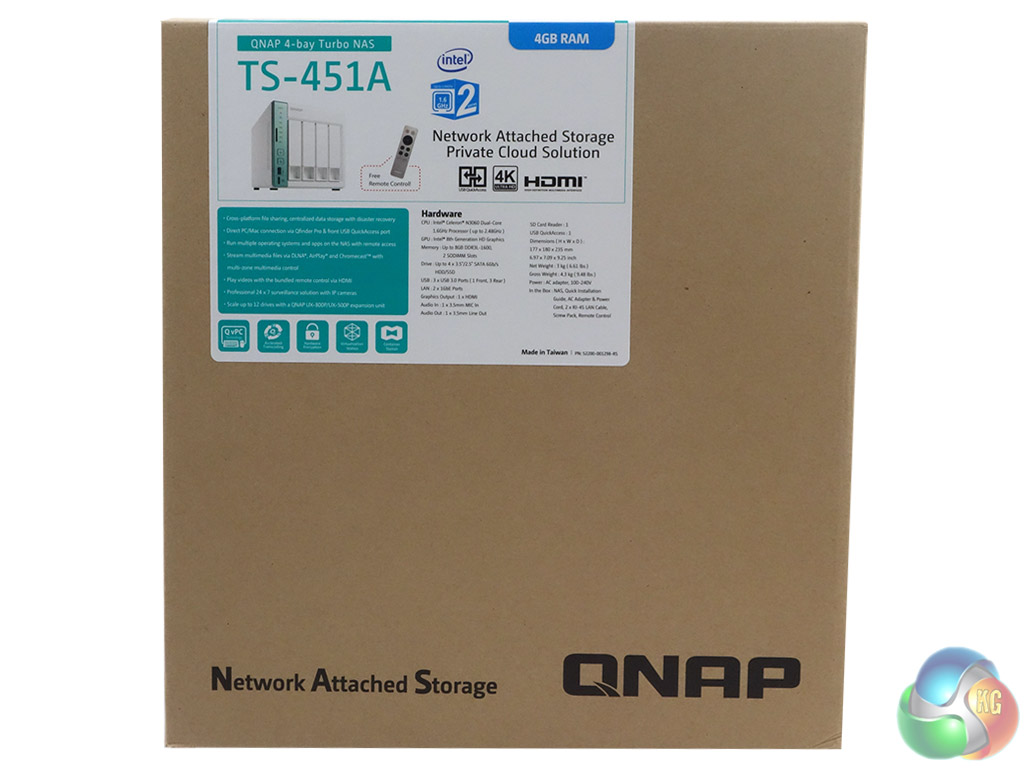
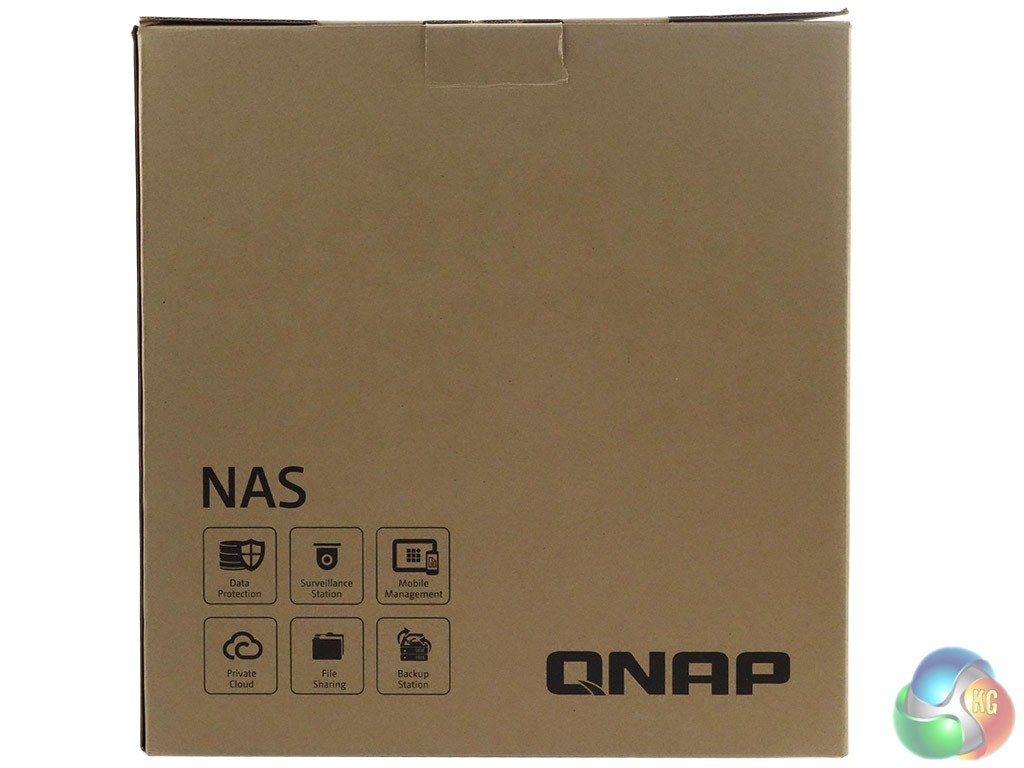
The TS-451A-4G comes in a large brown box with a small label on the front which has an image of the NAS and the model's memory capacity and two panels. The rear of the box just has a group of icons displaying some of the major utilities; Data Protection, Private Cloud, File Sharing, Backup Station, Surveillance Station and Mobile Mangement.
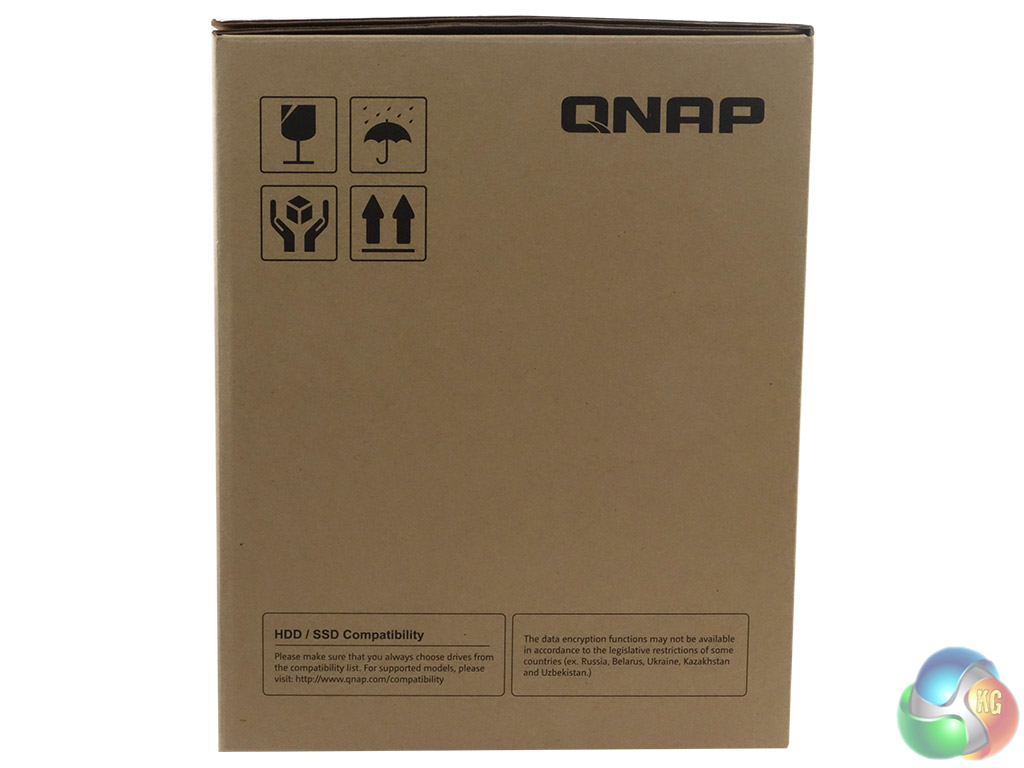
One side of the box has handling instructions as well as two small panels – one informing about drive compatibility, the other noting legal restrictions on data encryption. The other side of the box just has another row of handling and storing icons.
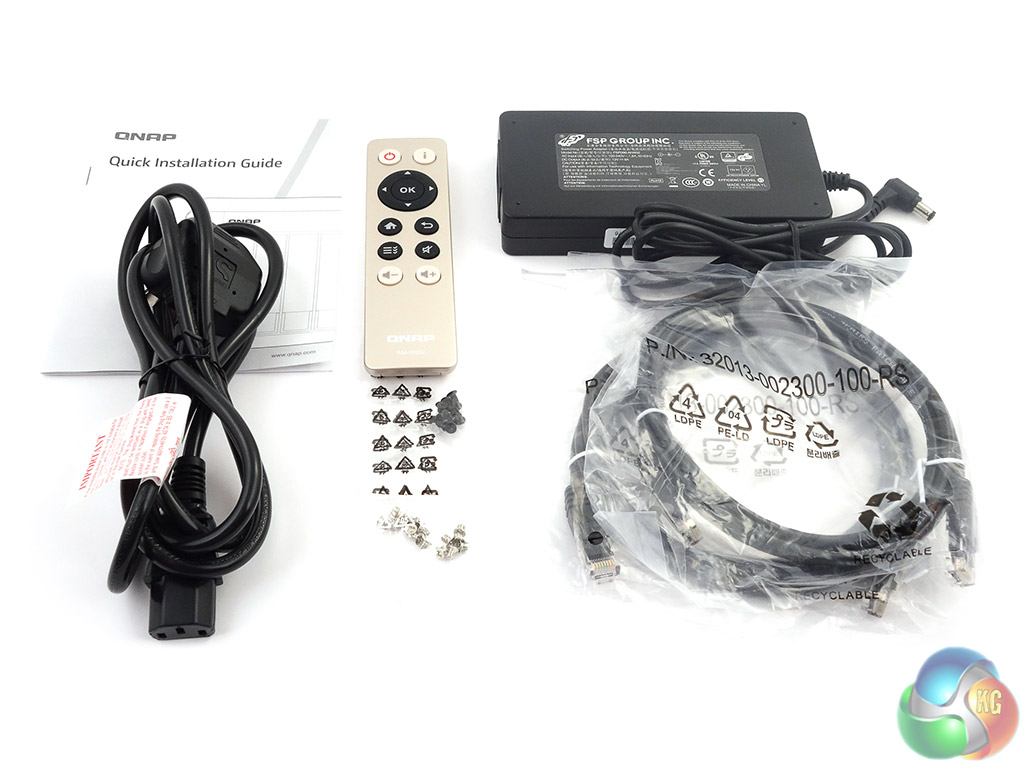
The box bundle is pretty comprehensive; a pair of Ethernet cables, two sets of mounting screws for 2.5in and 3.5in drives, a 96W power adaptor, power cable, RM-IR002 remote control and a quick installation guide.

On Windows 10 can we access the files on the NAS / DAS using the QuickAccess cable without using adicional software? (without using the QFinder Pro) just using Windows own File Explorer)