KitGuru KitGuru.net – Tech News | Hardware News | Hardware Reviews | IOS | Mobile | Gaming | Graphics Cards


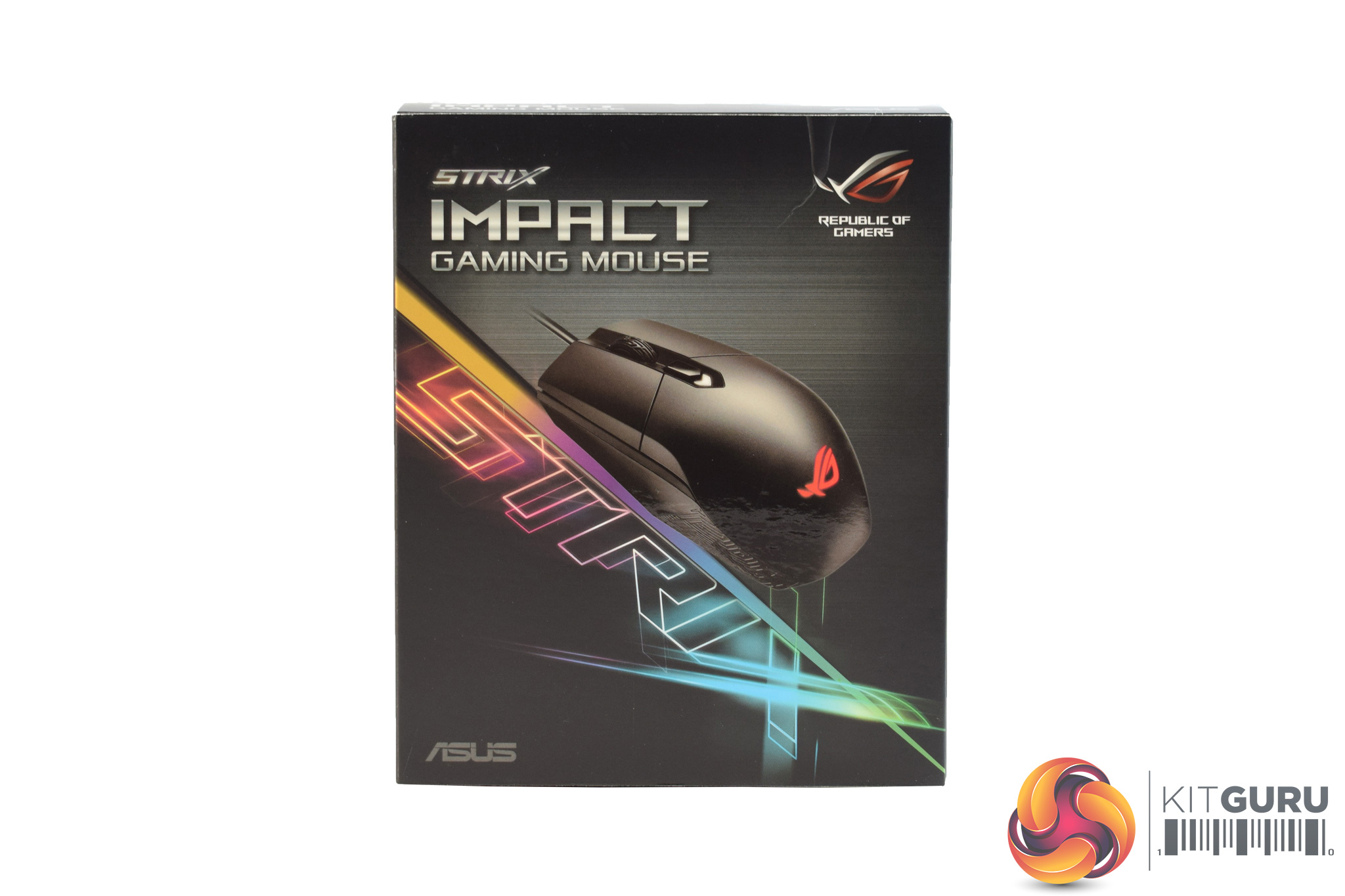
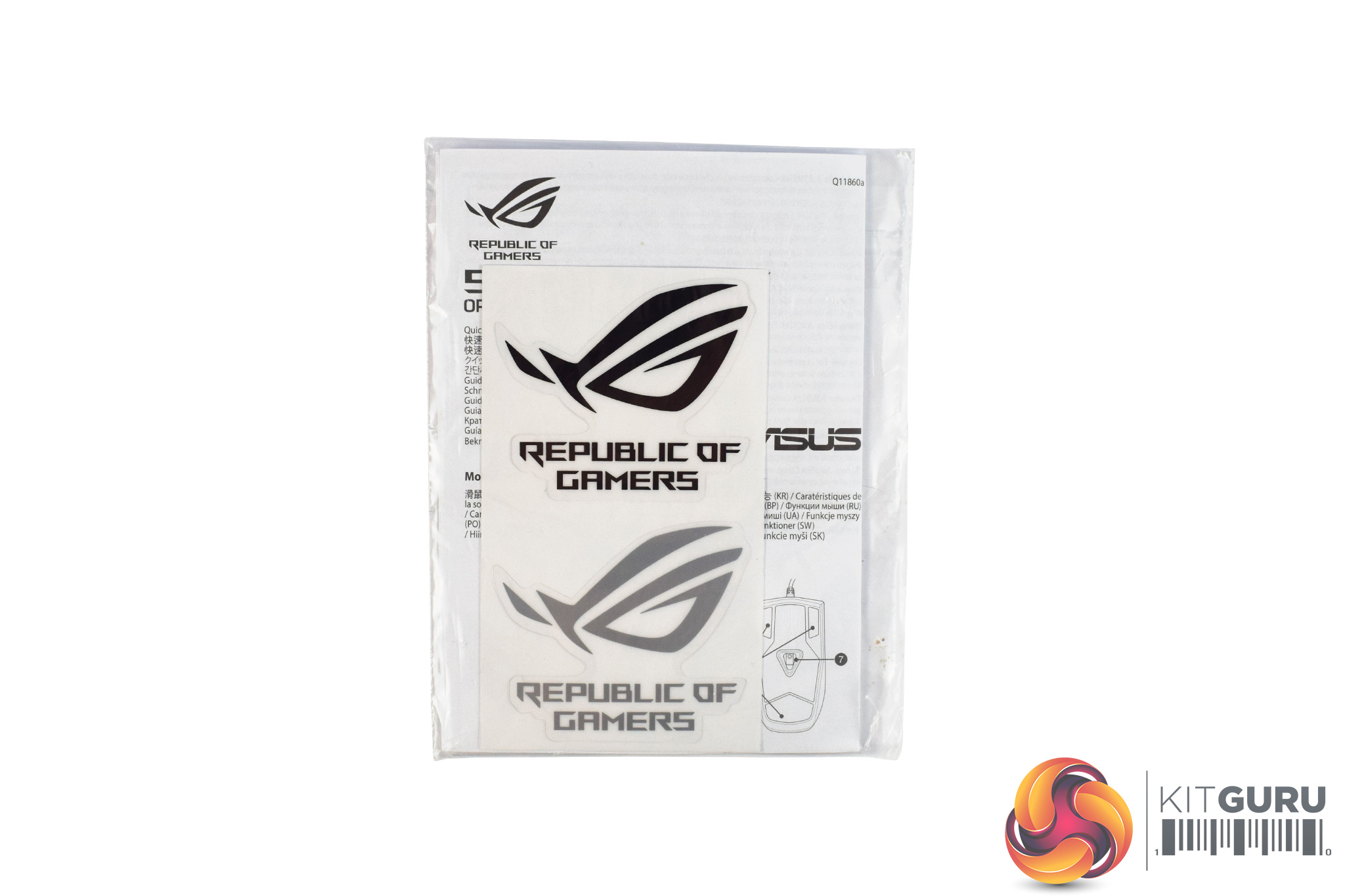
The ASUS ROG Strix Impact ships in a colourful box, with the Strix logo being very prominent on the front. Inside, there is not much in the way of accessories, as all you get is a small manual and two stickers.
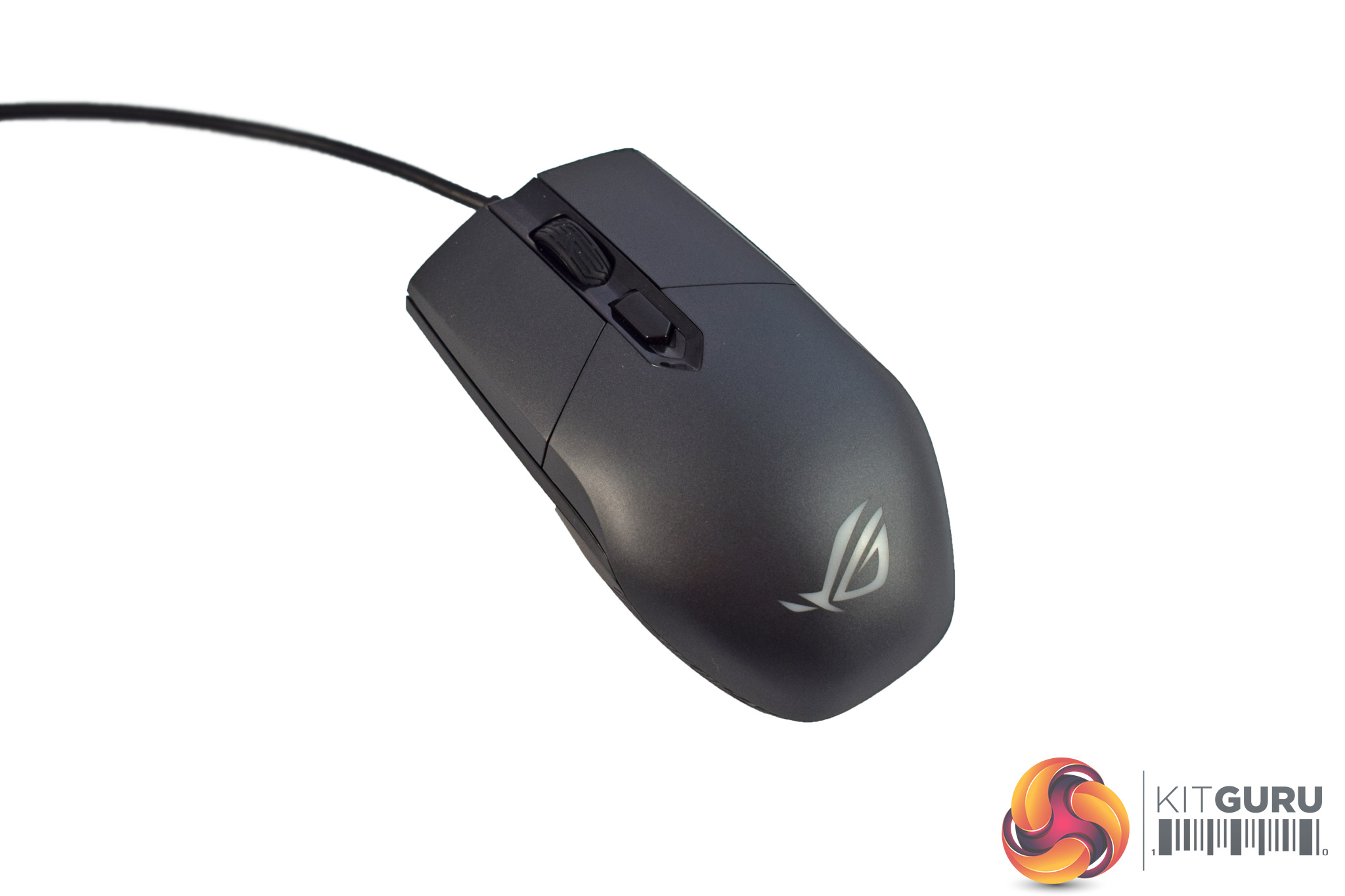
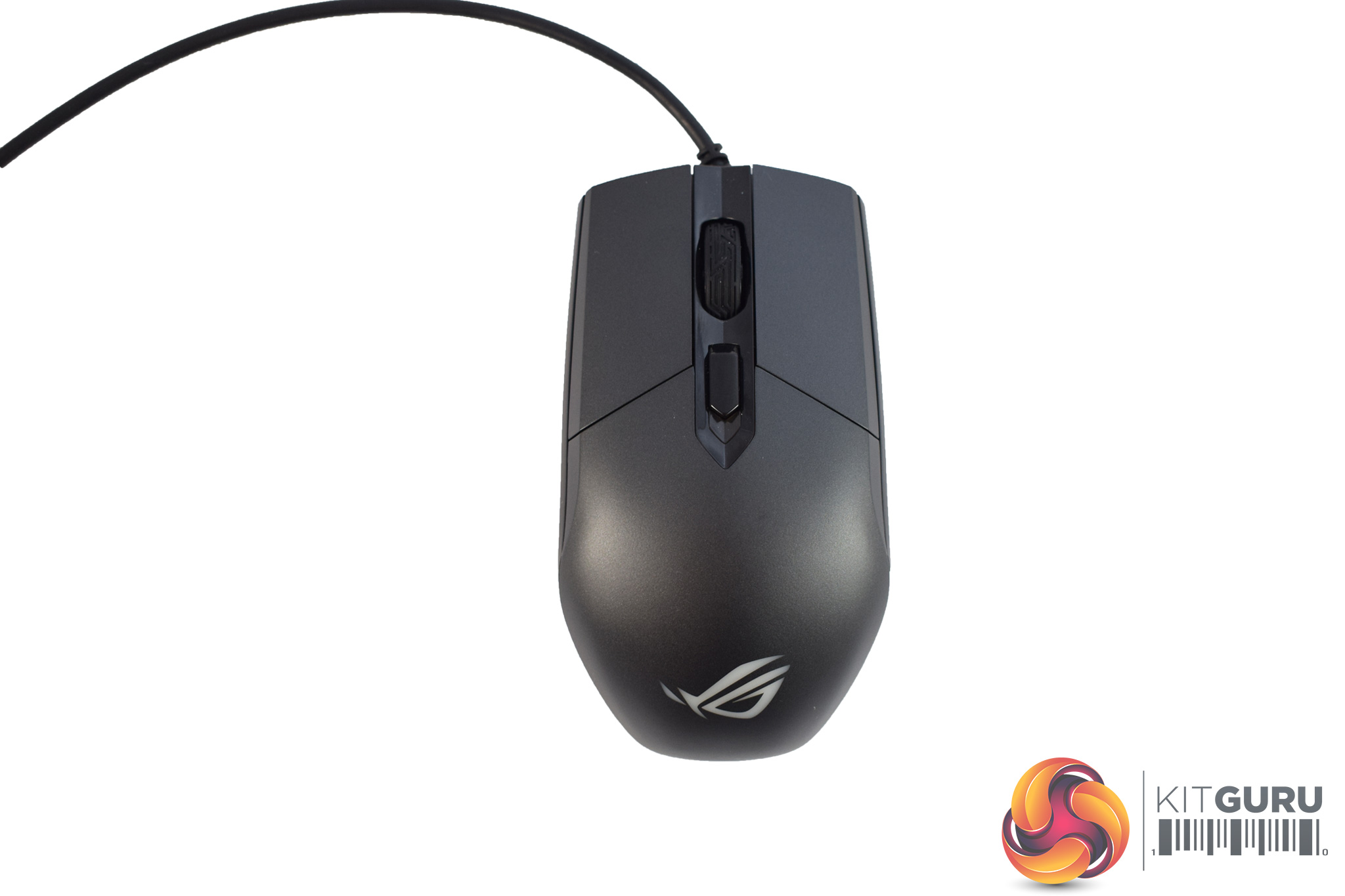
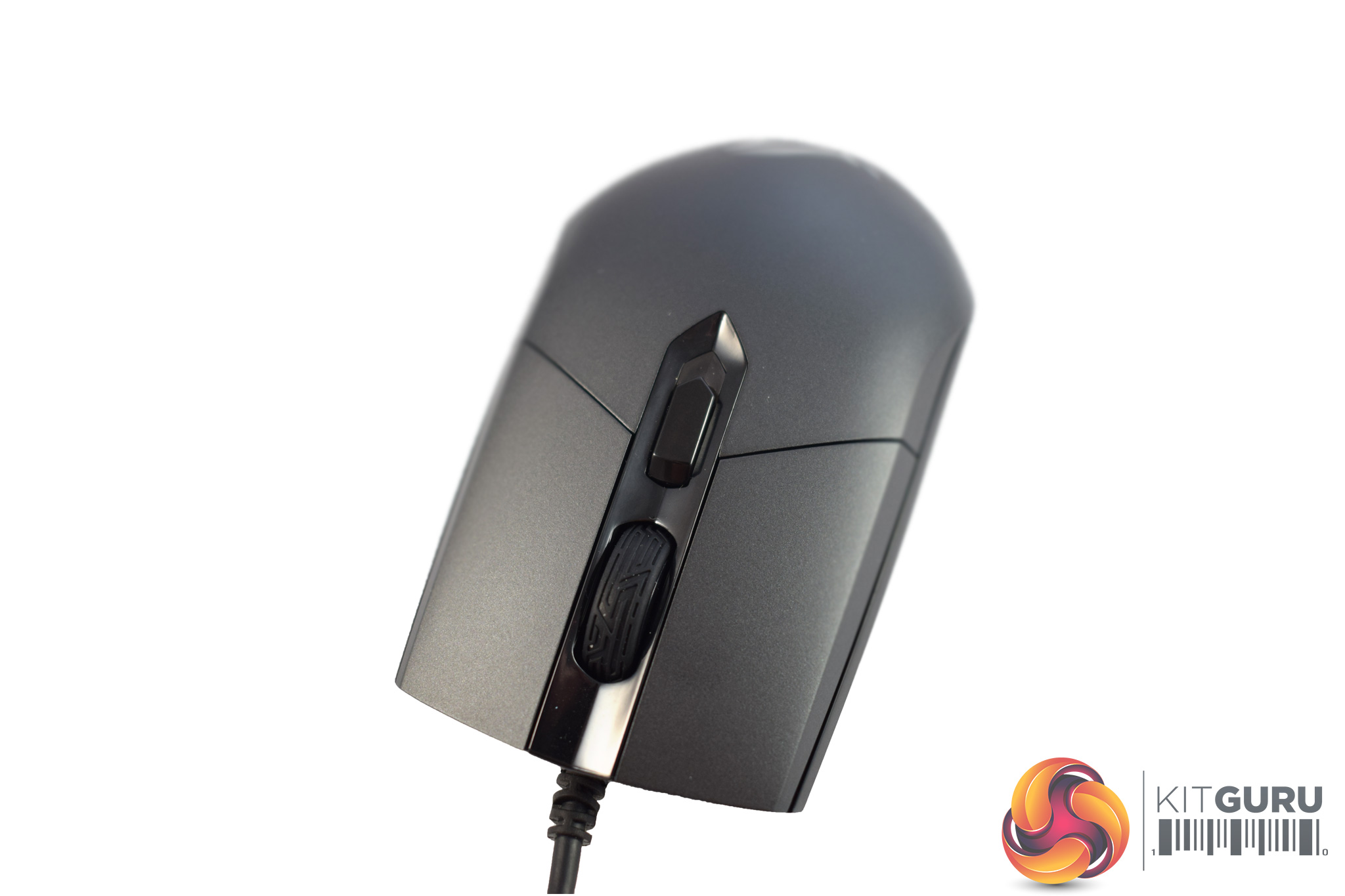
The Impact itself has quite a plain design, with not much going on to attract interest. As I mentioned previously, it an ambidextrous mouse, and it is thus perfectly symmetrical.
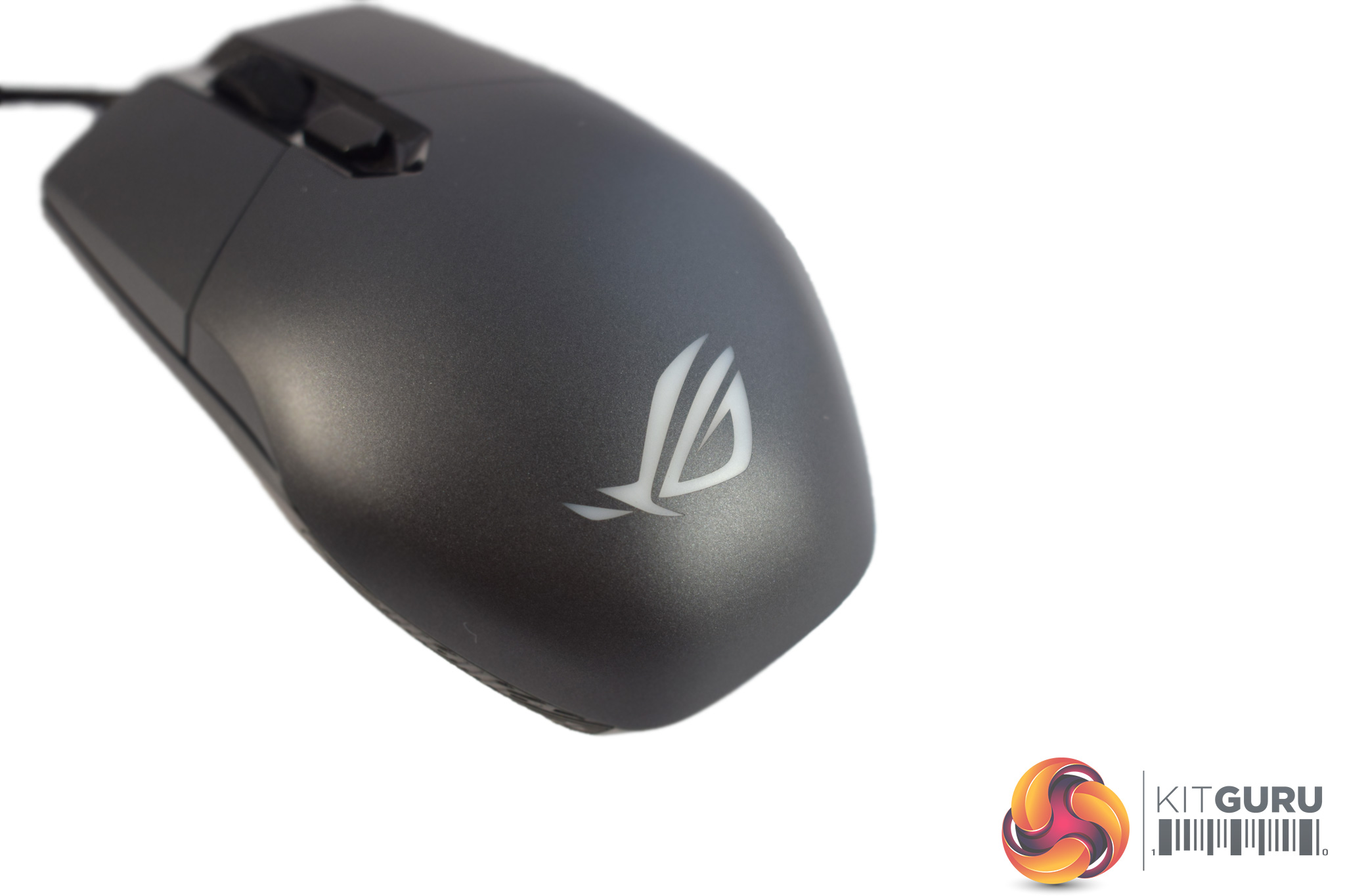
The bottom of the mouse sports the ROG logo, and it is this logo which functions as the only RGB lighting zone on the mouse.
At the front of the Impact, we find the scroll wheel as well as a single DPI cycle button.
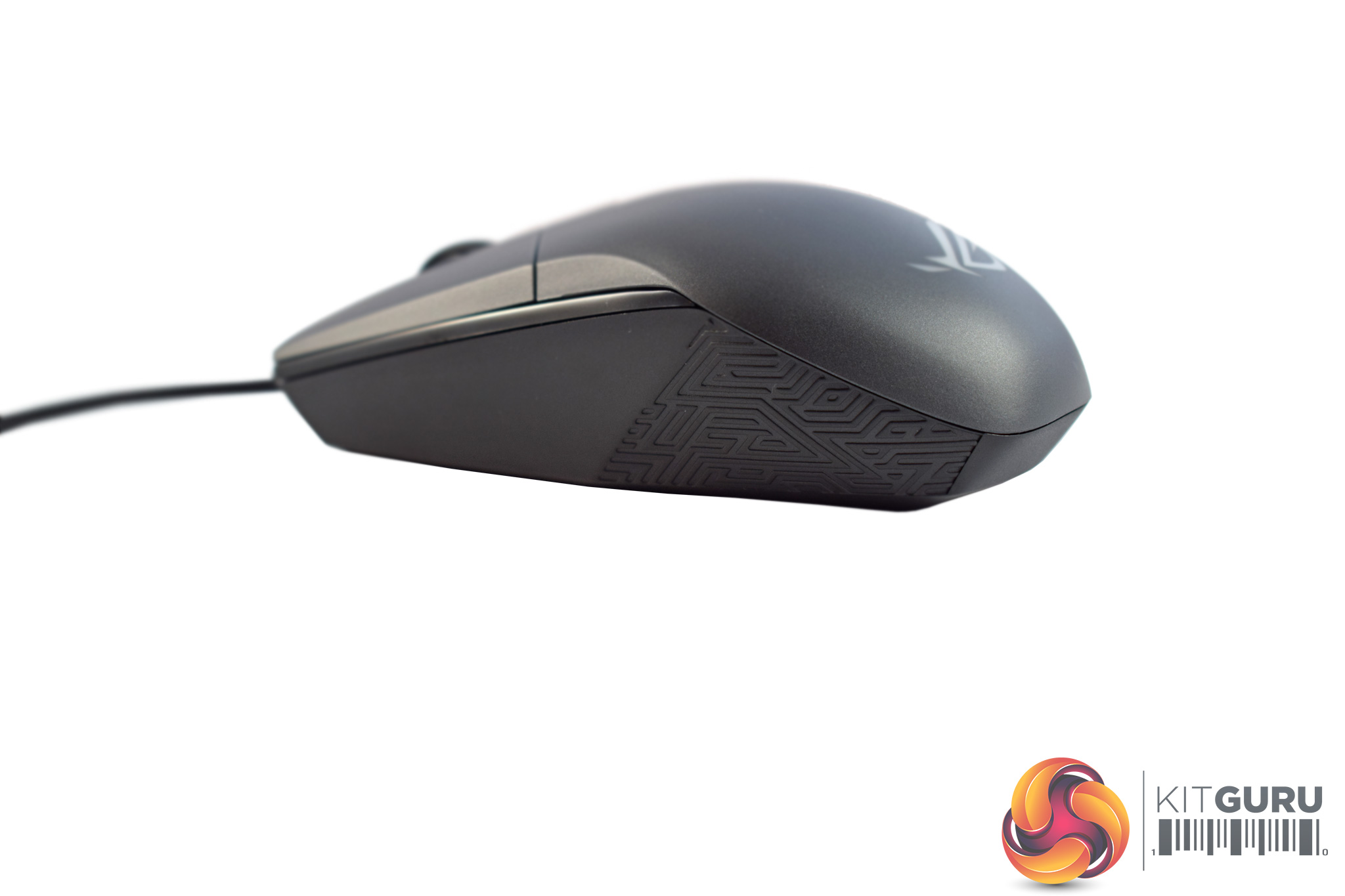
The sides of the mouse are bare, with no side buttons at all. This is likely to prove divisive, but it is hard to have an truly ambidextrous mouse with side buttons, as your fourth finger would lie on-top of those buttons if they were there.
Also, there is just a bit of ROG's trademark Mayan-inspired detailing on the sides of the Impact, which serves no function other than looking pretty cool.
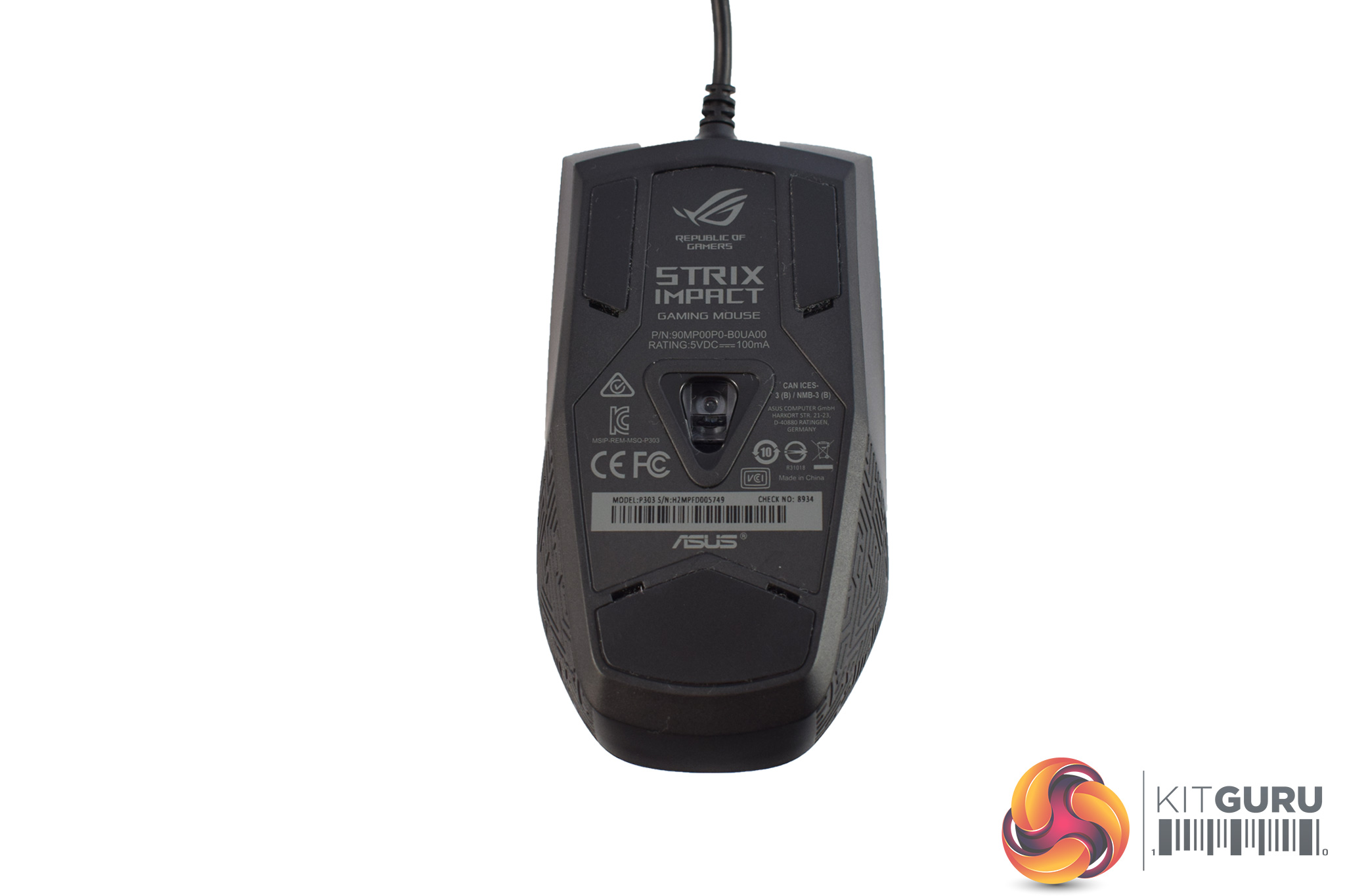
Taking a look at the Impact's underside, we can see there are 3 Teflon feet, while we also get a look at the Pixart PMW 3310 sensor. While the PMW 3310 has now been replaced by the popular 3360 as the gaming enthusiast's preferred sensor, it is still very capable. It is likely included here to keep costs down, as it must be cheaper than the newer 3360.
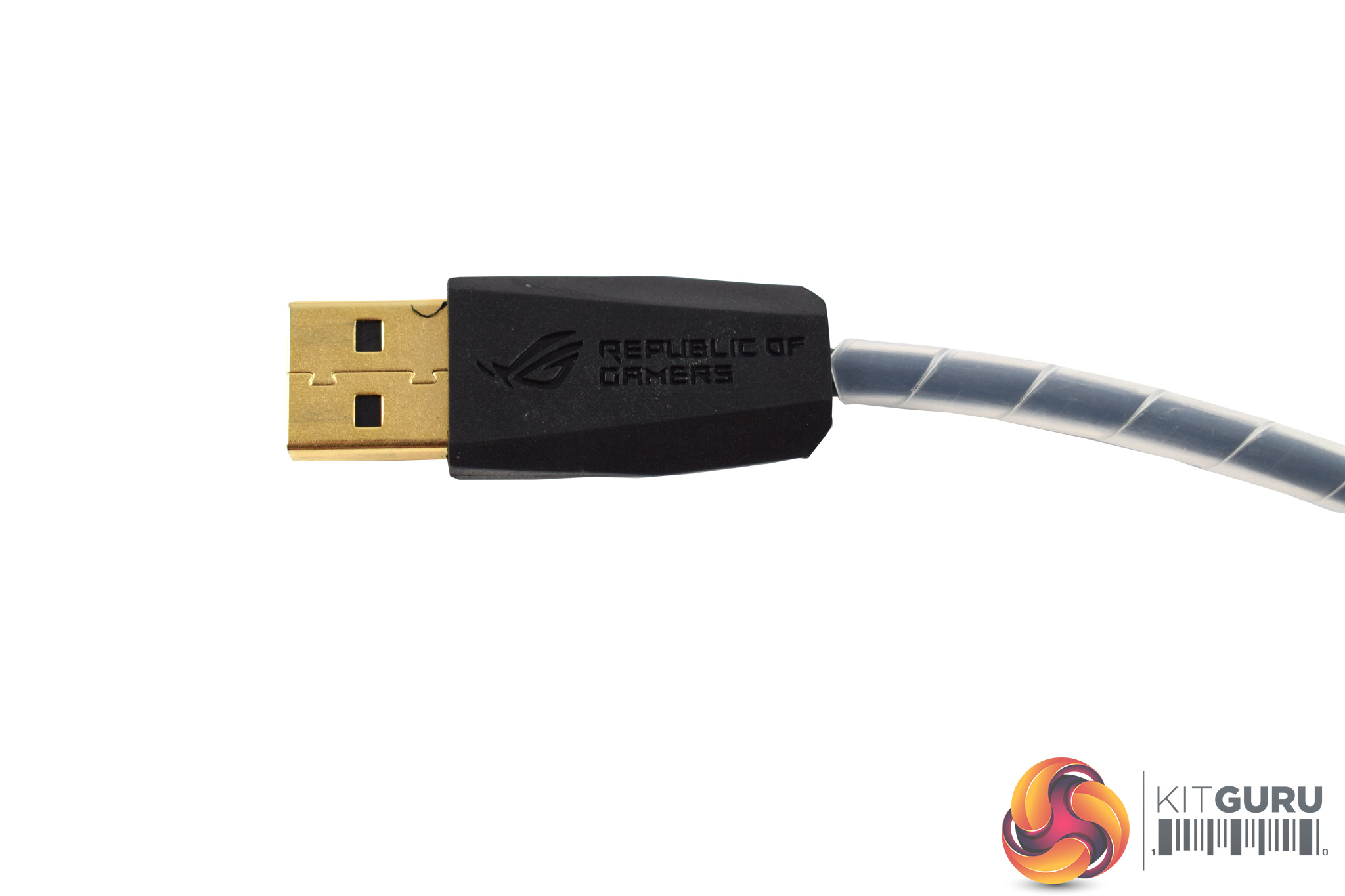
Lastly, the cable is non-detachable and is made of rubber – it is not braided. The USB connector is gold-plated, though, while the cable itself measures 2m long.