KitGuru KitGuru.net – Tech News | Hardware News | Hardware Reviews | IOS | Mobile | Gaming | Graphics Cards


As for the OSD, everything is split into 8 main tabs, as you can see here:
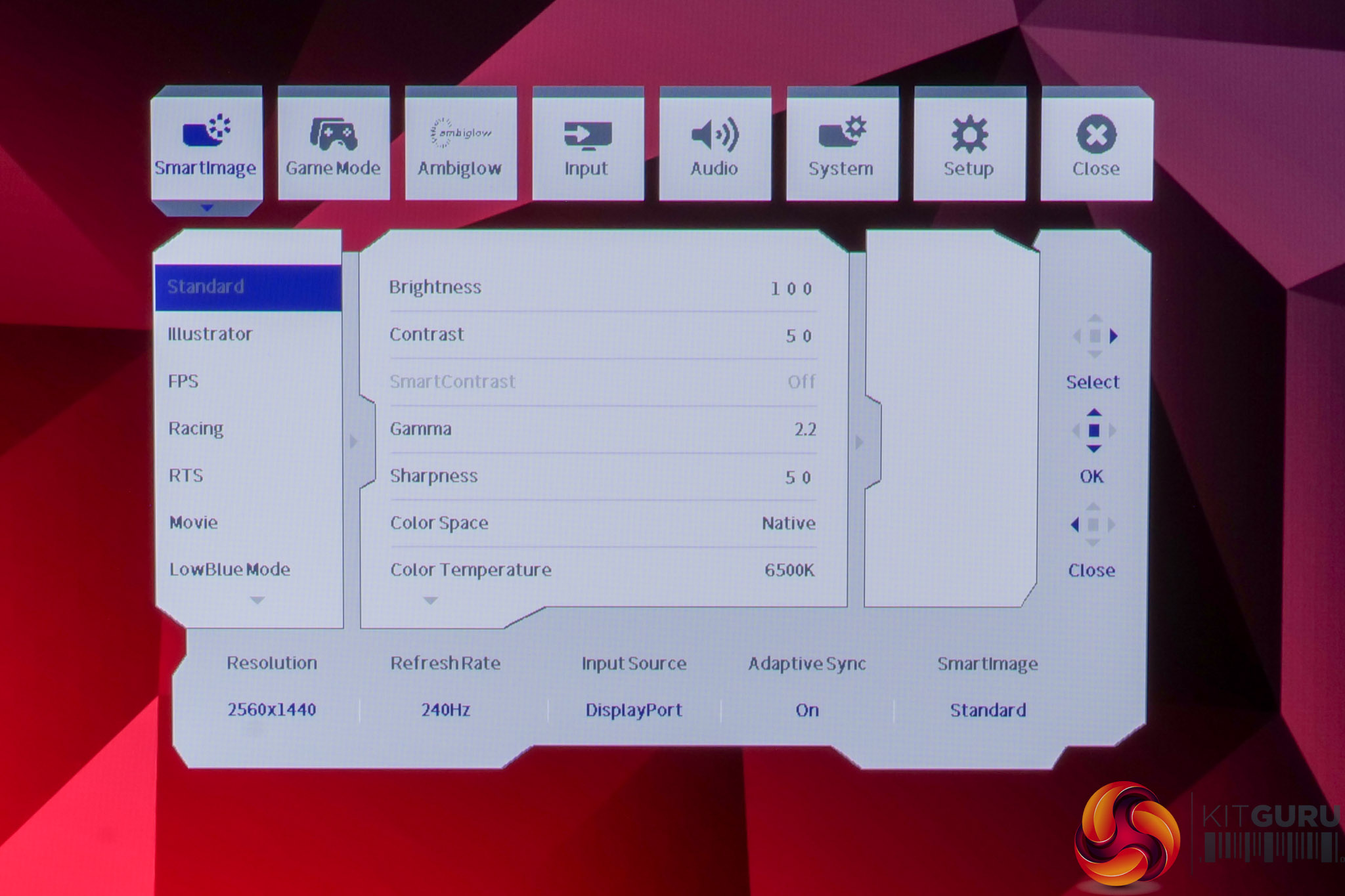
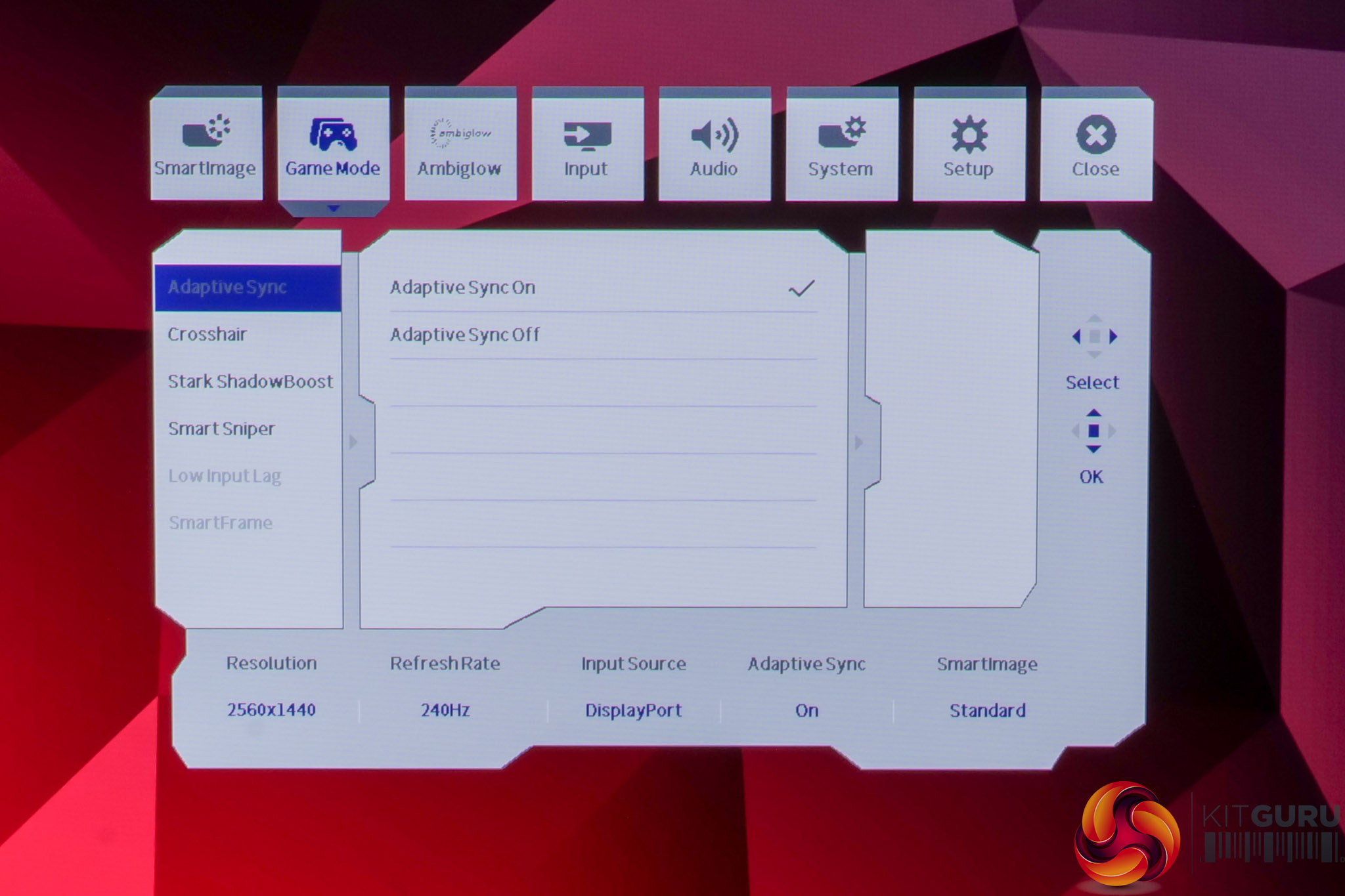
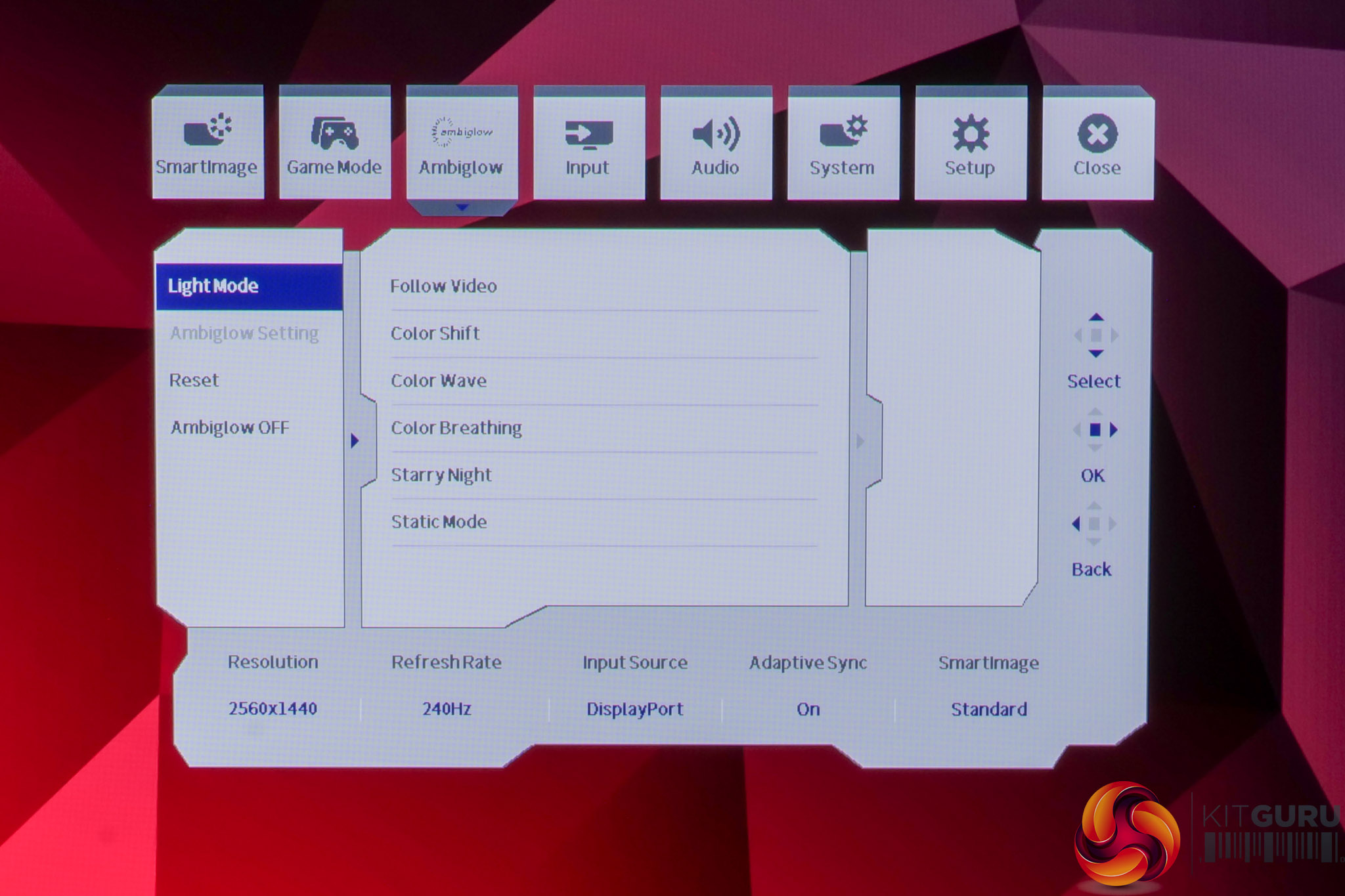
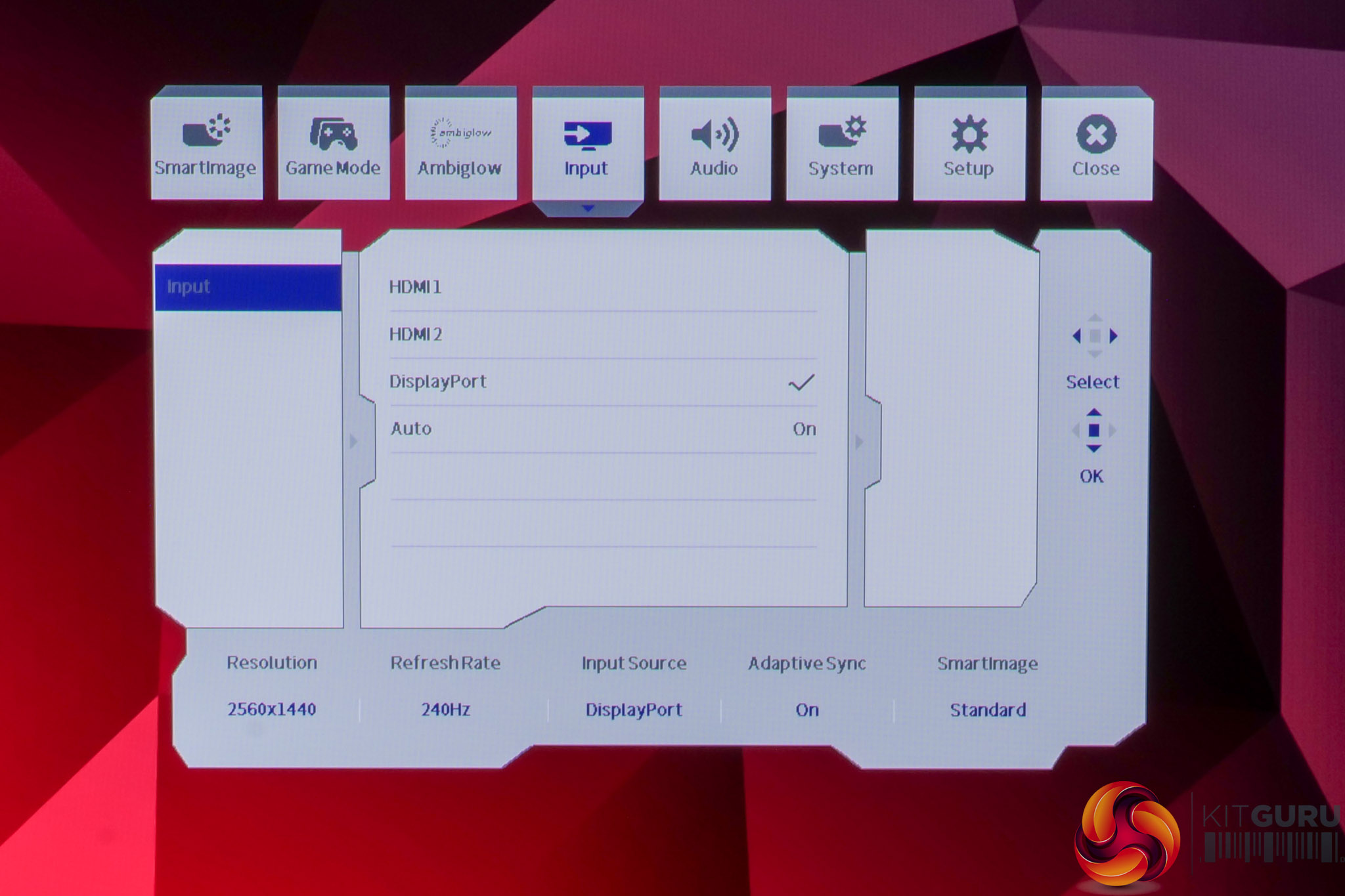
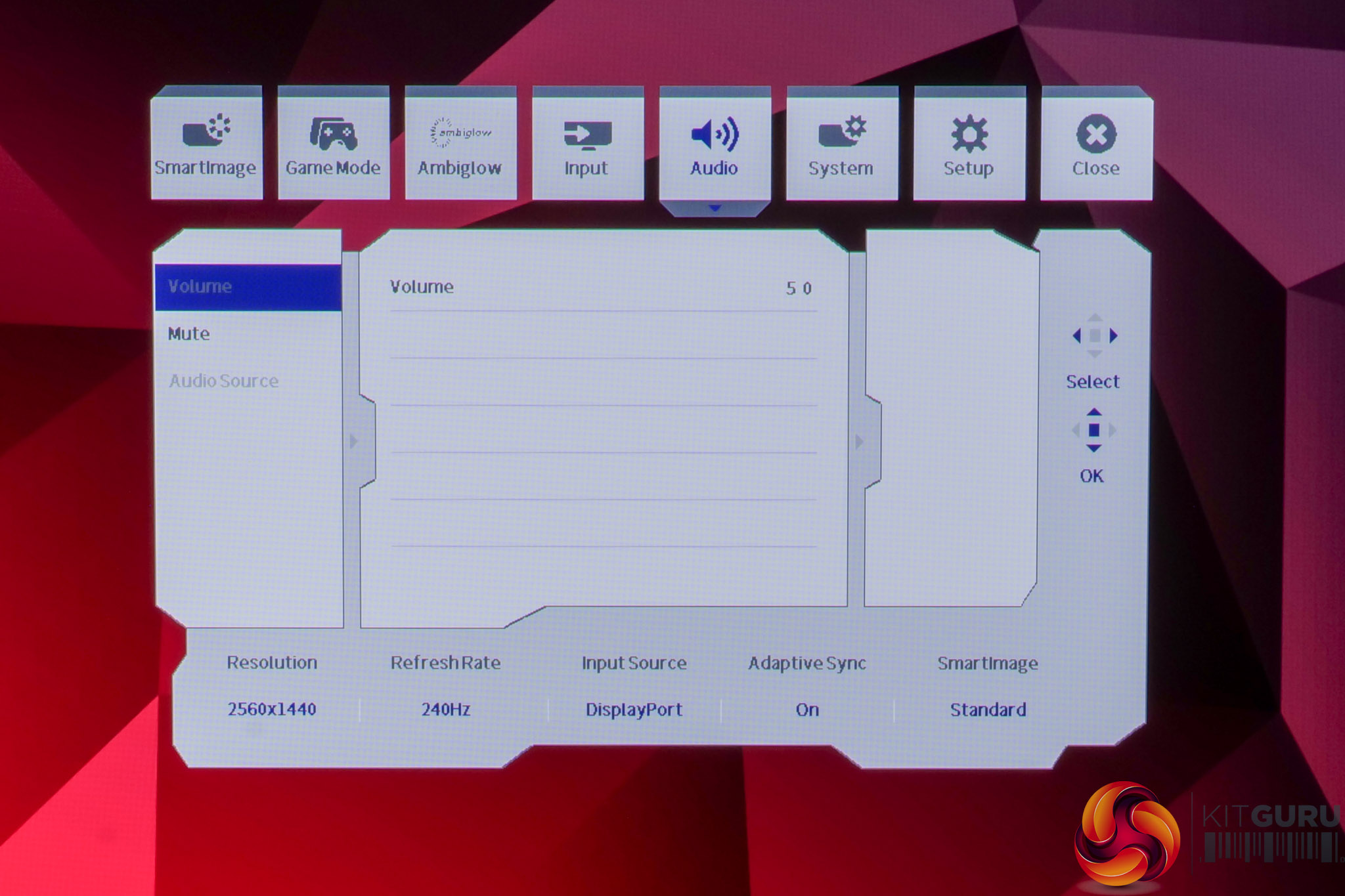
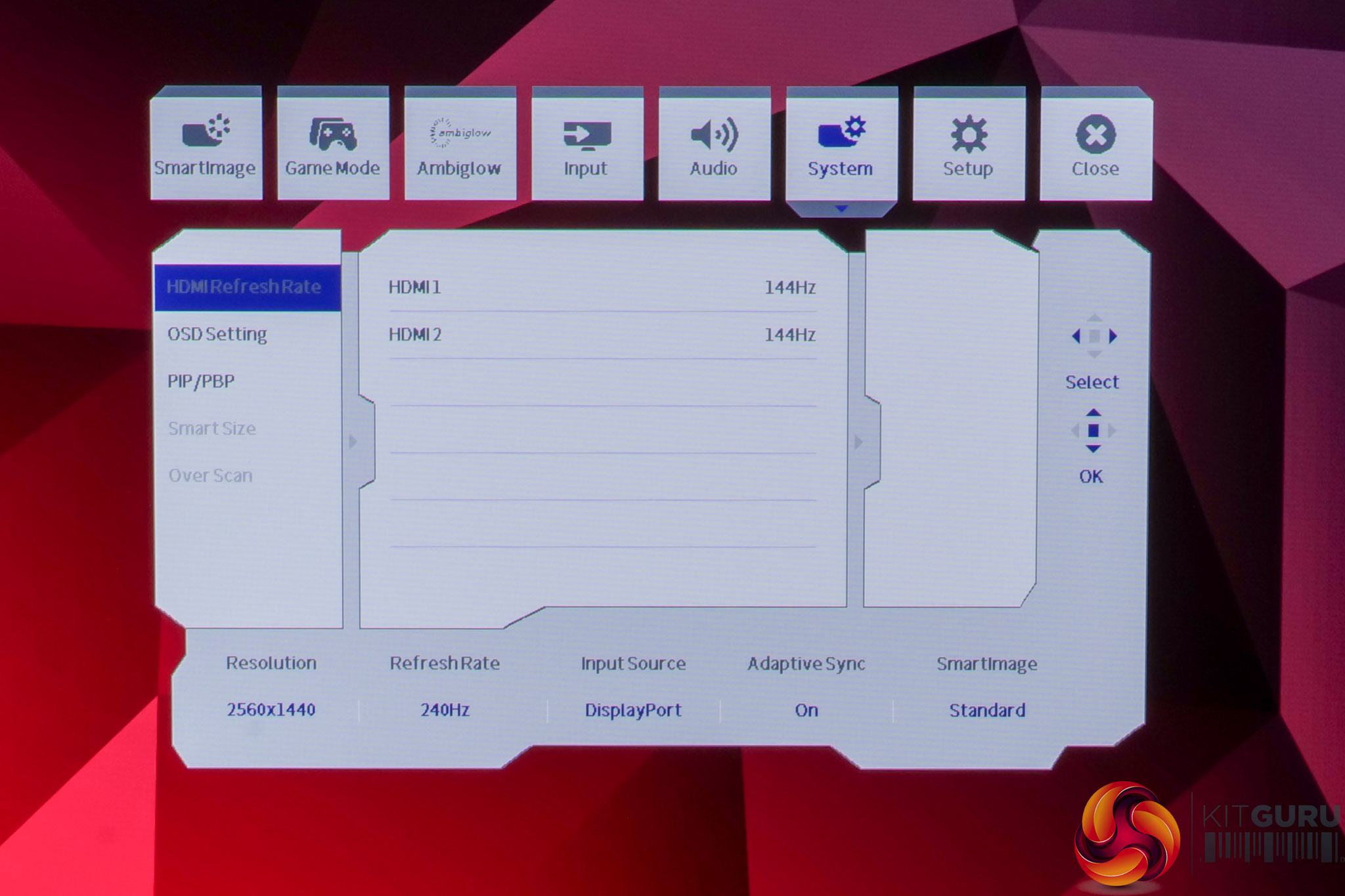
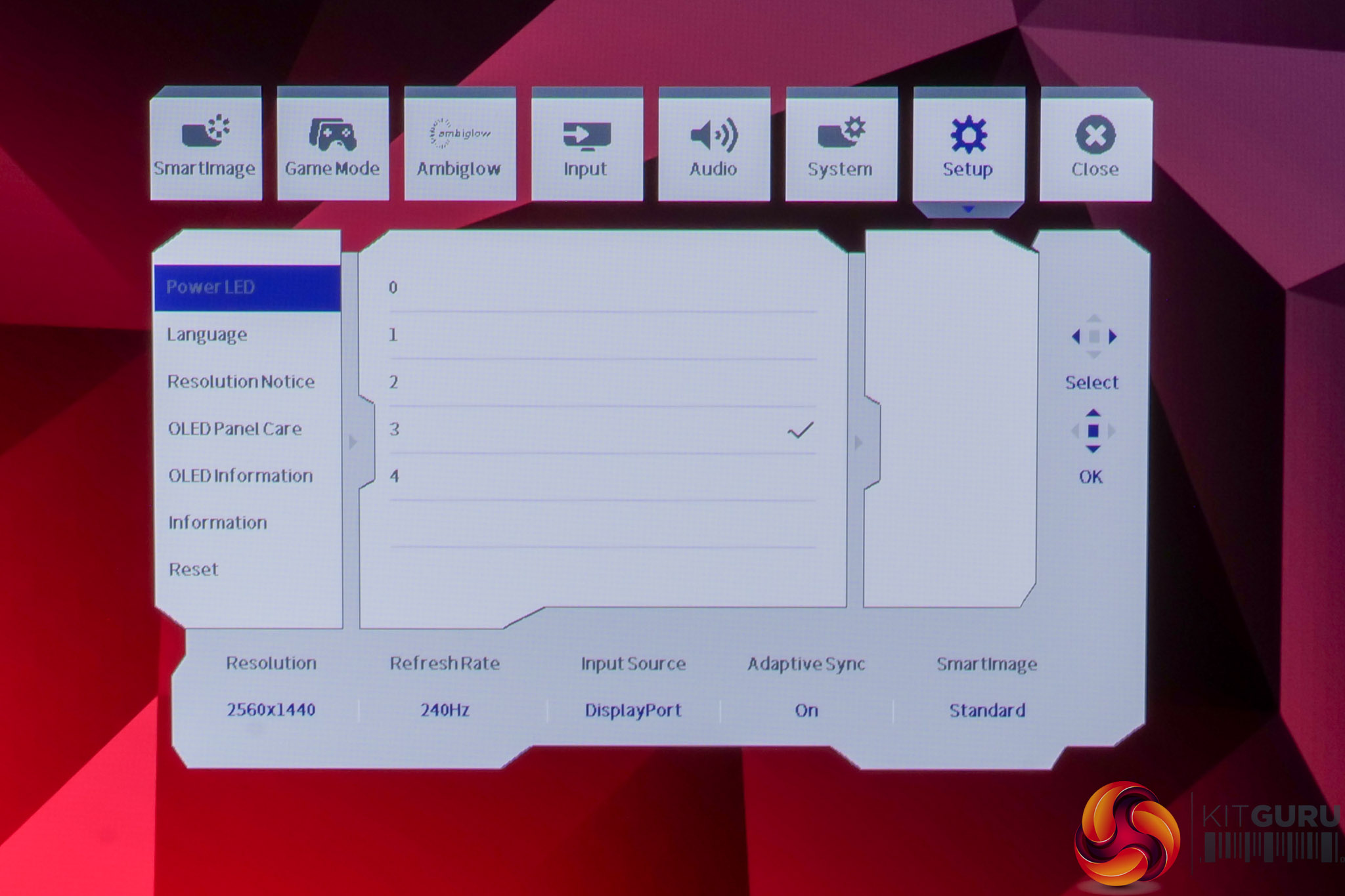
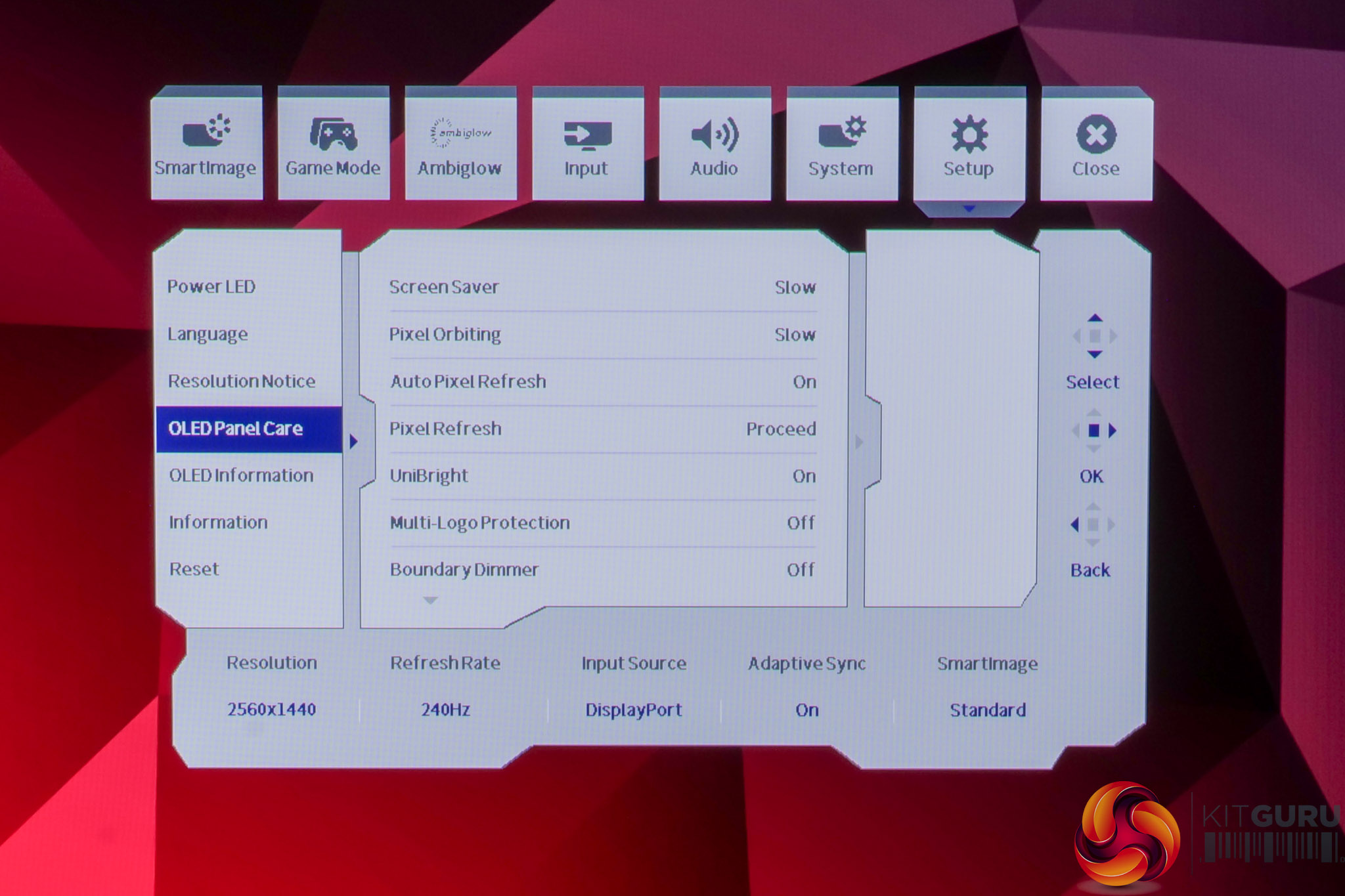
The OSD system appears unchanged since we last looked at an Evnia screen. It's certainly not the prettiest UI going, but it has a good number of features and is easy to navigate using the joystick. My only real complaint is that there are no customisable shortcut options – being able to quickly adjust brightness without diving into the main OSD itself is always a welcome feature to me.
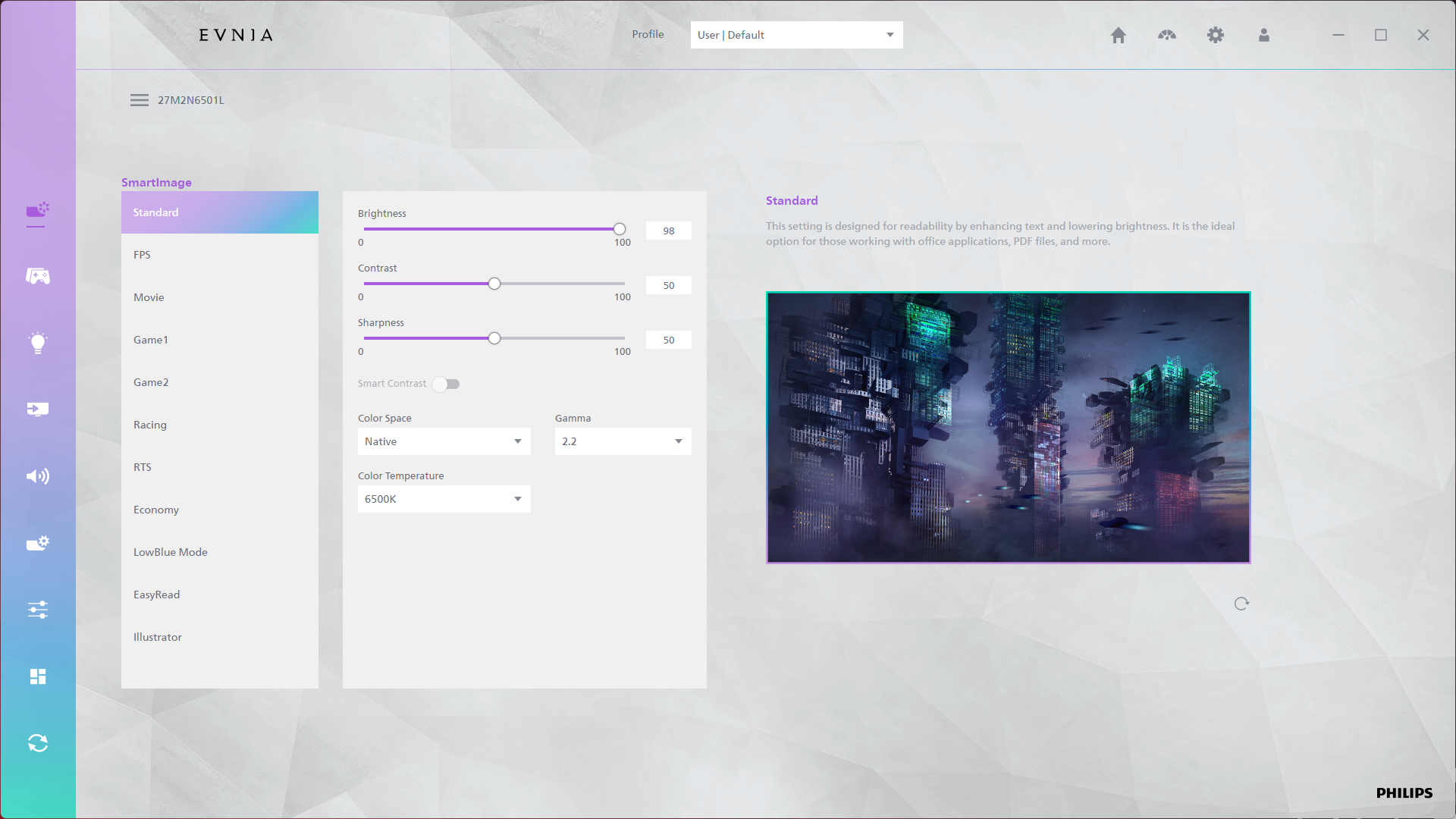
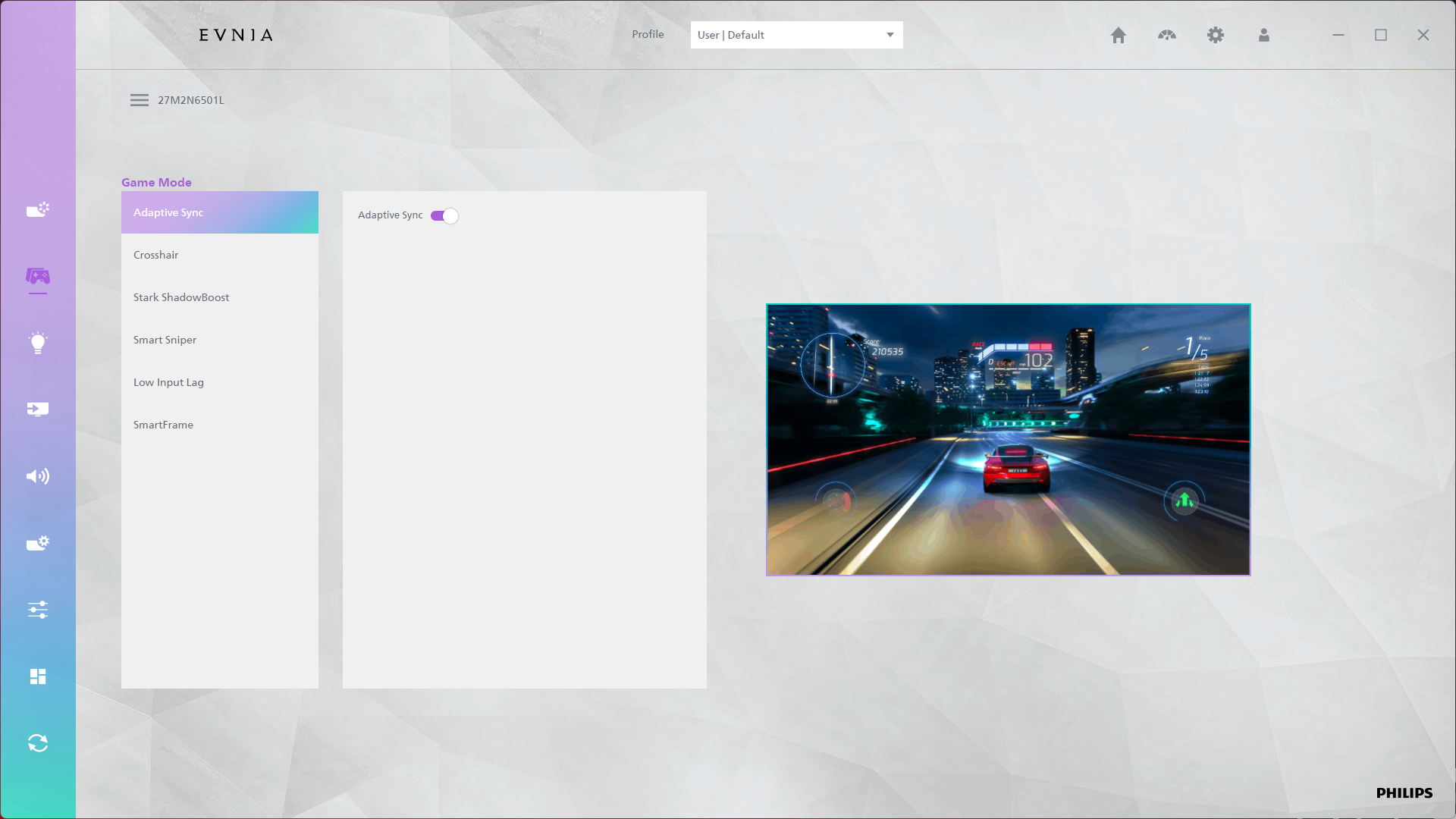
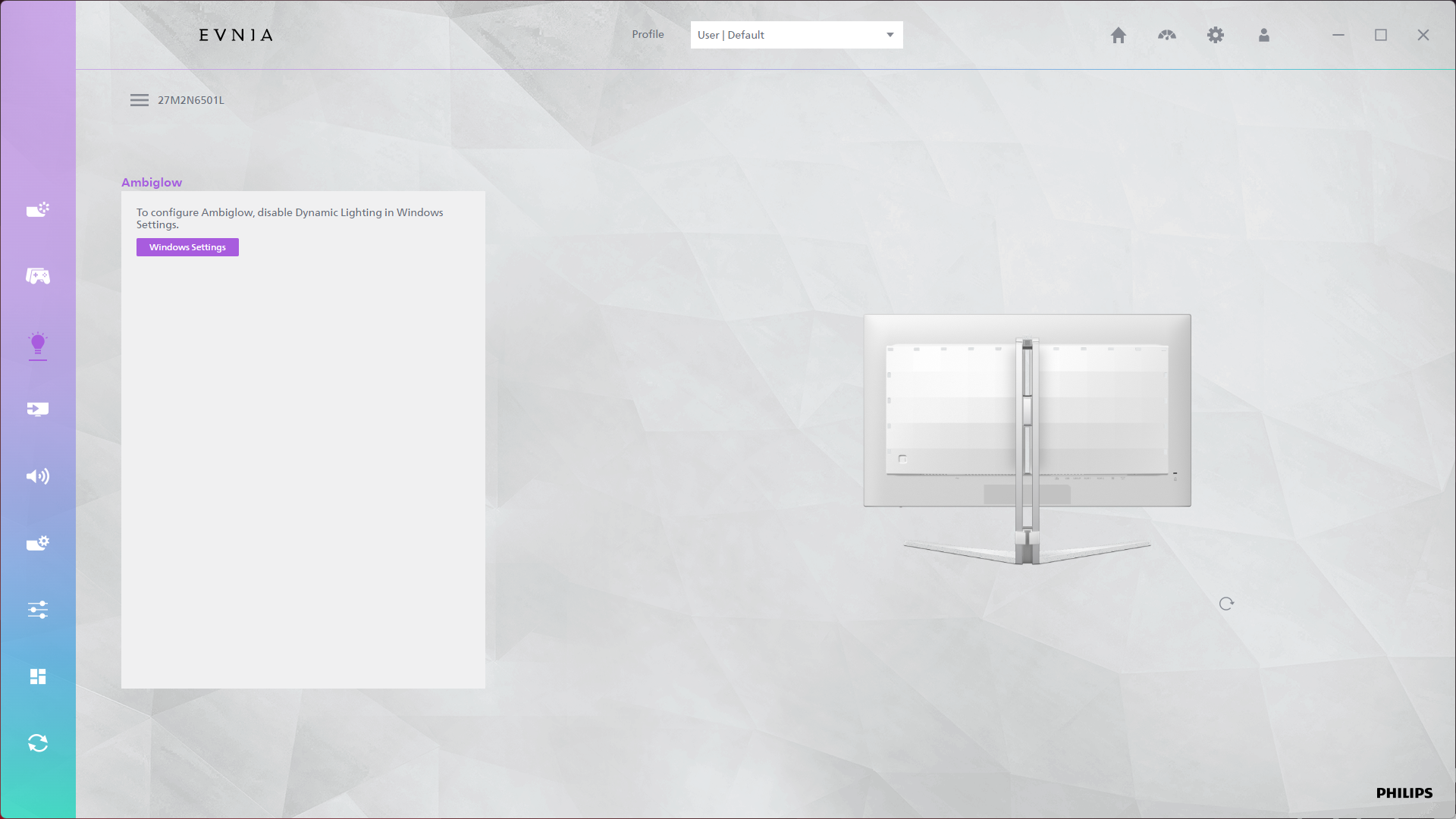
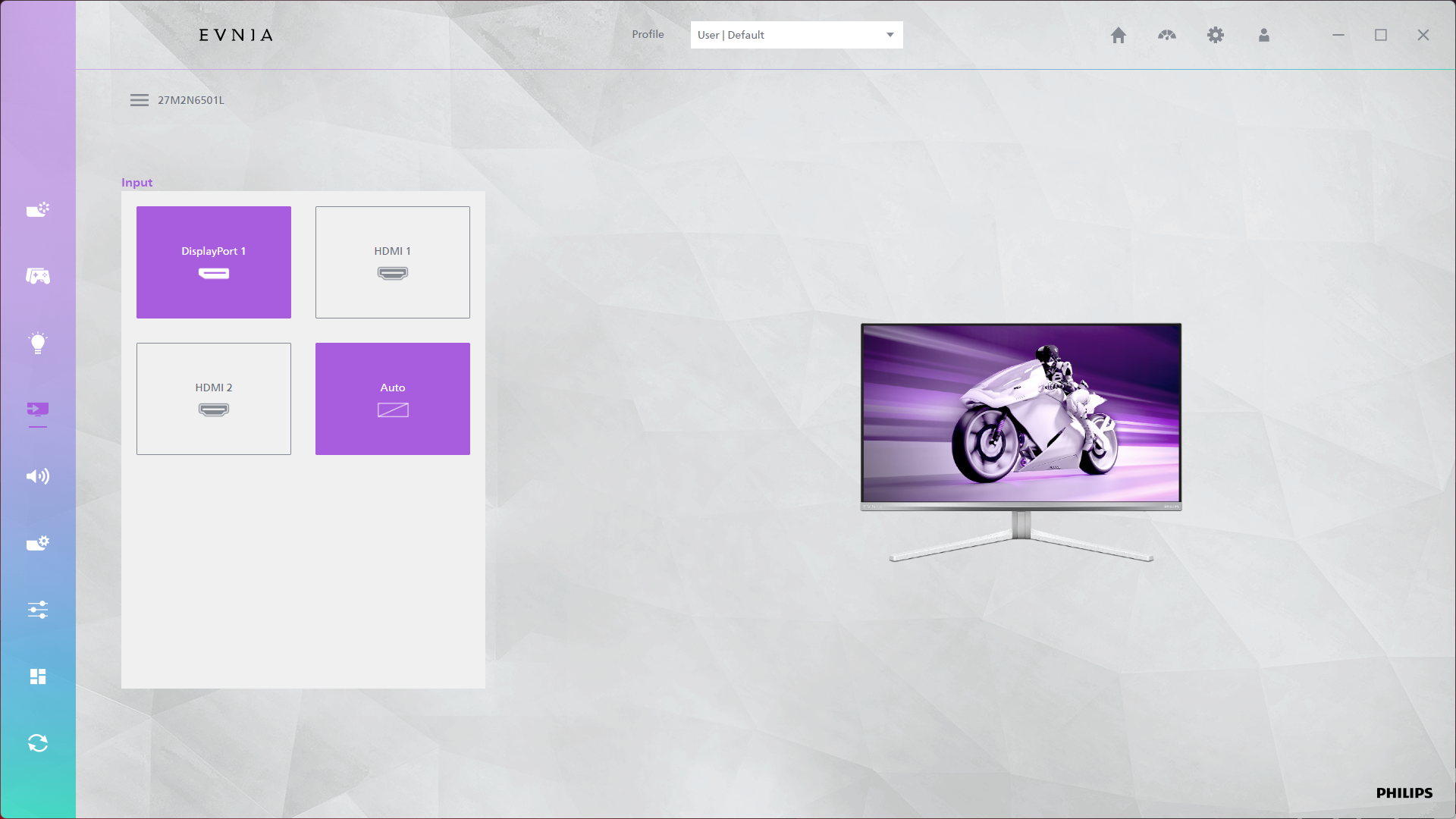
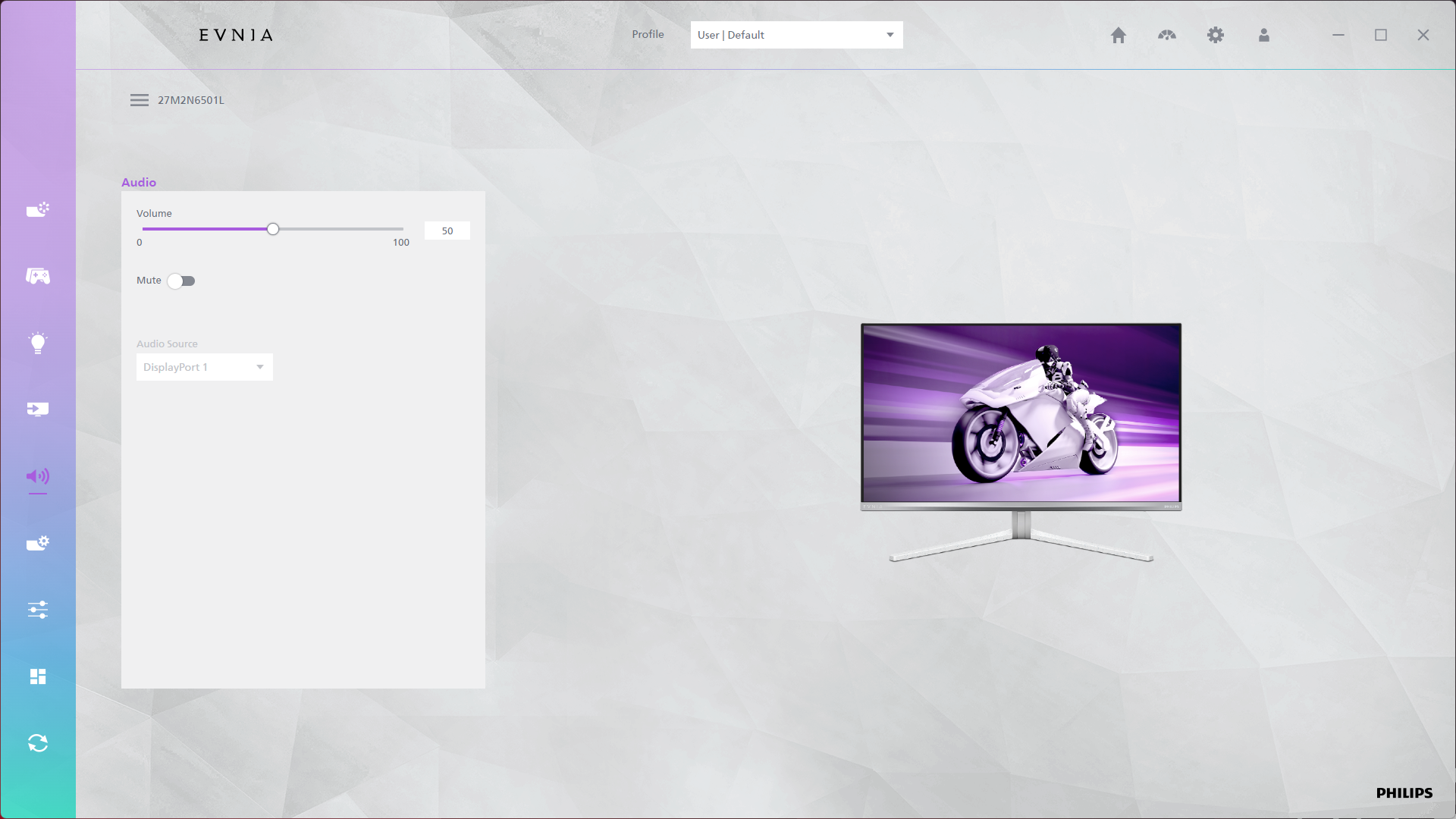
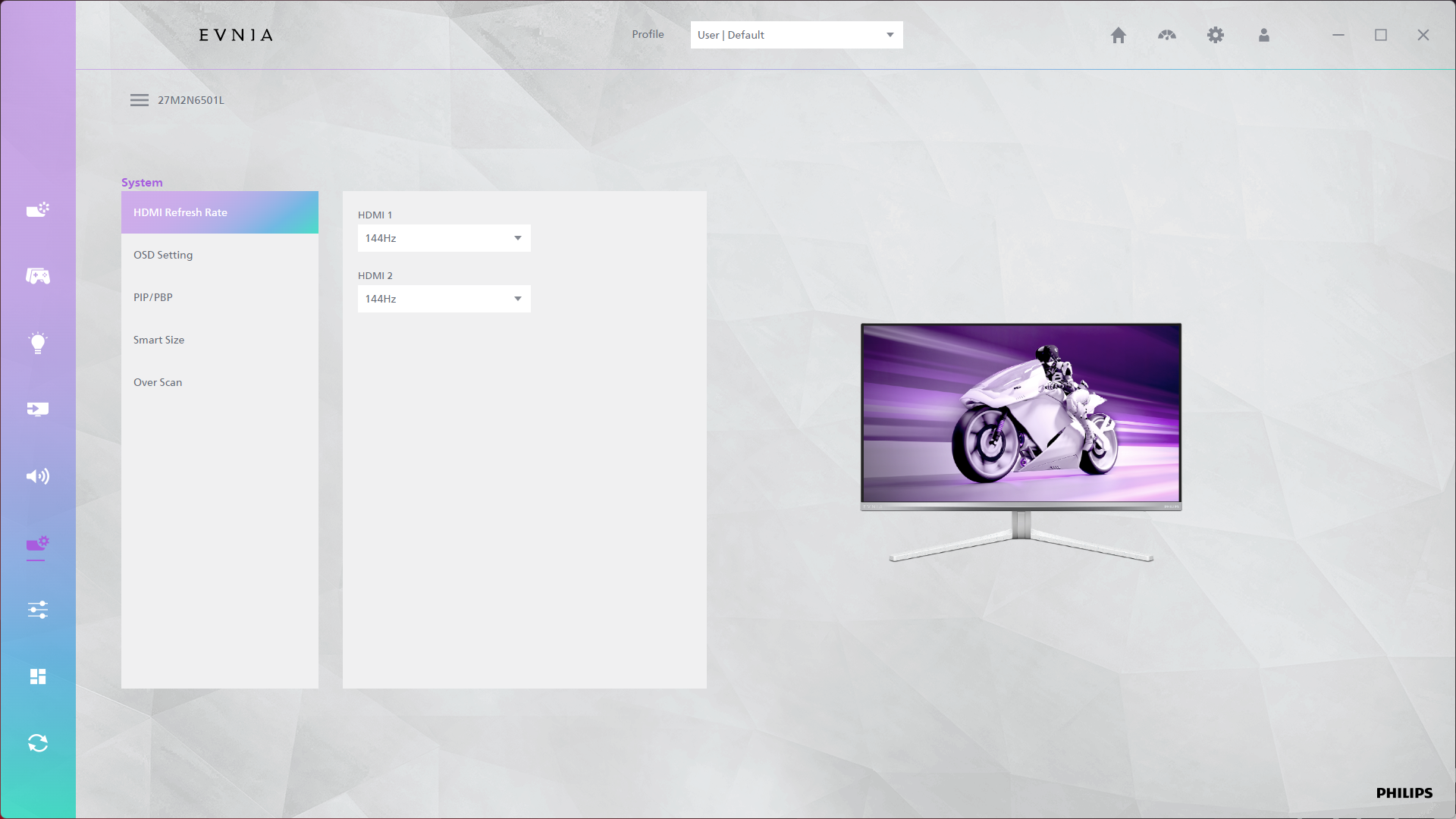
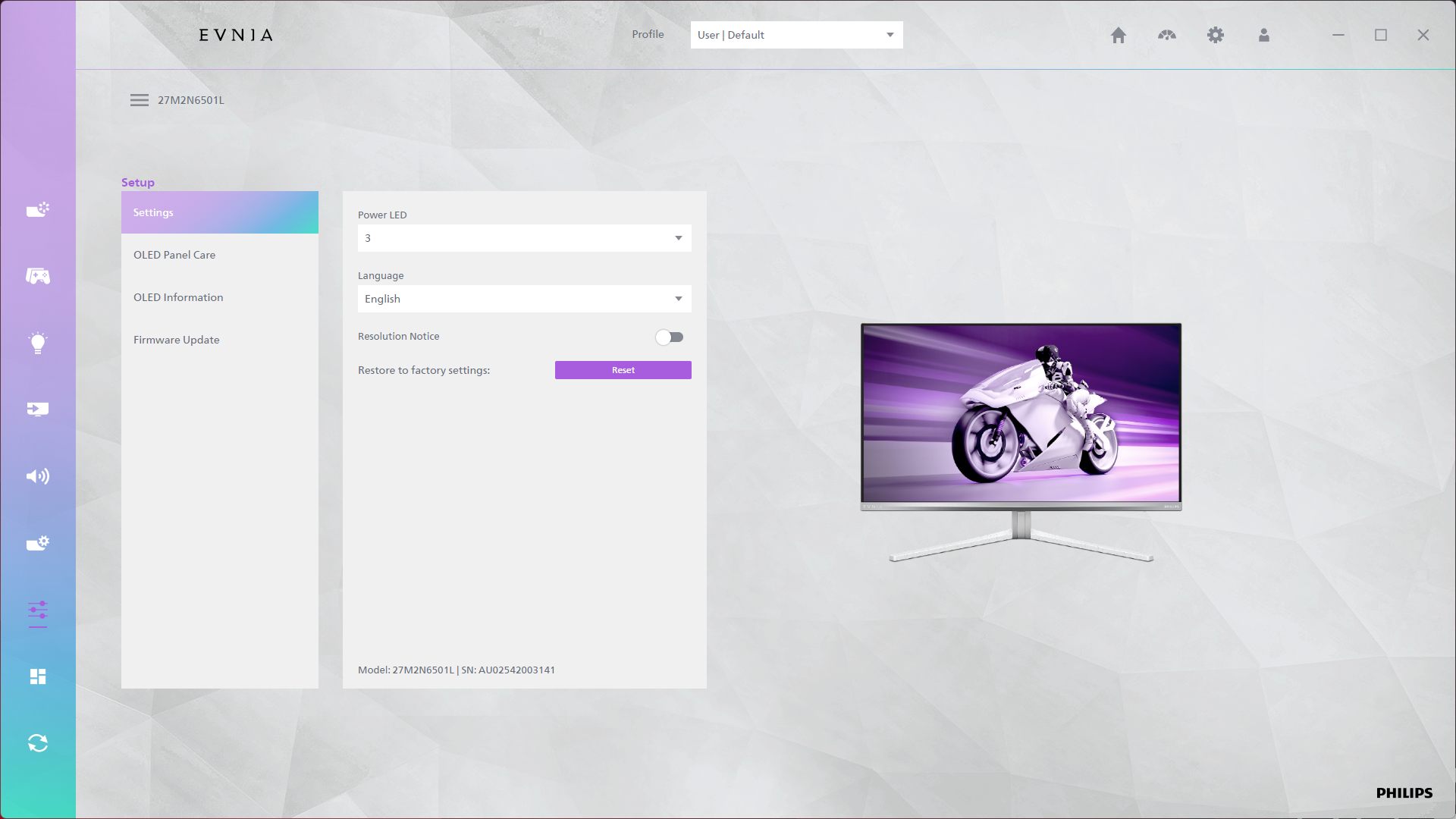
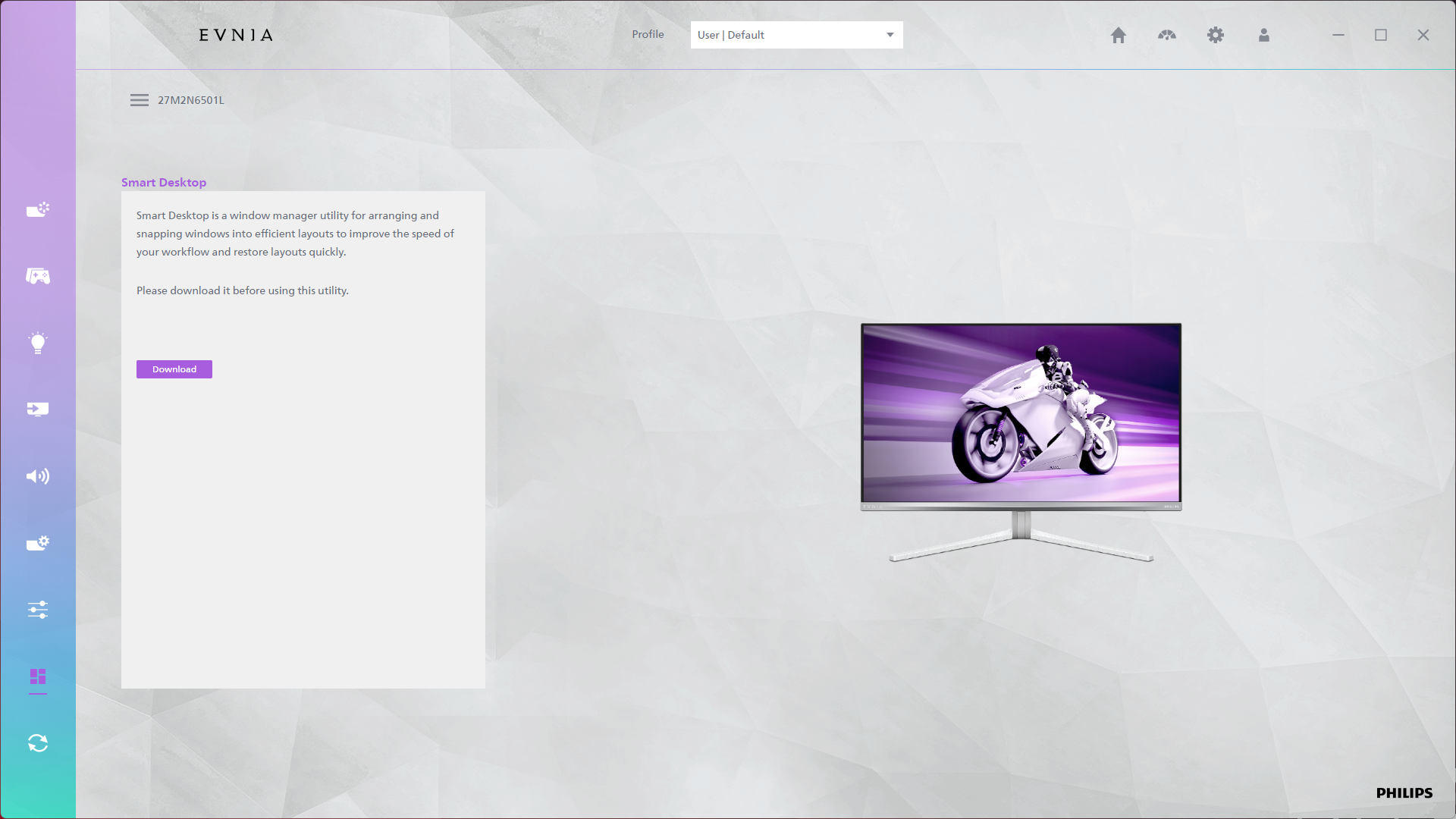
There's also the option to use Evnia Precision Center, a Windows-based software that lets you adjust the monitor's settings directly from your PC. It seems absolutely fine in my usage though it can be a bit slow, but it's a nice-to-have extra feature and supports firmware updates, so that's always appreciated.