KitGuru KitGuru.net – Tech News | Hardware News | Hardware Reviews | IOS | Mobile | Gaming | Graphics Cards


The OSD itself is split into nine main tabs, as you can see here:
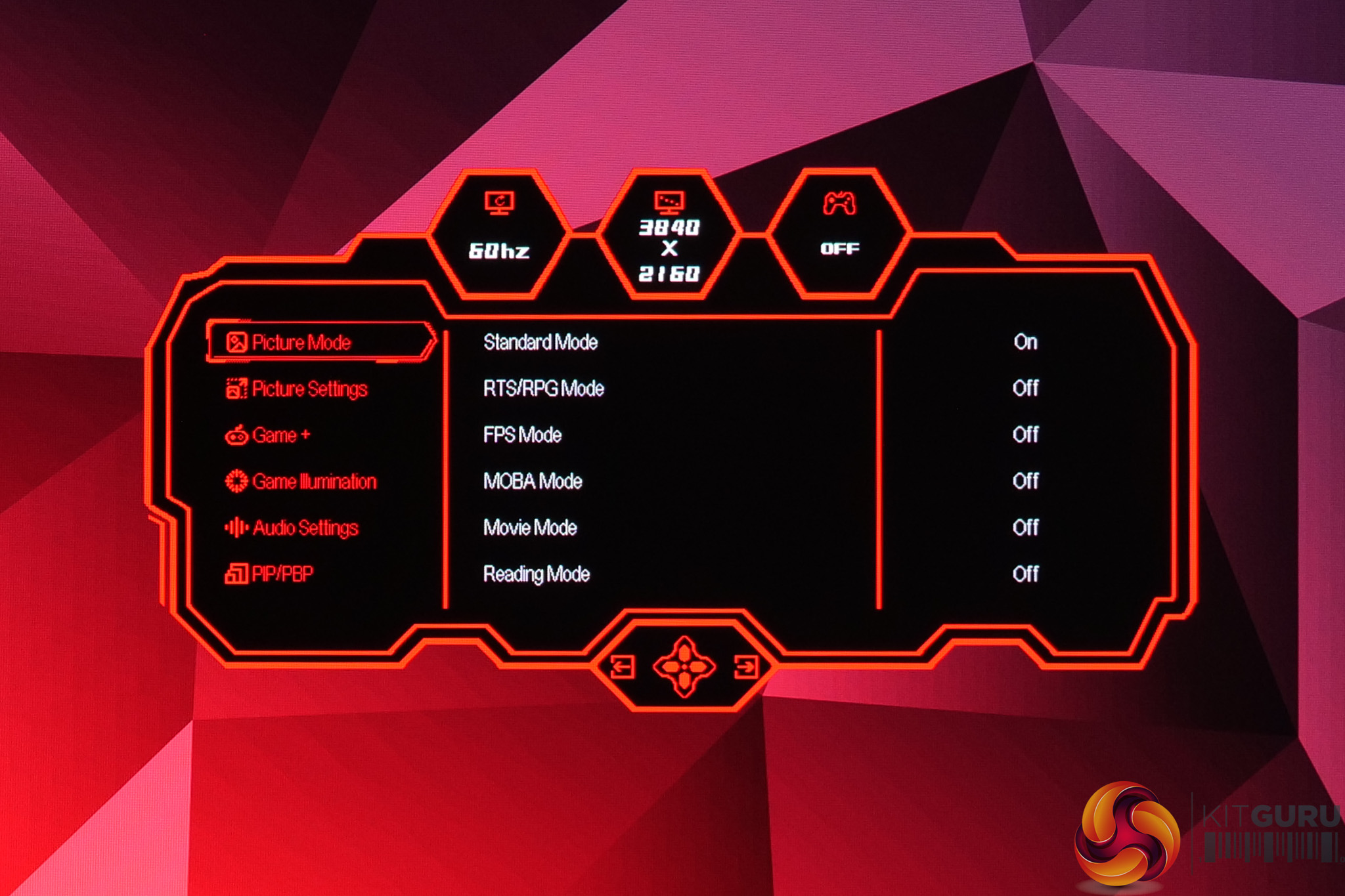
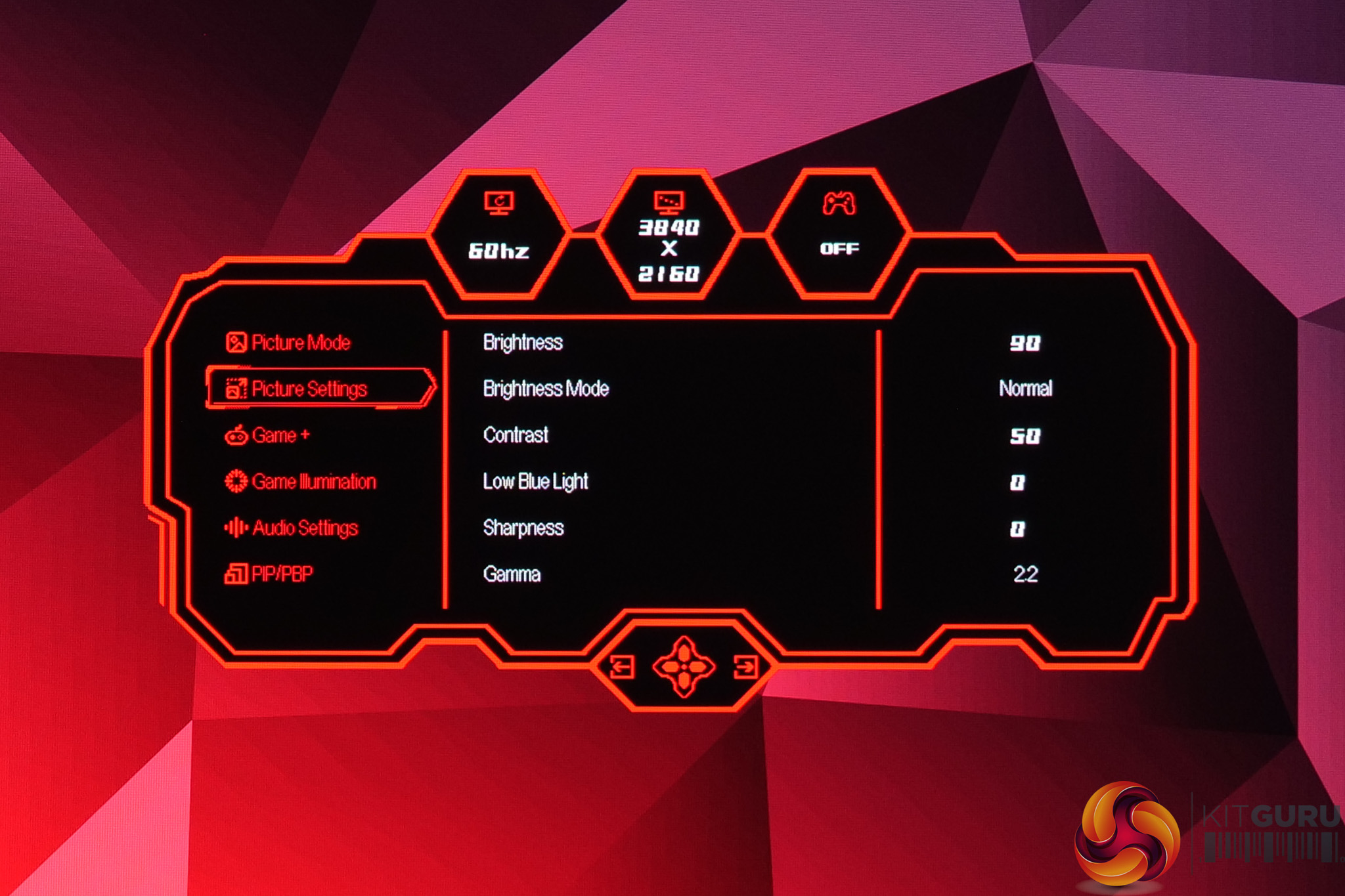
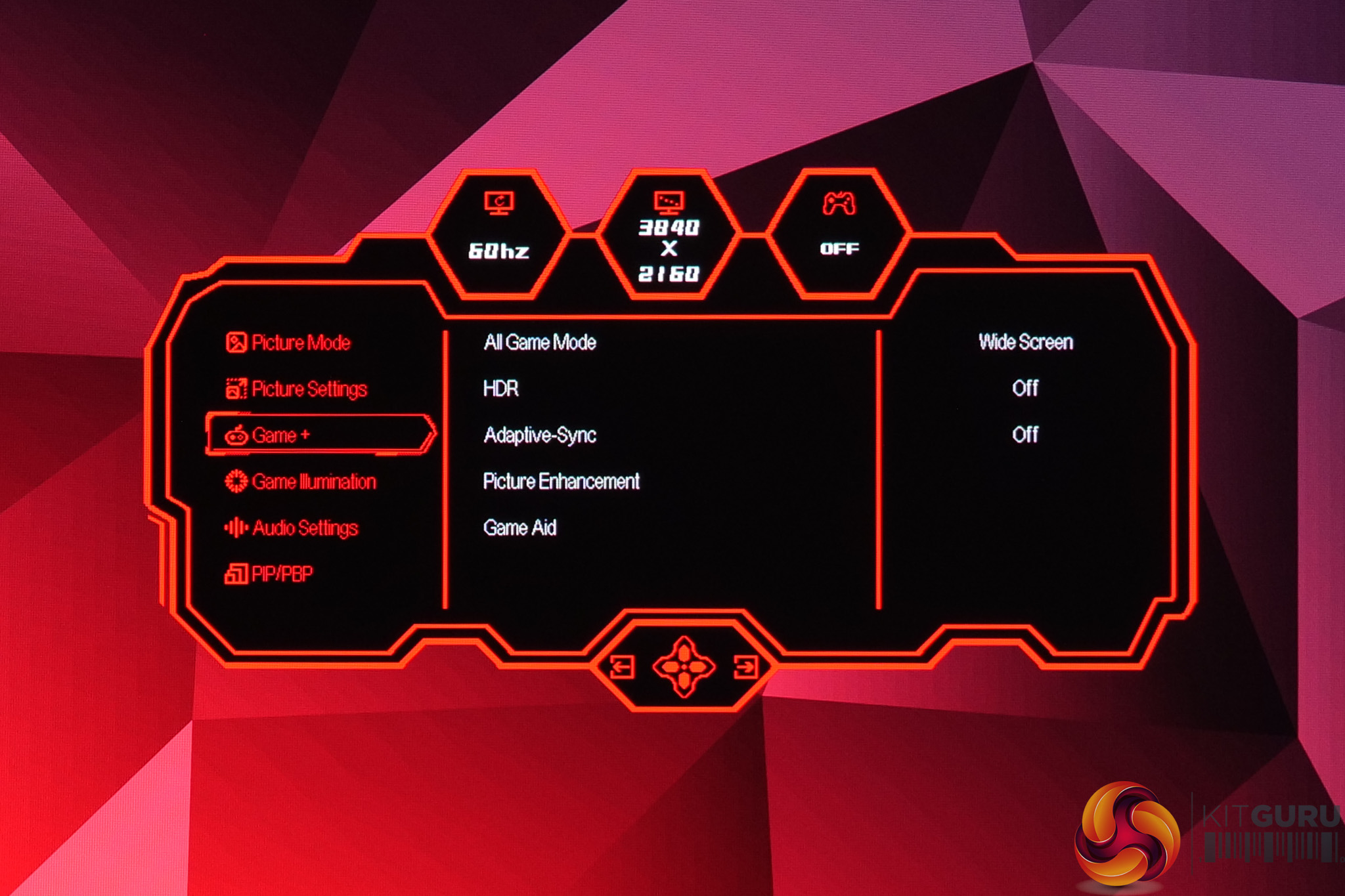
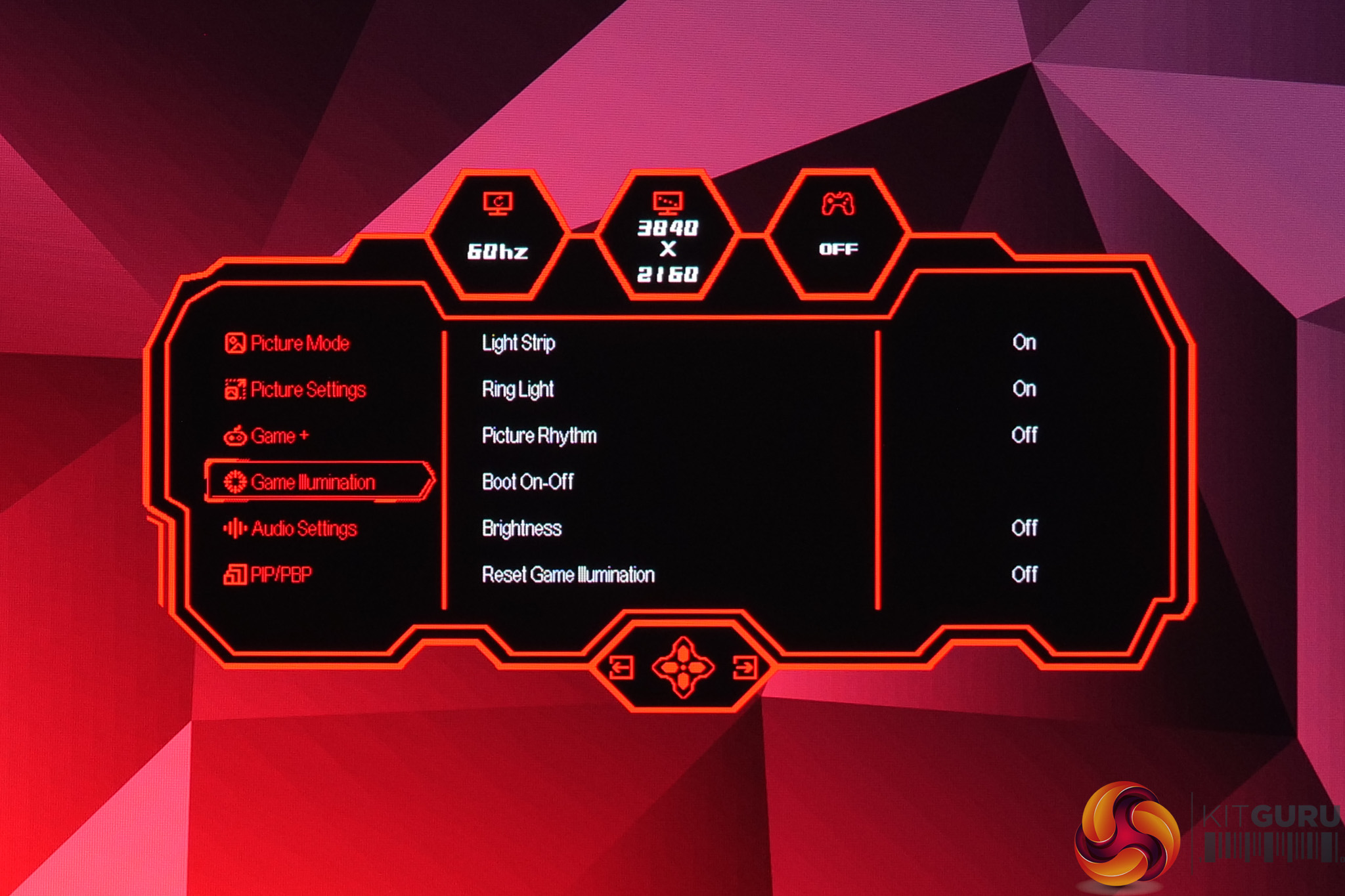
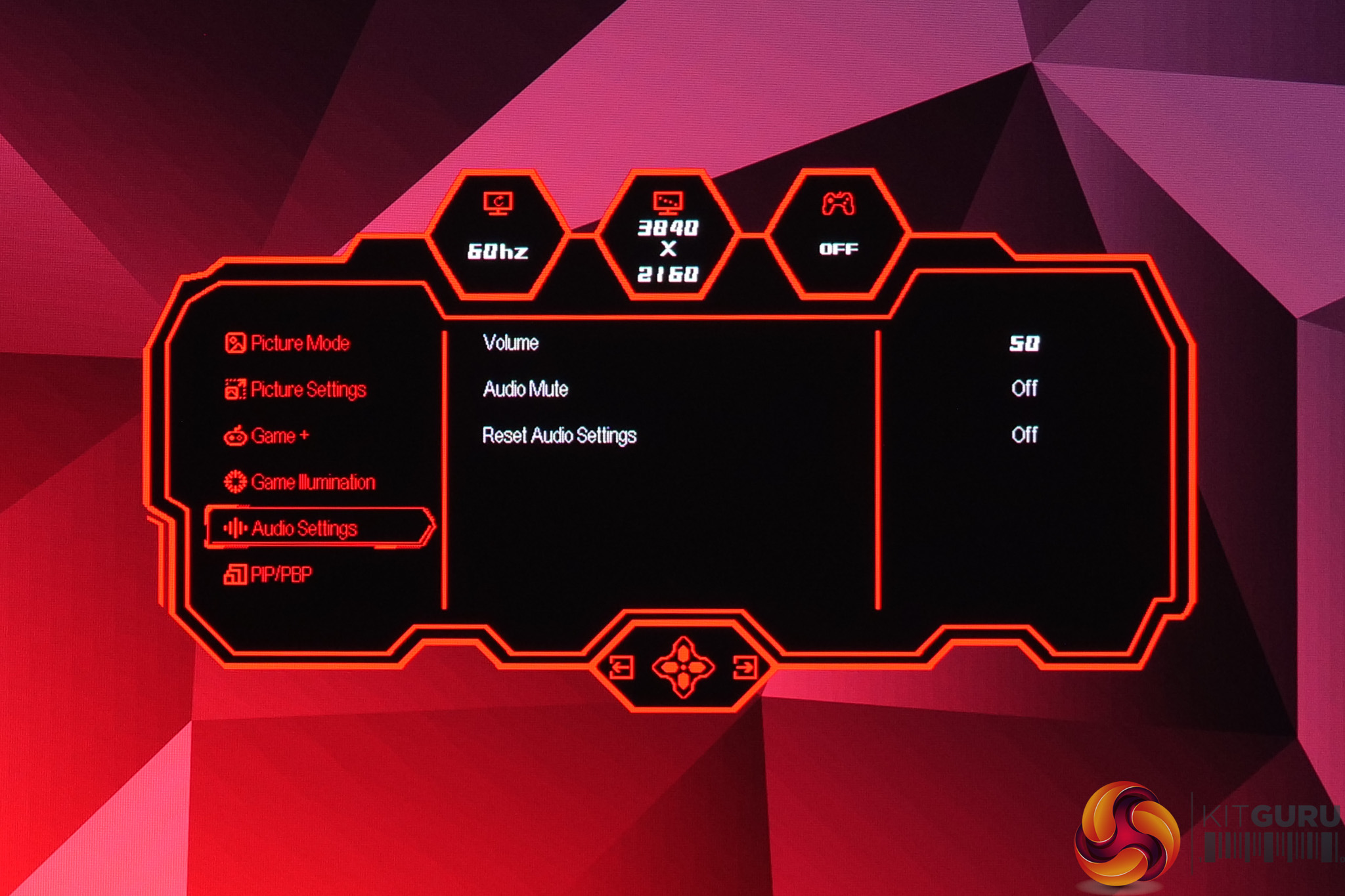
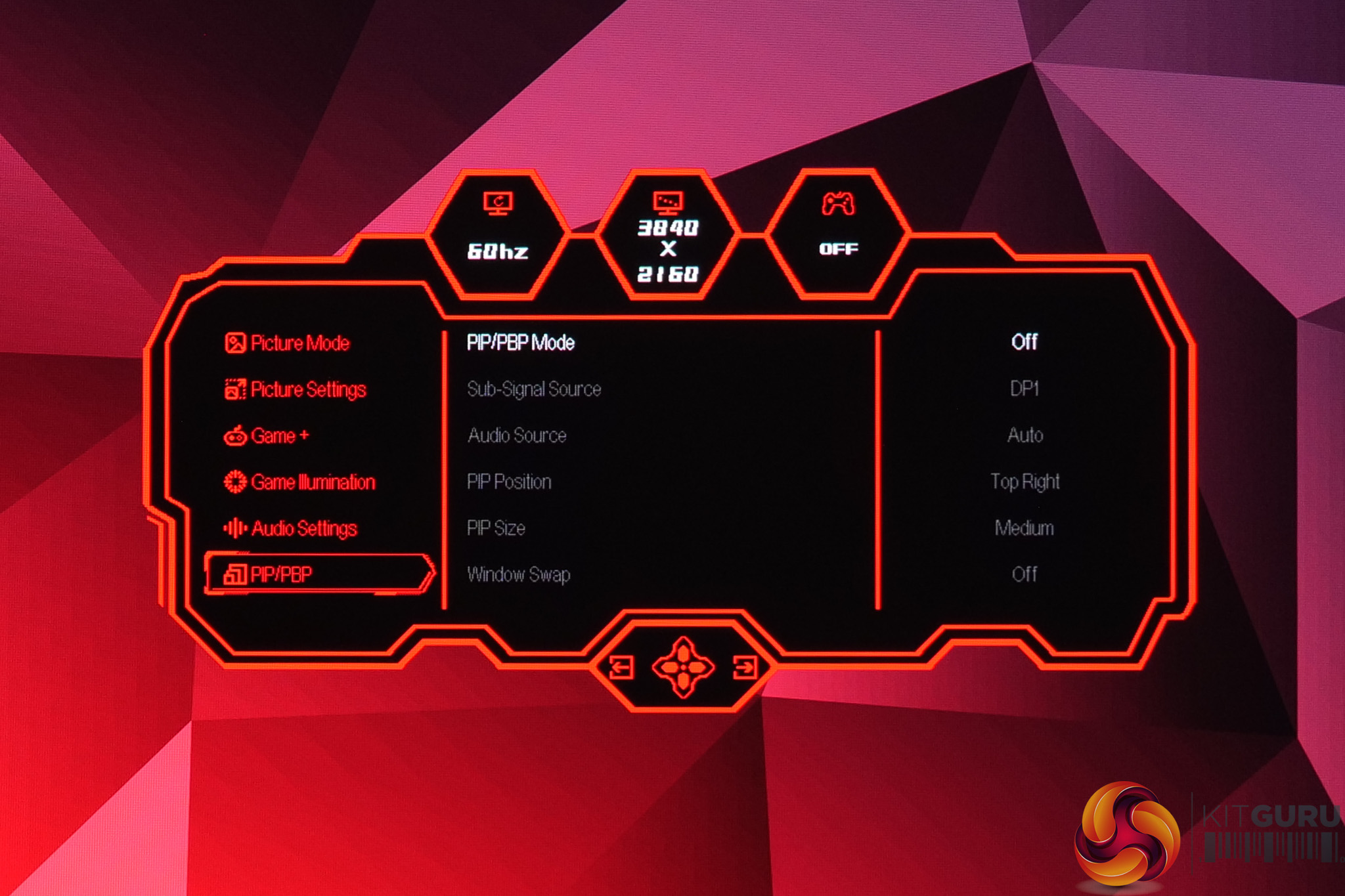
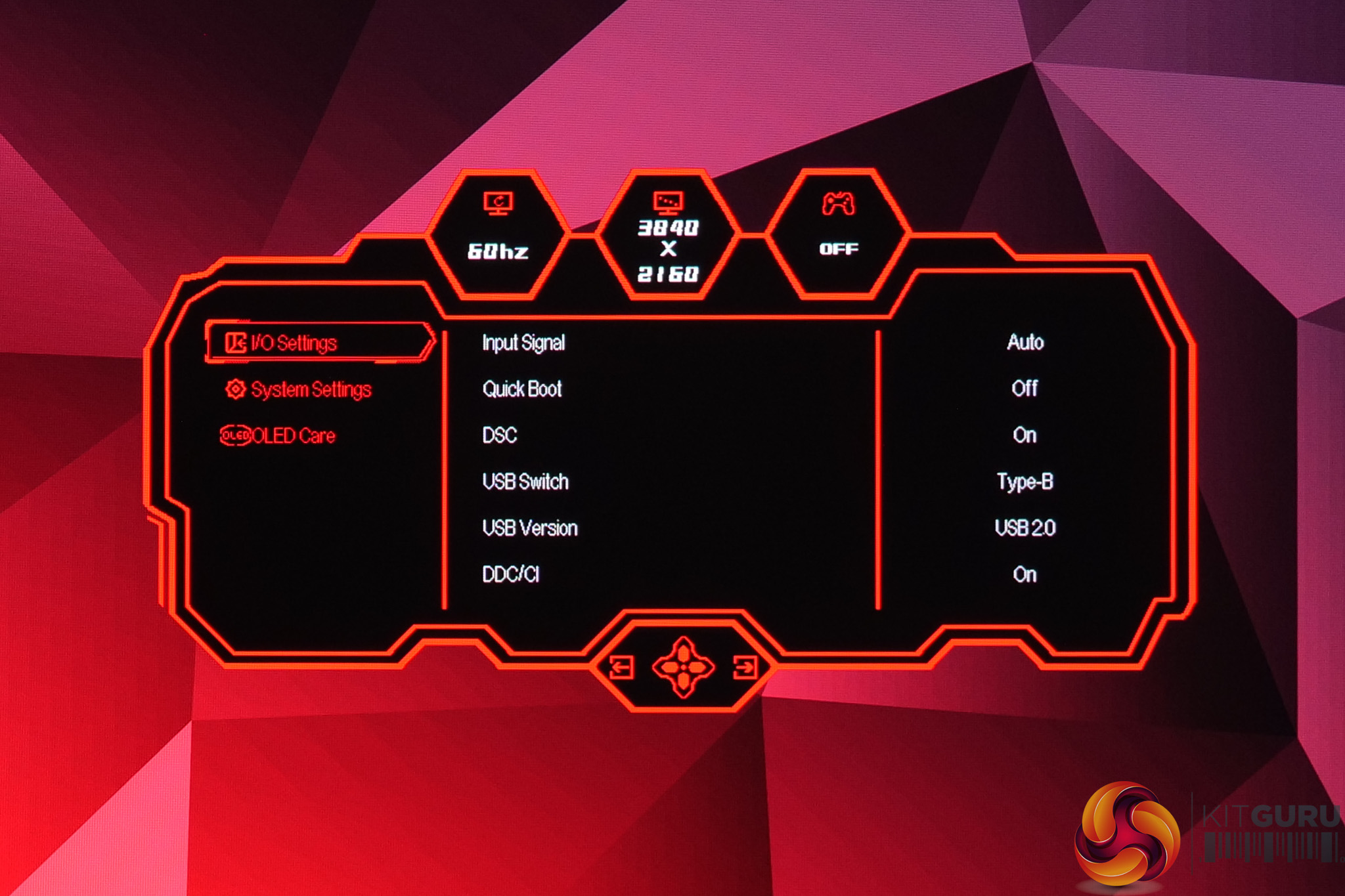
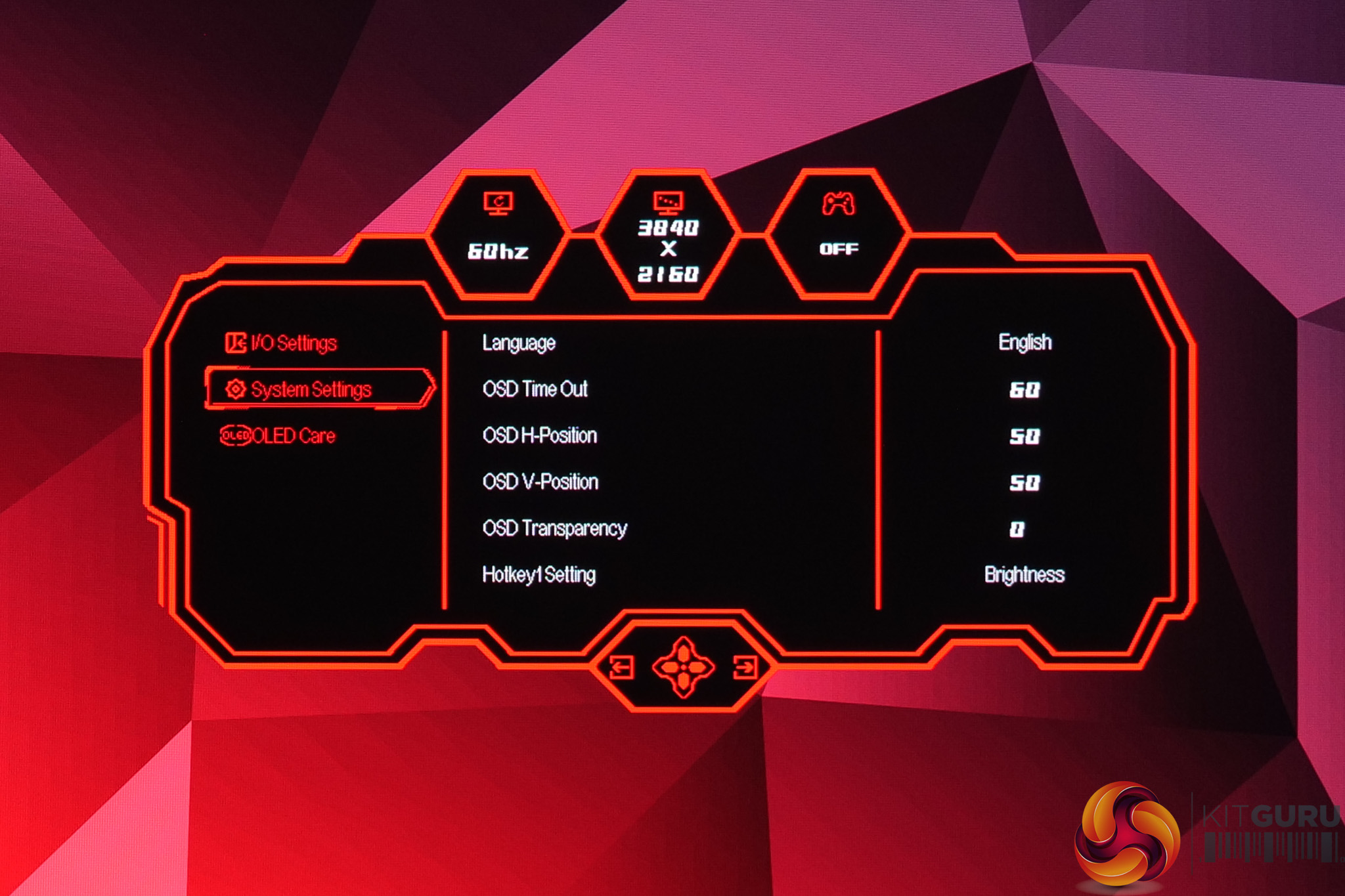
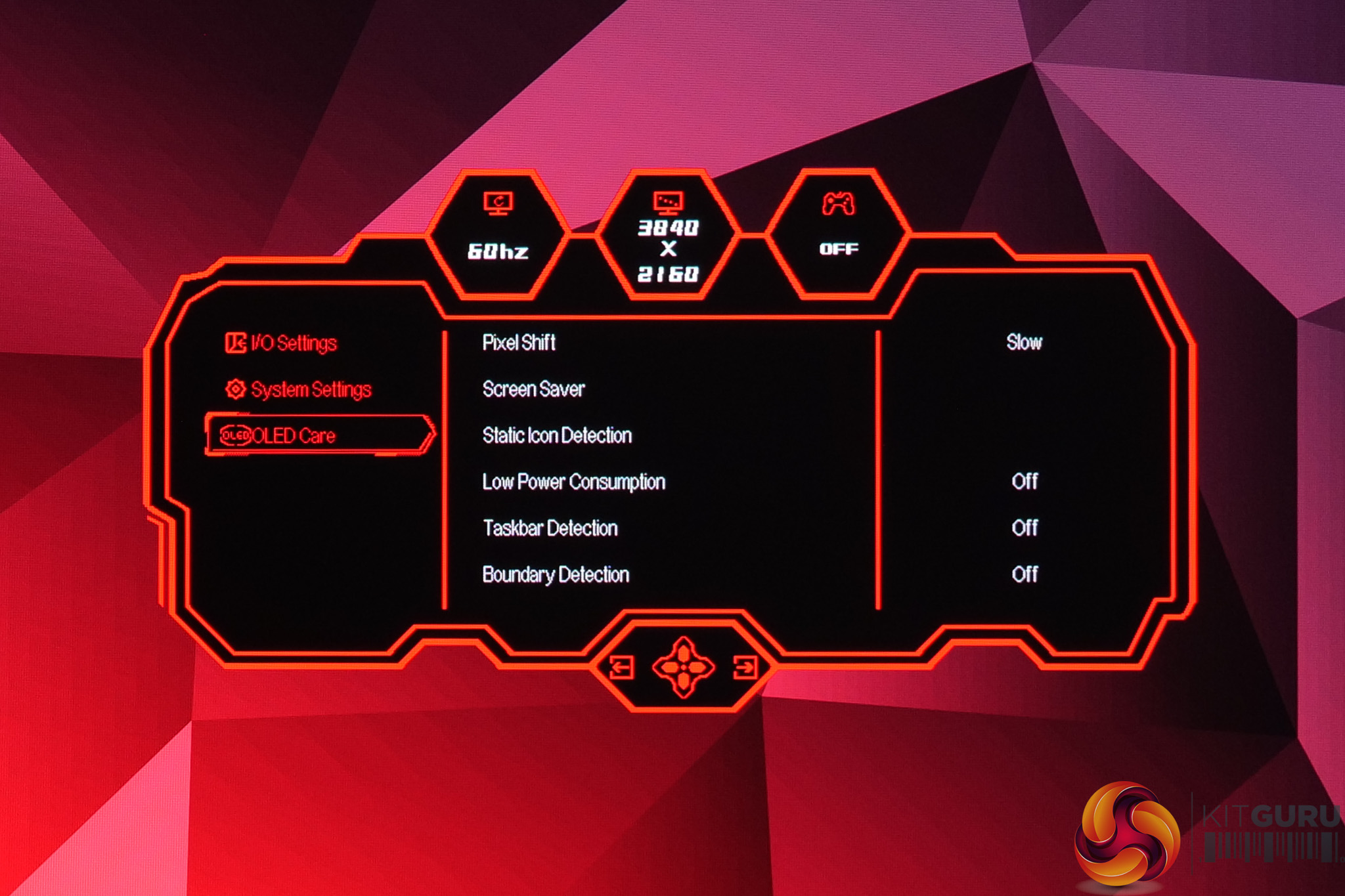
It may not be the prettiest UI going, but the M27UO's OSD is surprisingly feature-rich. There's plenty of colour space options, various game settings like shadow boost and on-screen crosshairs, plus you can customise the quick-access shortcuts and access a bunch of OLED anti-burn in features. It's all very easy to navigate with the OSD, too, so I really don't have any complaints here – the appearance just doesn't quite match up with the fact it's a modern OLED monitor, but that can be forgiven considering the depth of options on offer.