KitGuru KitGuru.net – Tech News | Hardware News | Hardware Reviews | IOS | Mobile | Gaming | Graphics Cards


The OSD is very similar to what we have seen from other iiyama monitors in the past, with all controls split into 10 main sections, as you can see here:
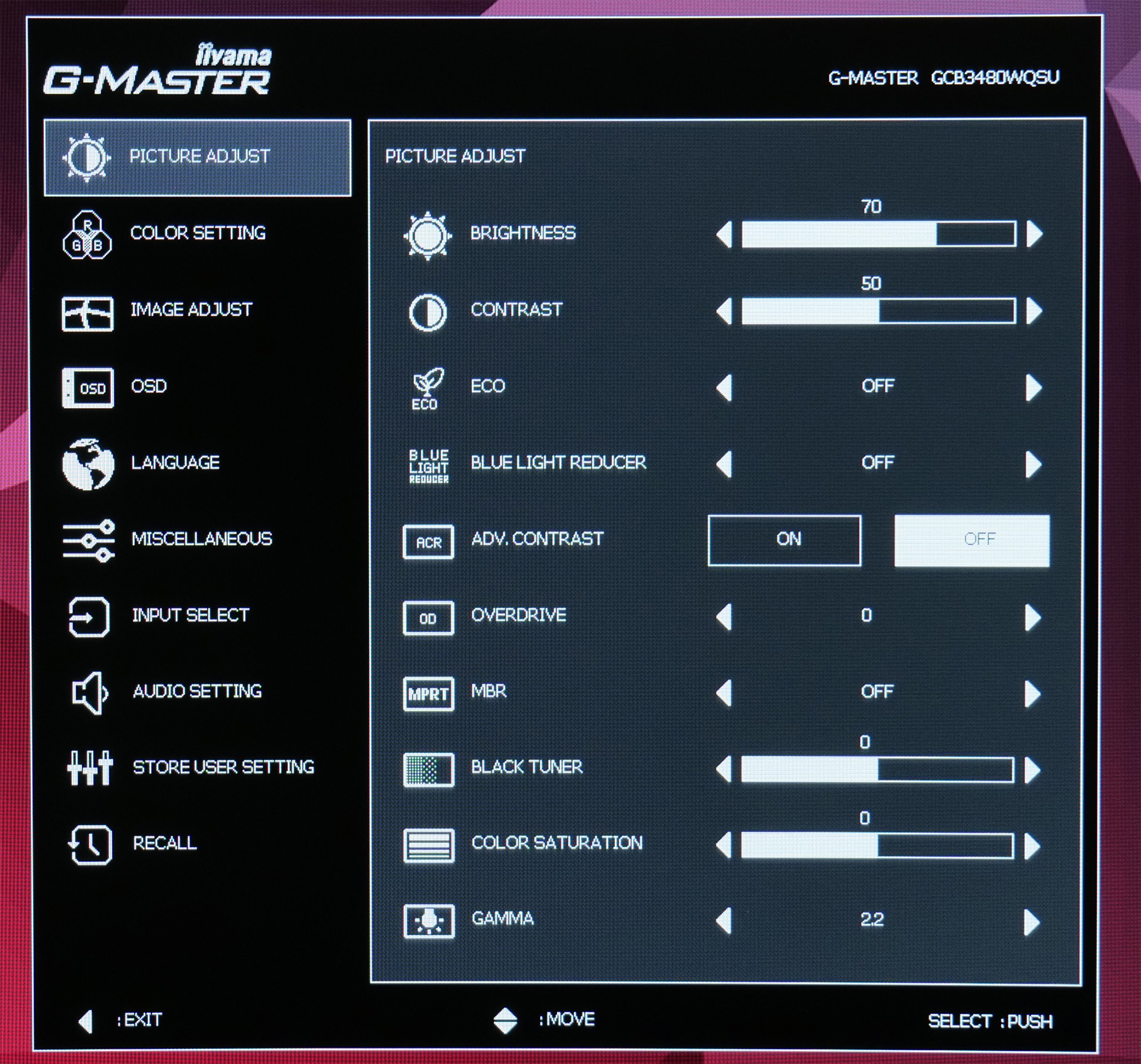
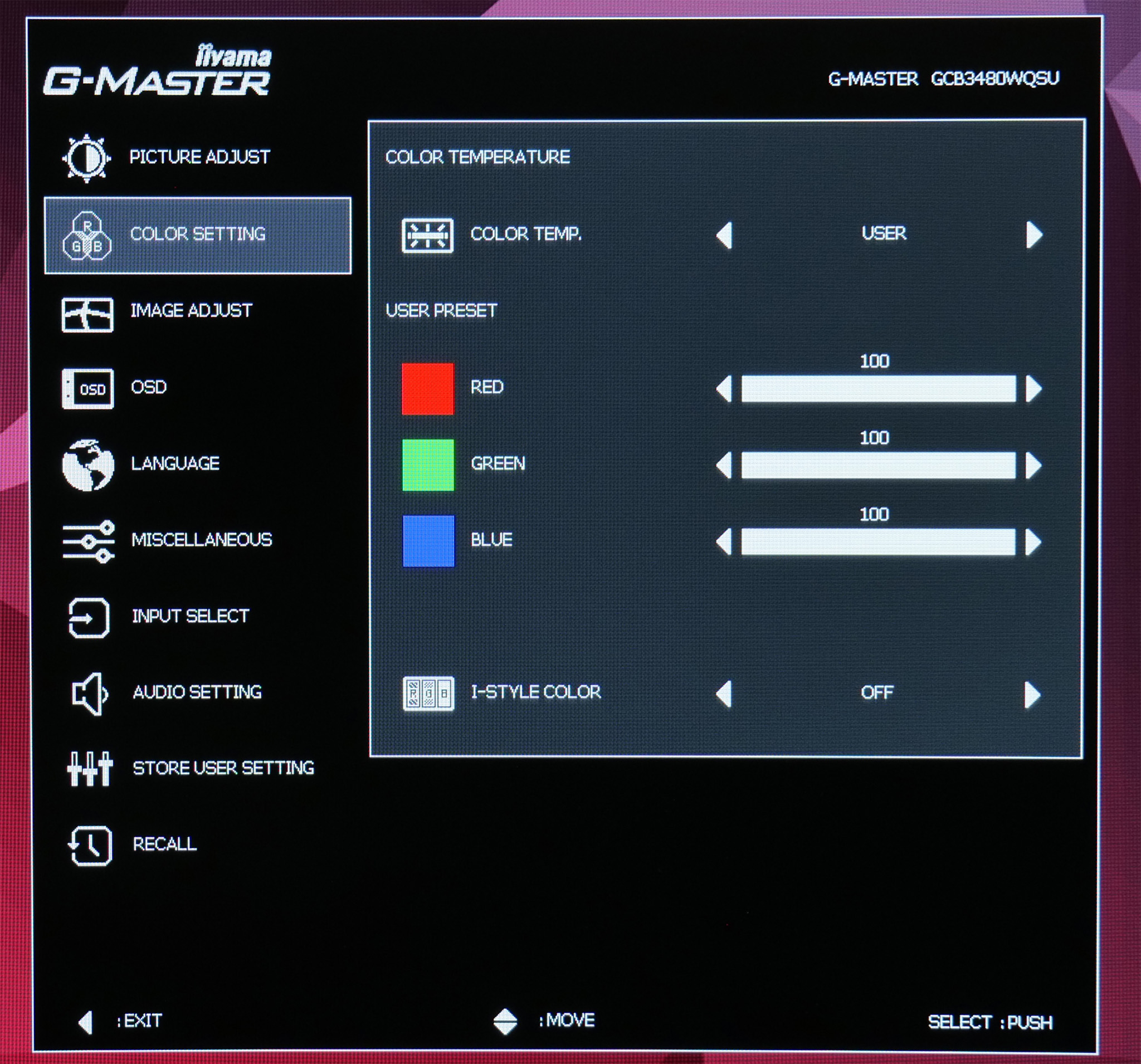
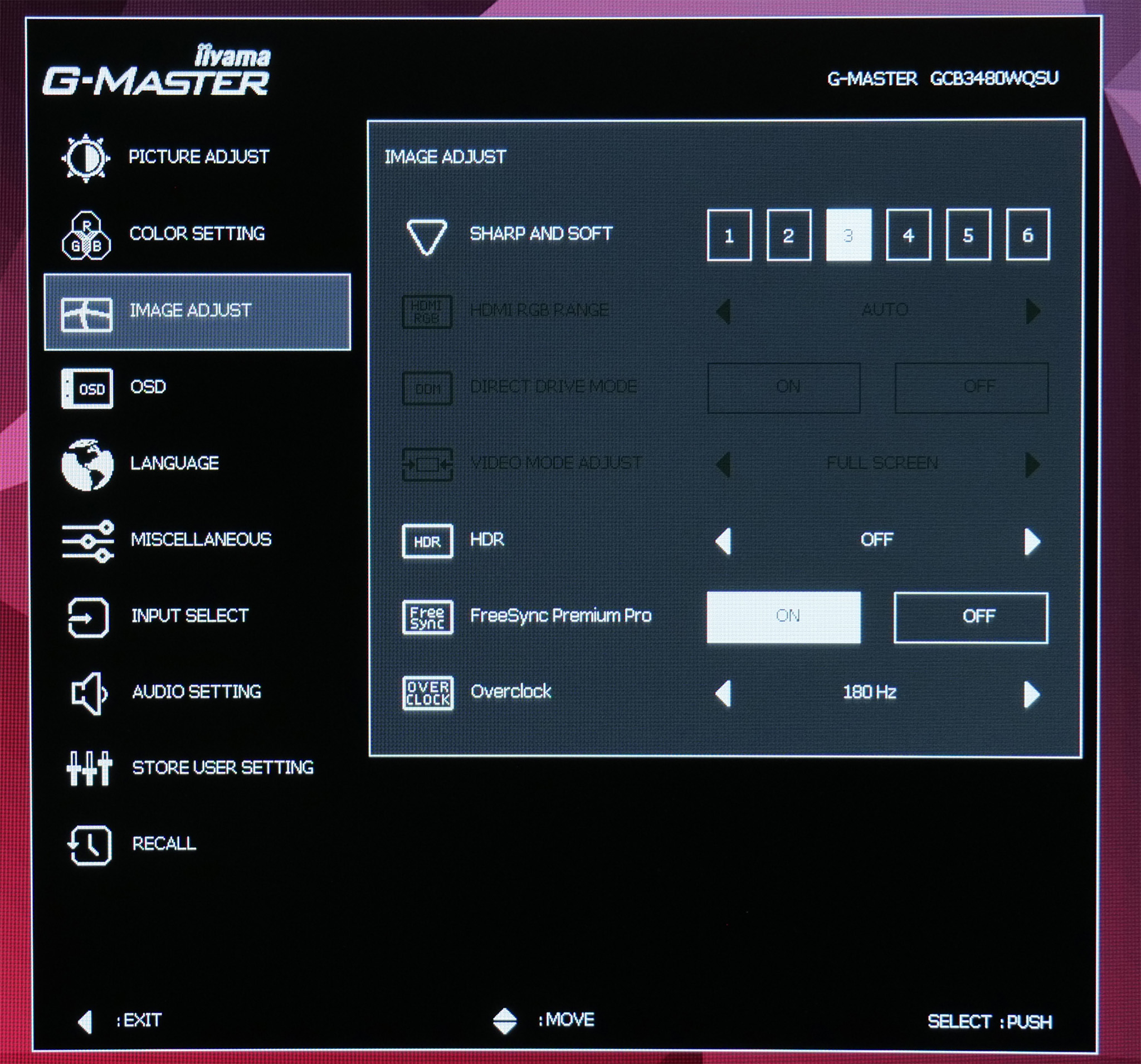
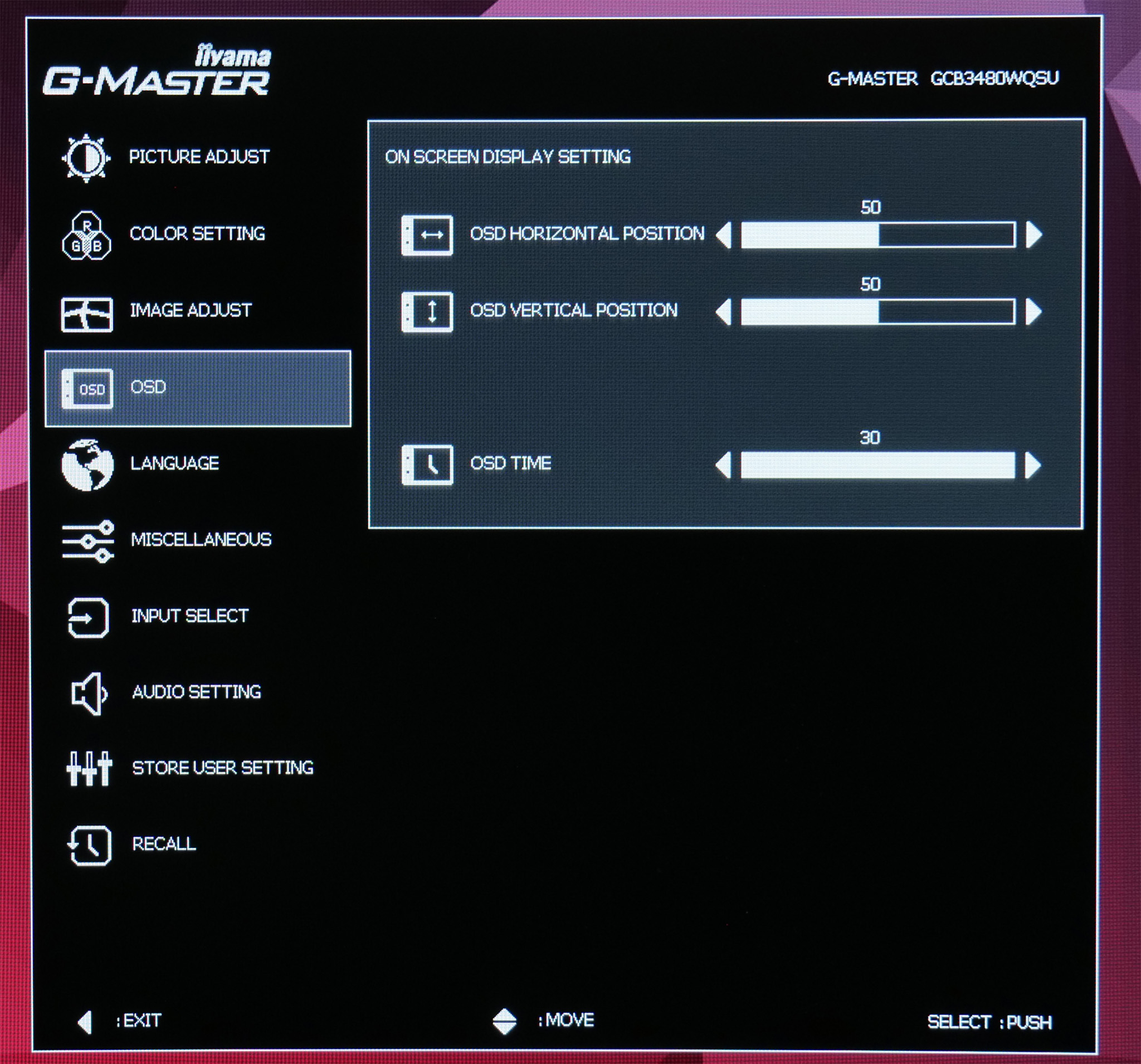
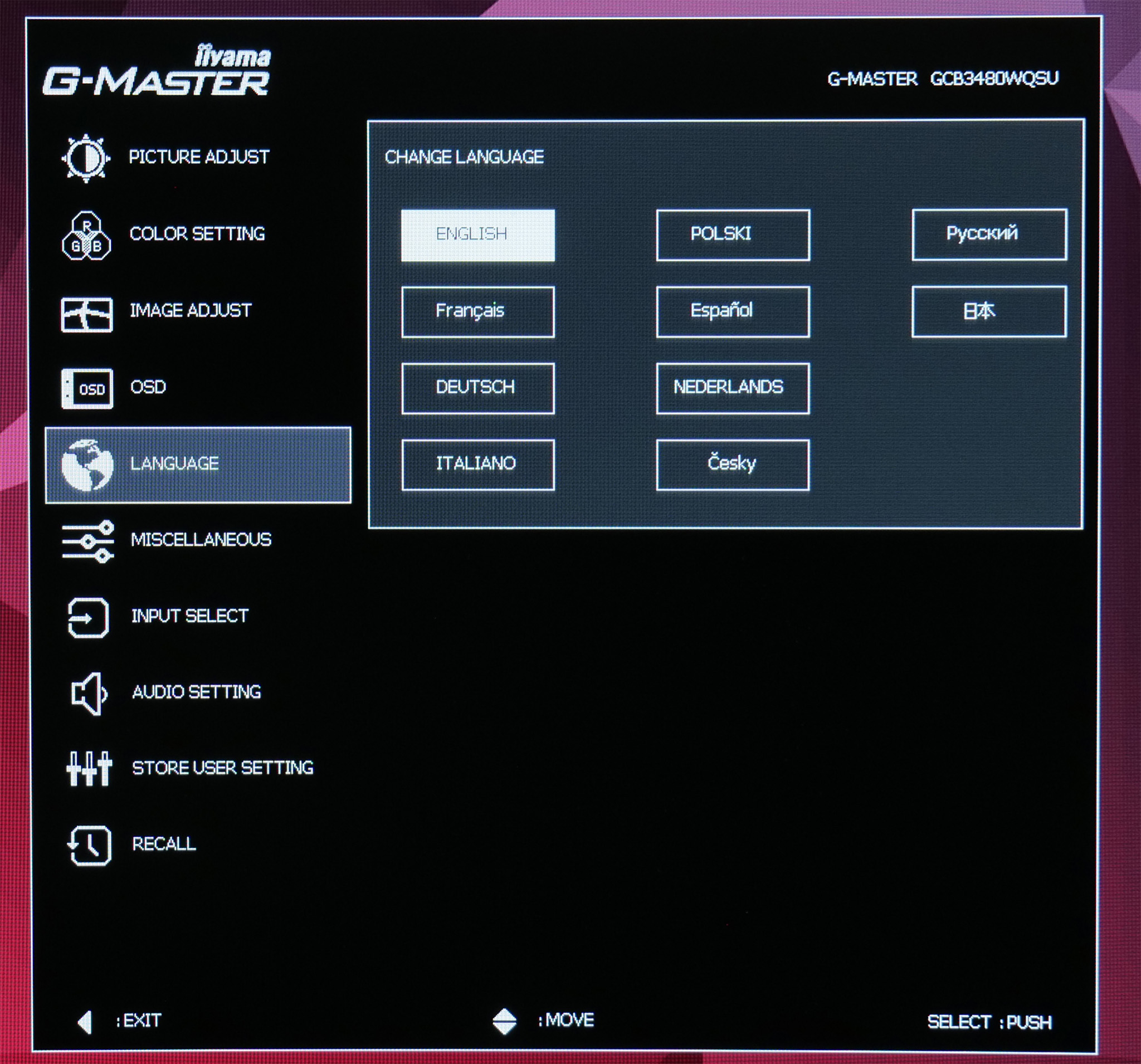
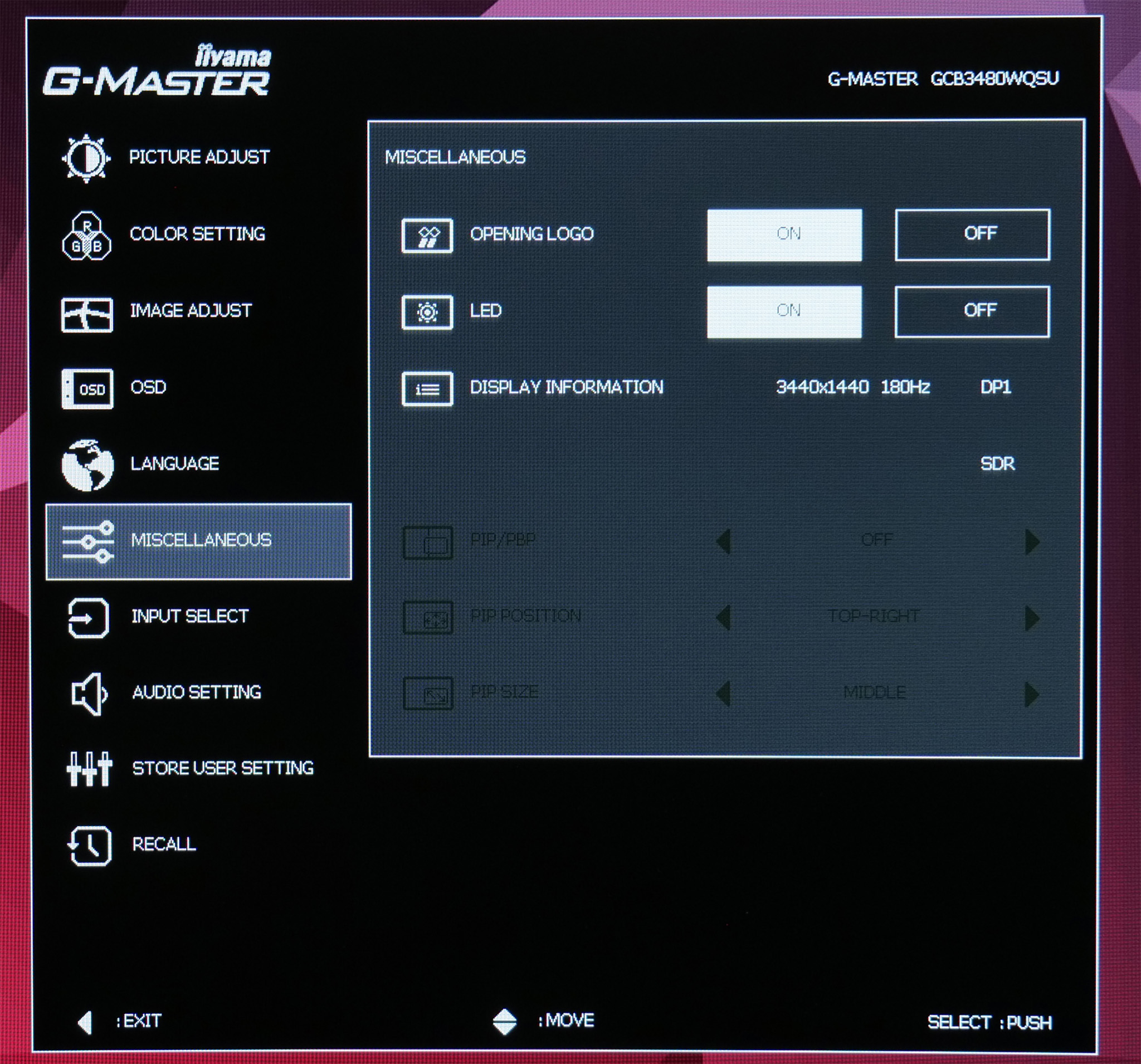
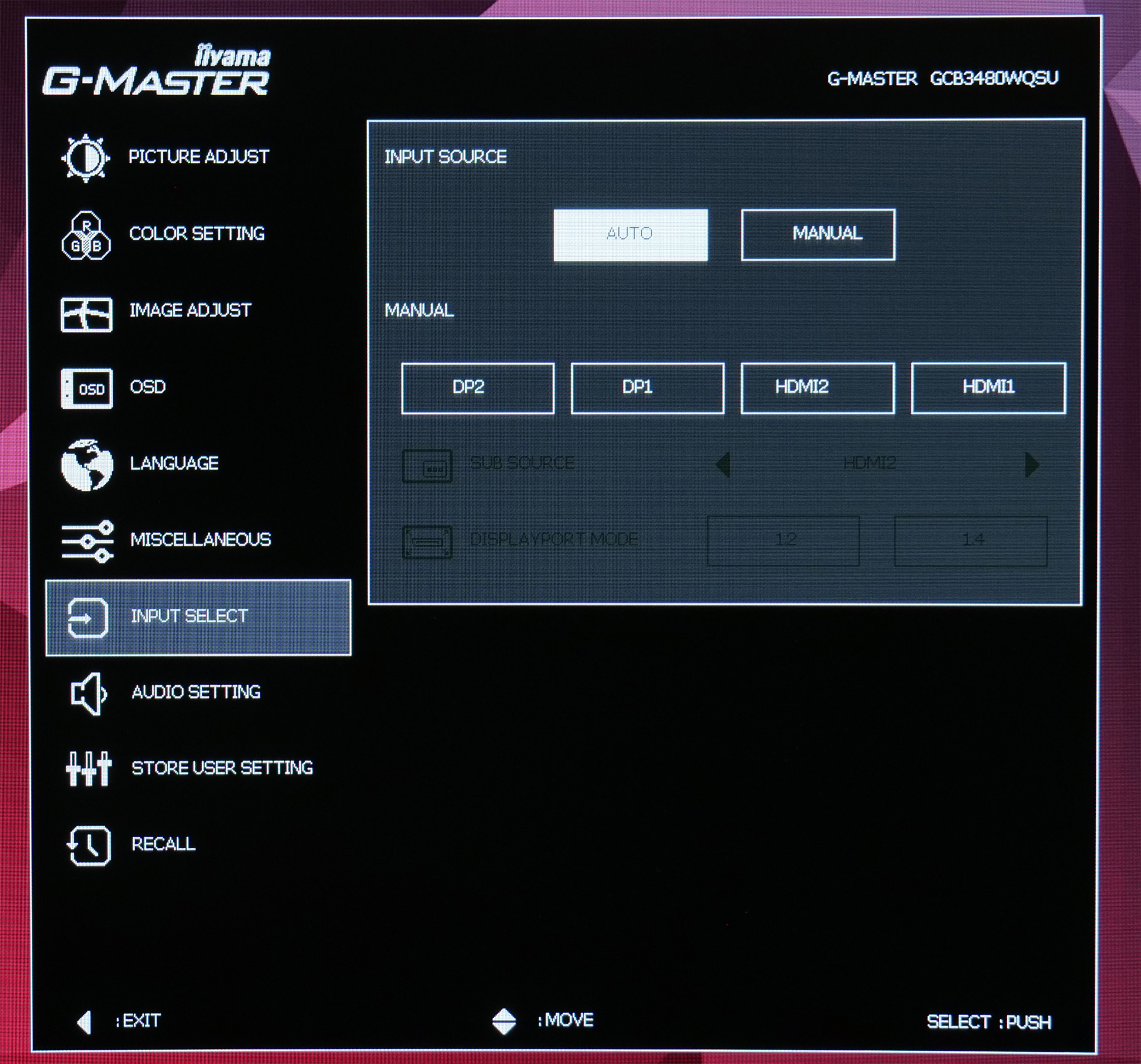
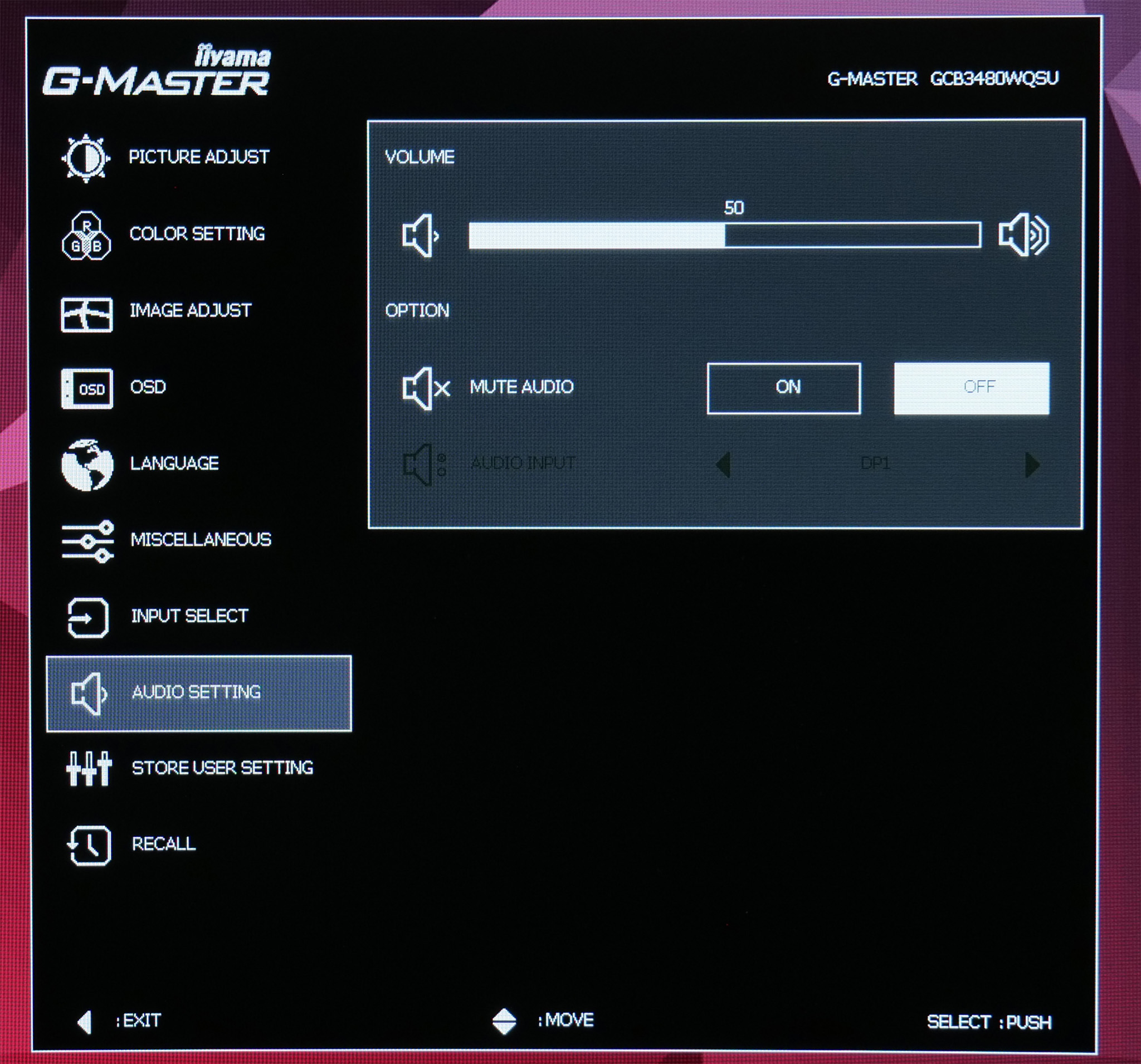
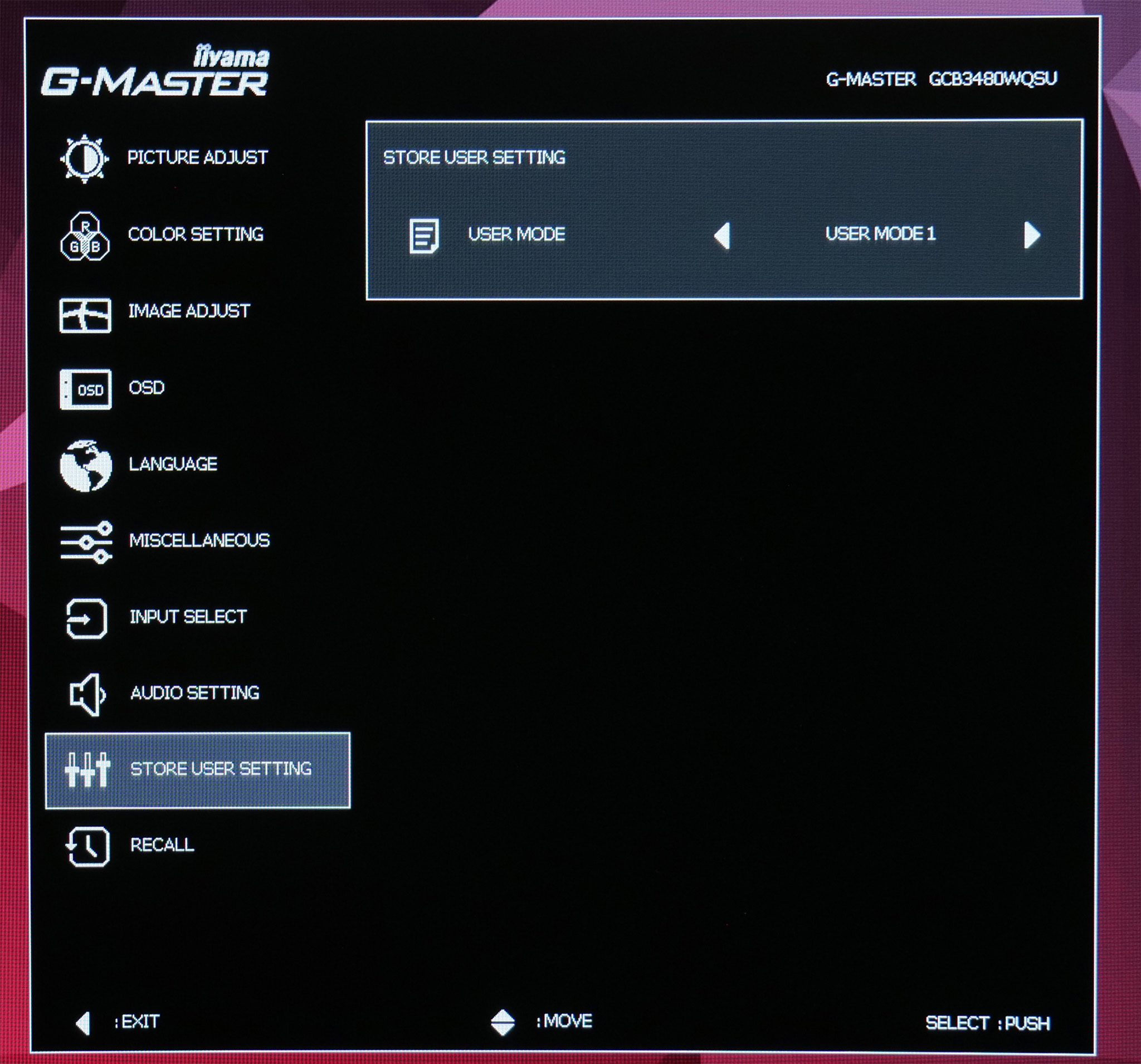
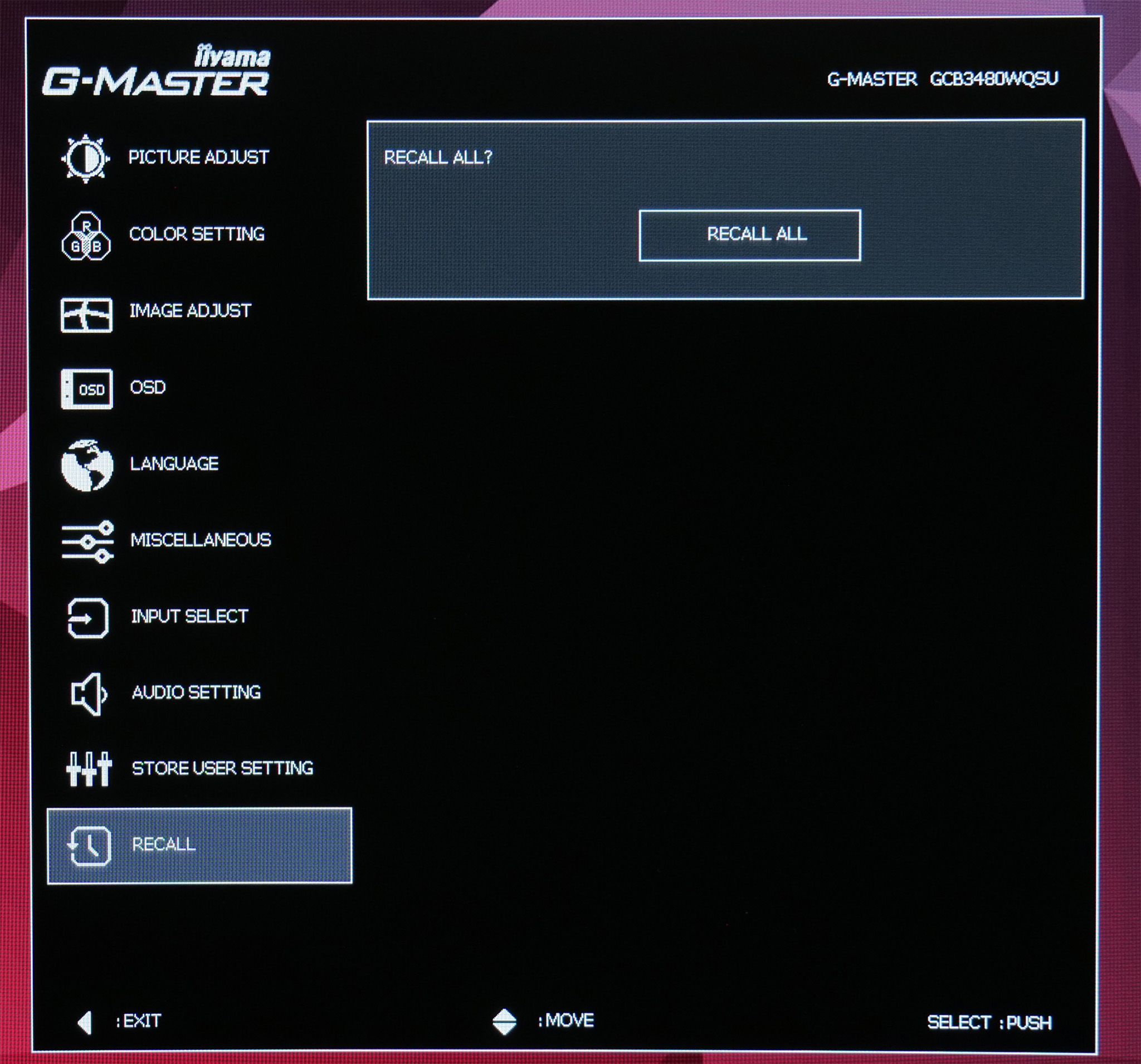
In general, the OSD is fine to use. Navigating is made easy thanks to the joystick which is nice and responsive, though the UI itself is fairly ugly and could do with a freshen up. There's plenty of adjustable settings too, including several overdrive modes and colour balance, though some gamers may miss the option for an FPS overlay or crosshair.
The only other thing to point out is that the GCB3480WQSU is advertised as a 180Hz monitor, but this does need to toggled in the OSD using the ‘overclocking' function, as natively the screen runs at 165Hz.
Lastly, iiyama doesn't currently offer a Windows-based app to adjust different settings directly from your PC, which is something we usually appreciate, but again, given the price-point we can understand the decision.