KitGuru KitGuru.net – Tech News | Hardware News | Hardware Reviews | IOS | Mobile | Gaming | Graphics Cards


Speaking of the OSD, this is split into a few different areas, with the main settings options, but OLED Care and Game Assist in separate tabs:
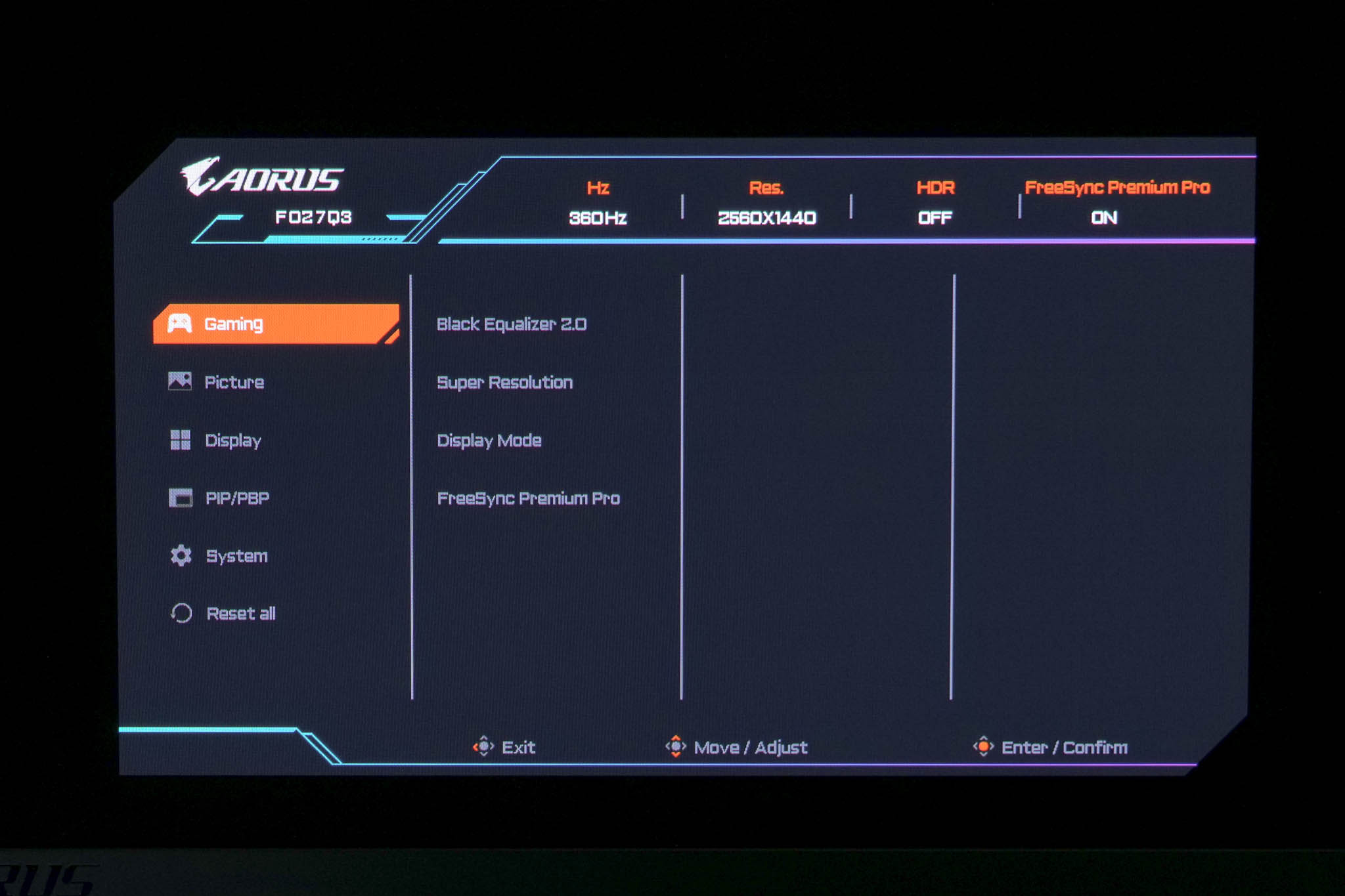
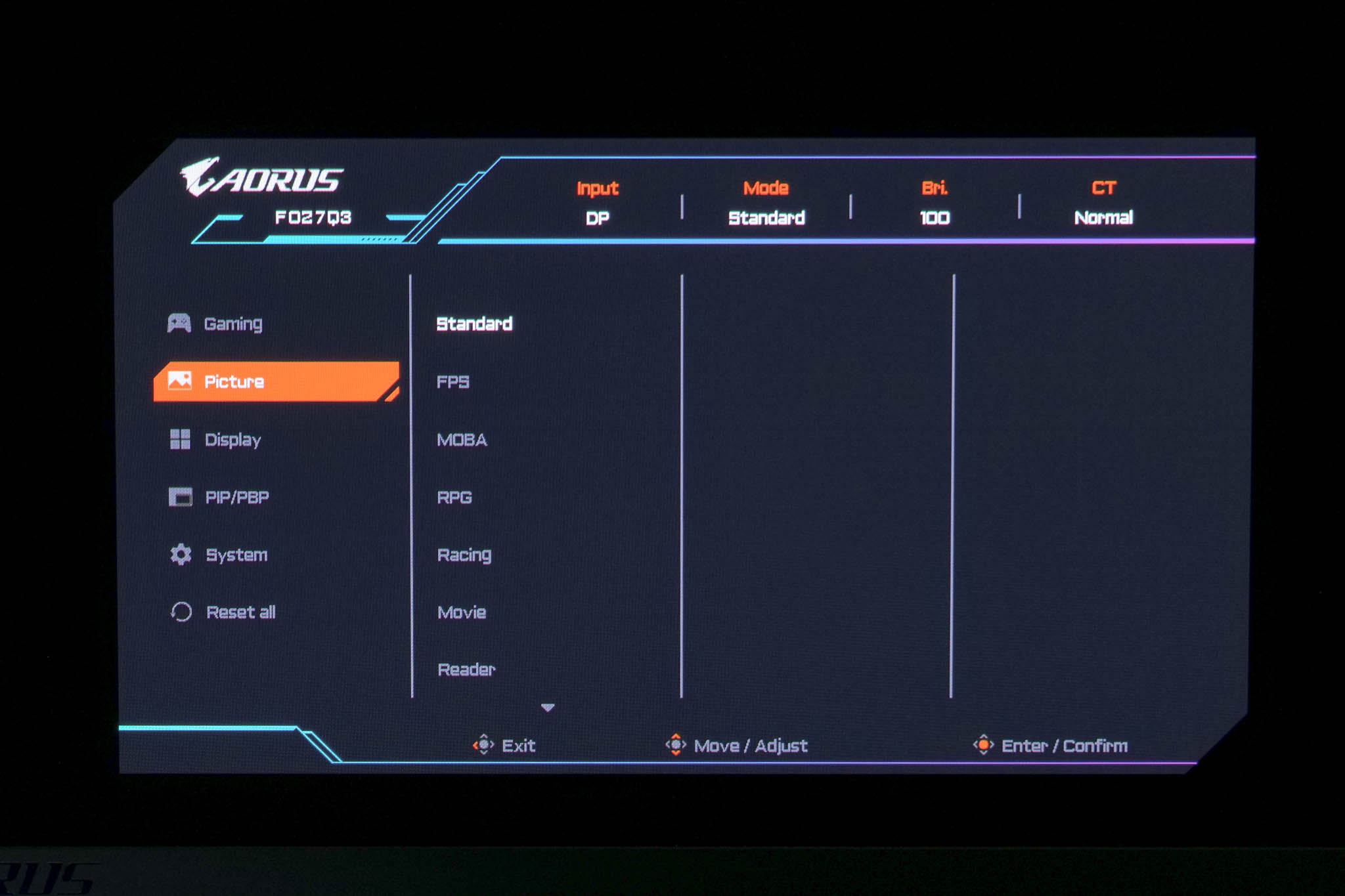
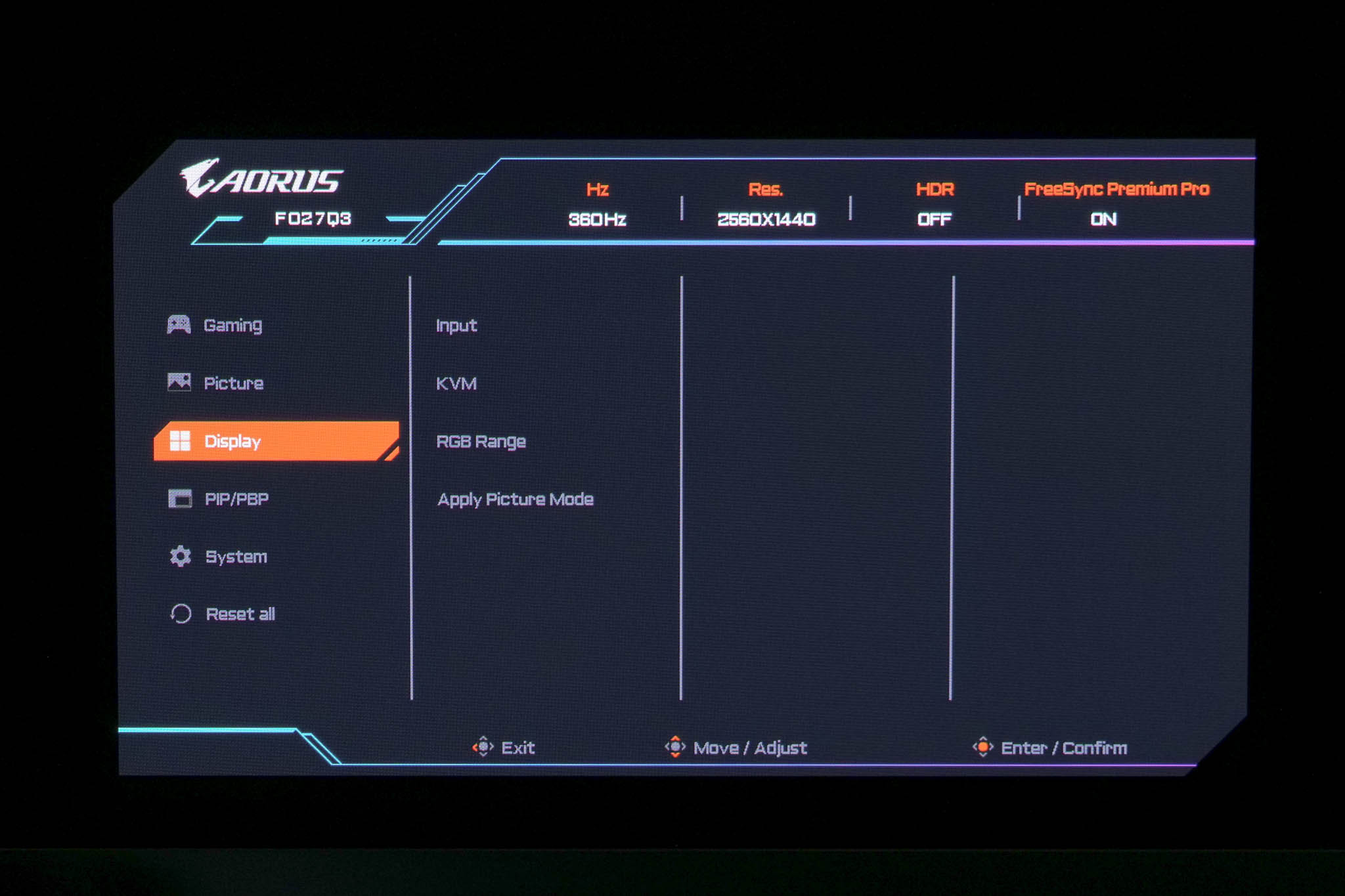
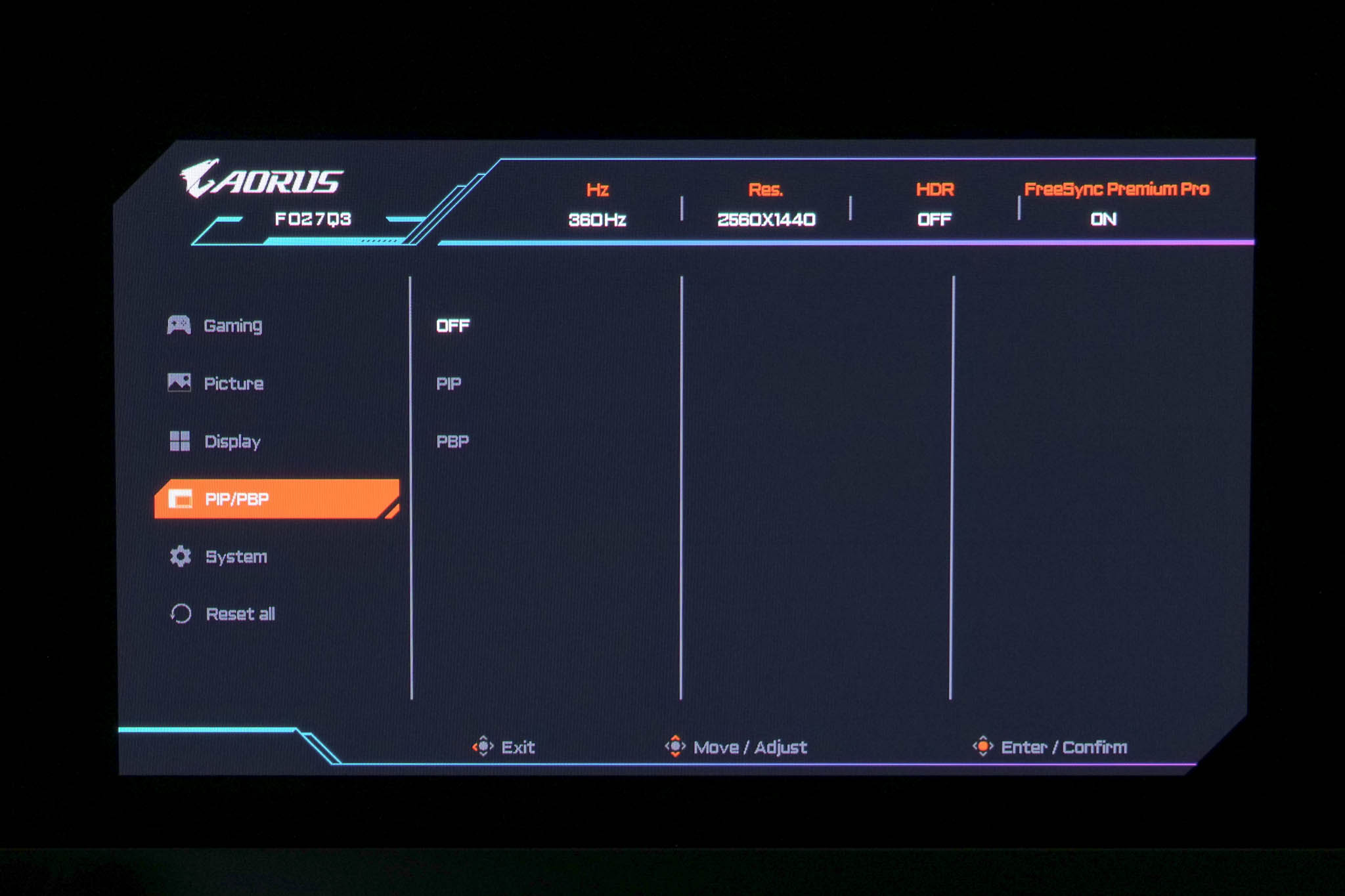
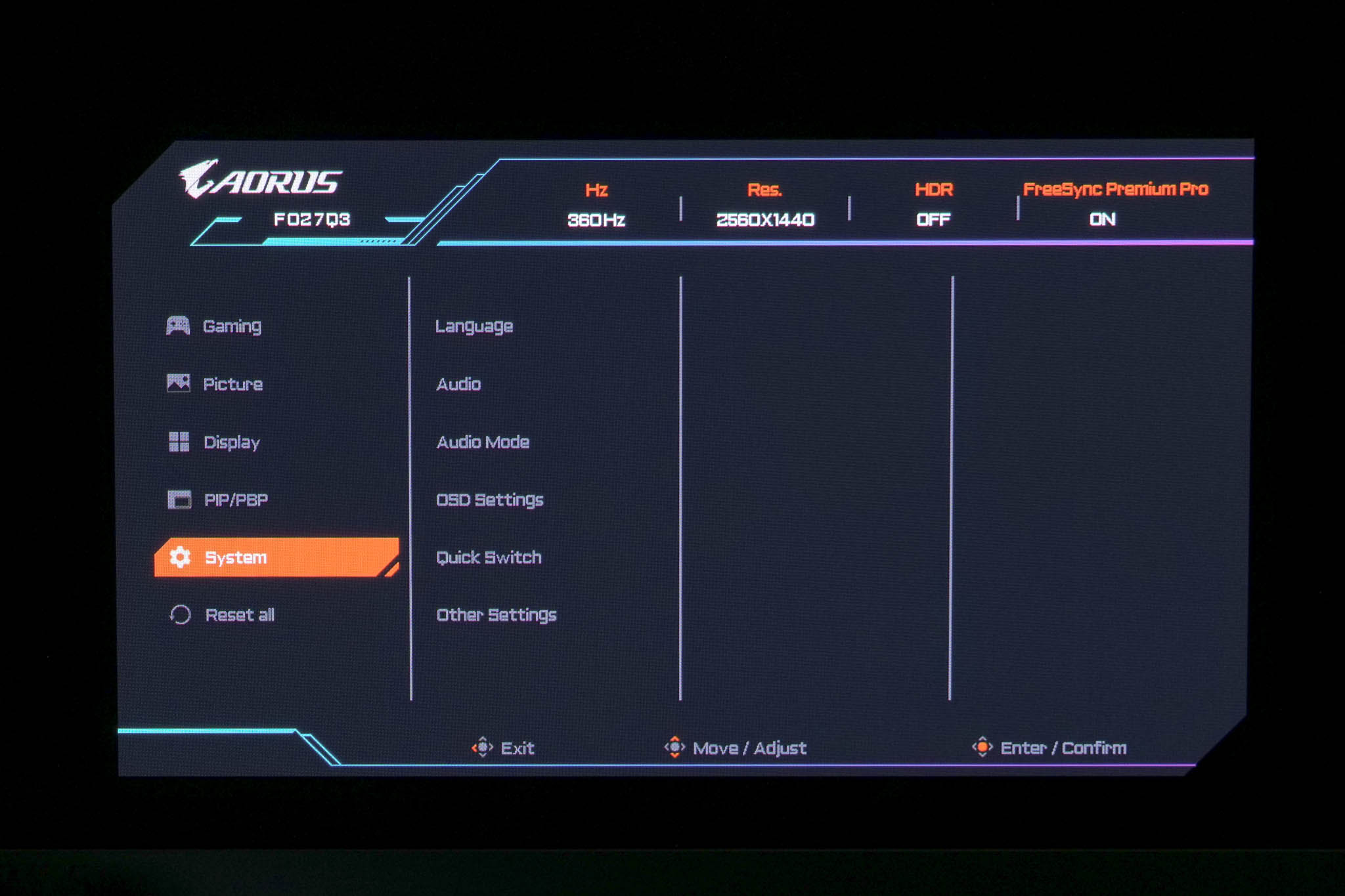
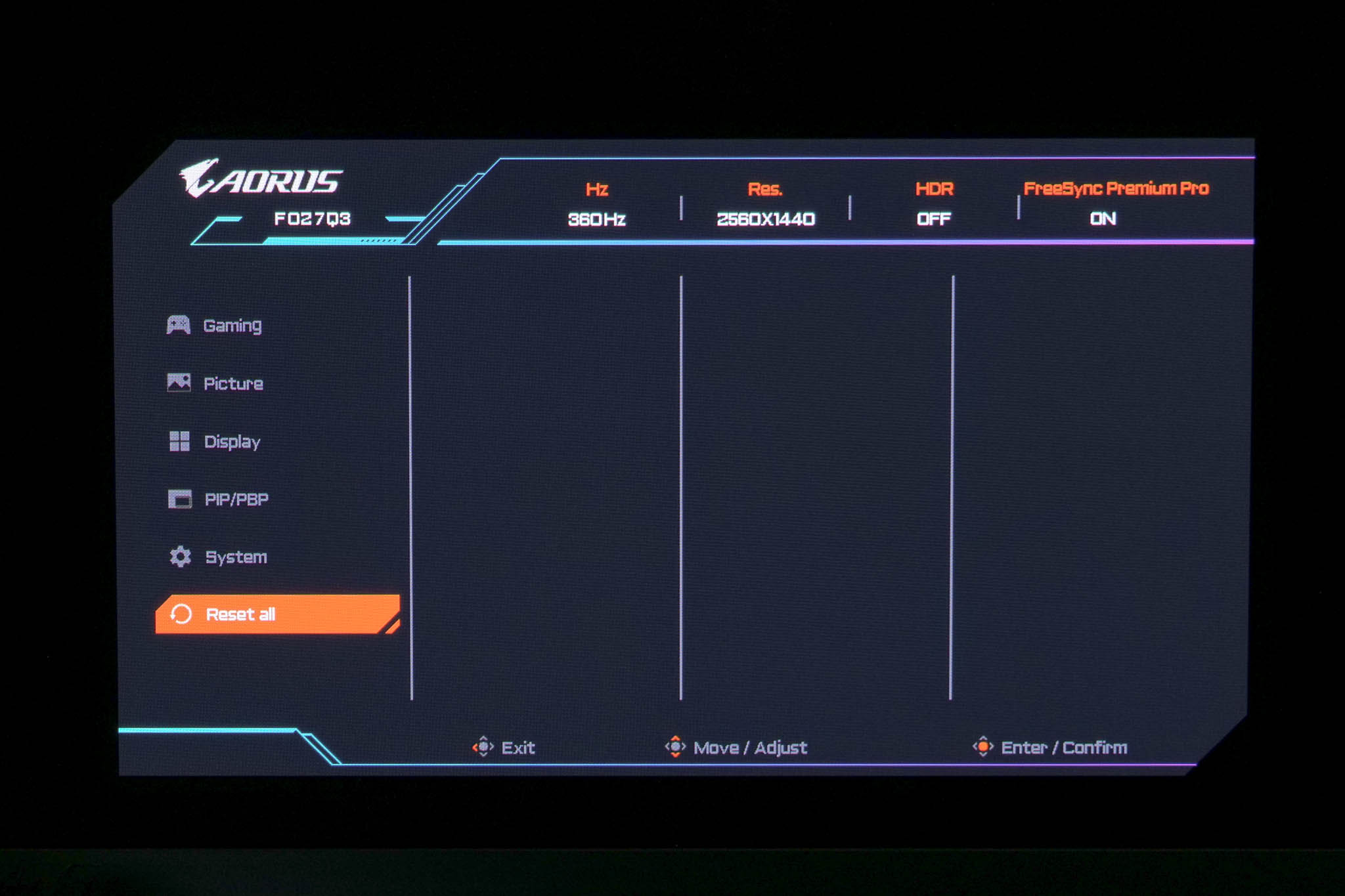
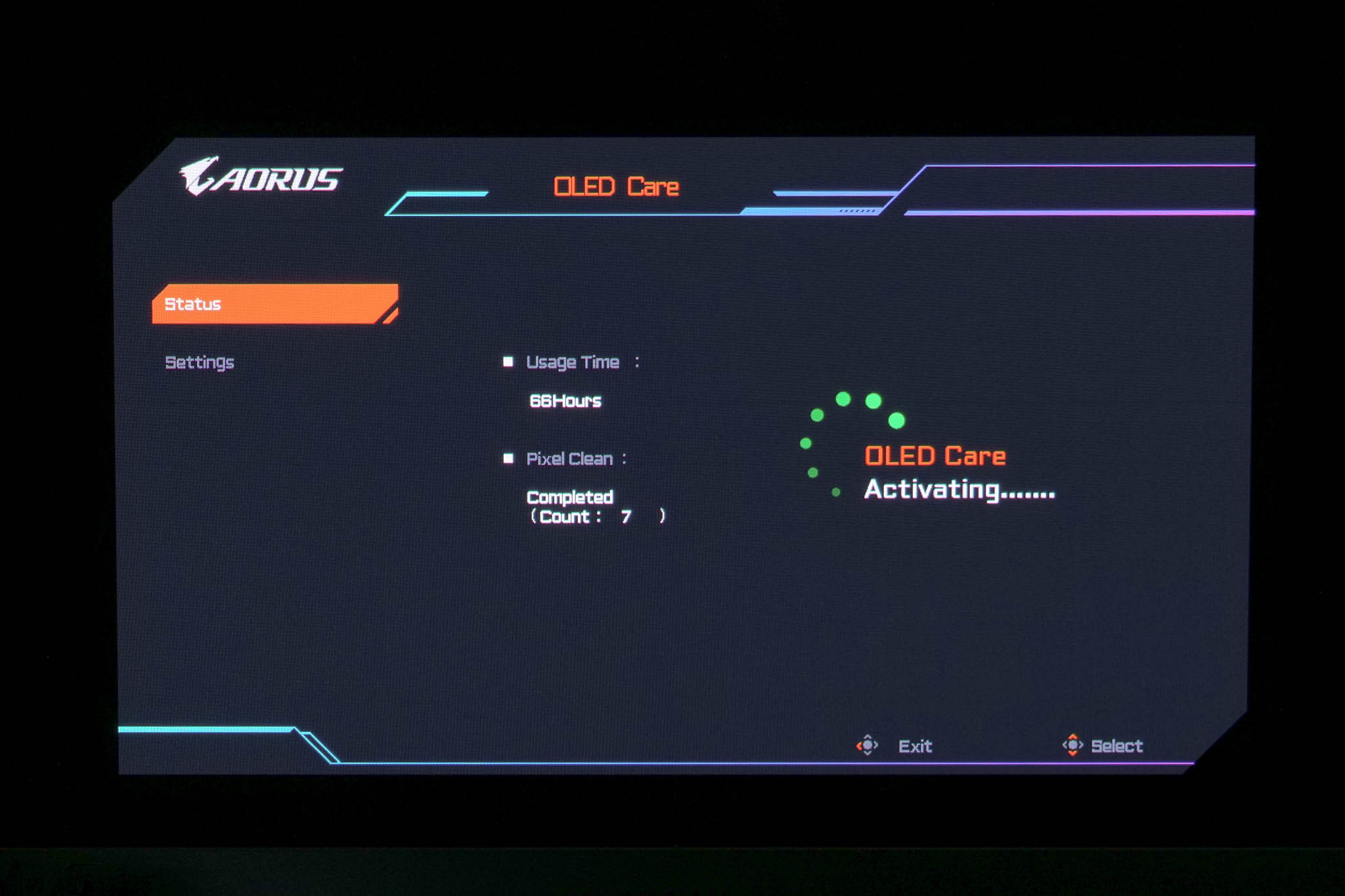
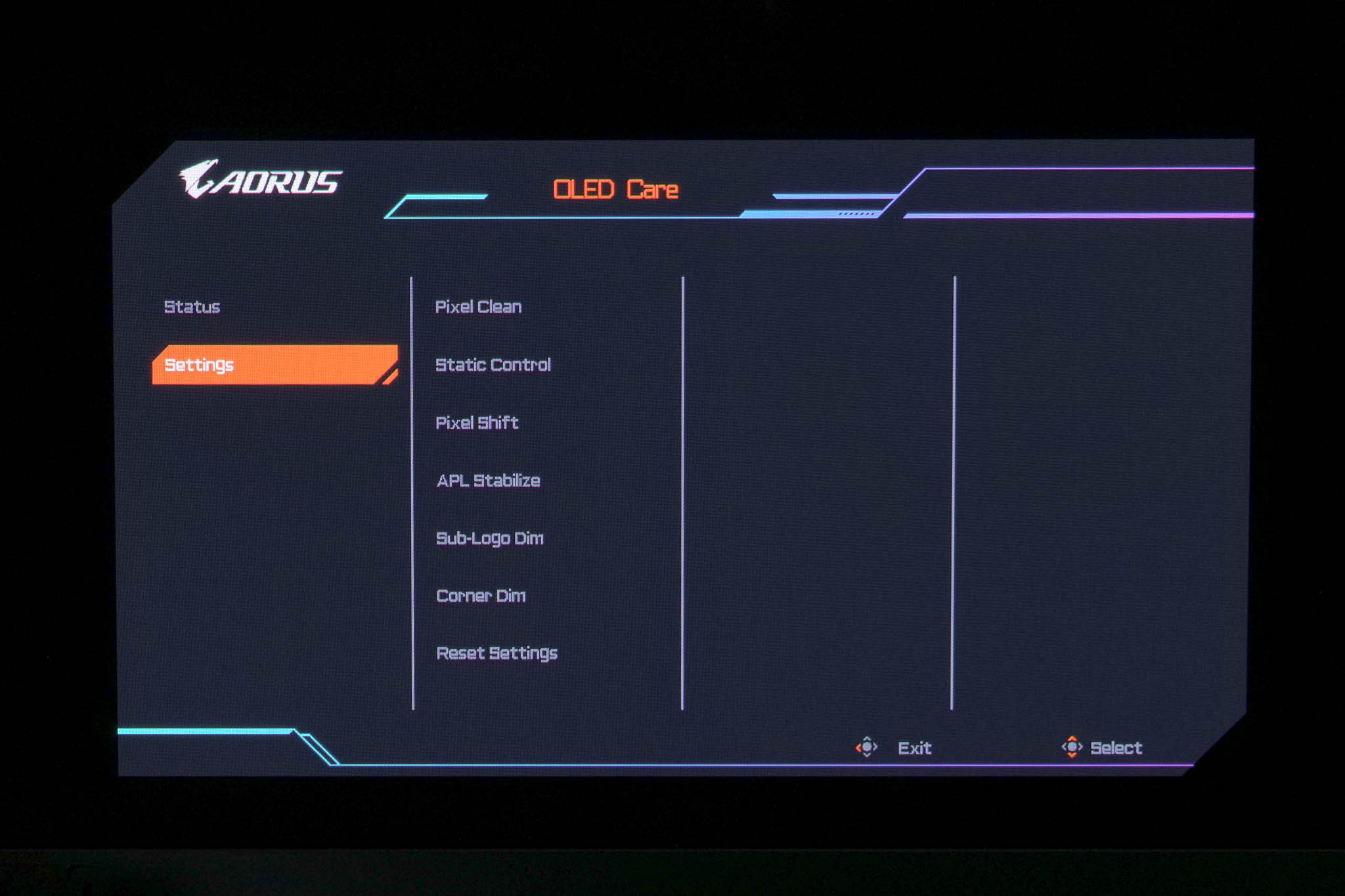
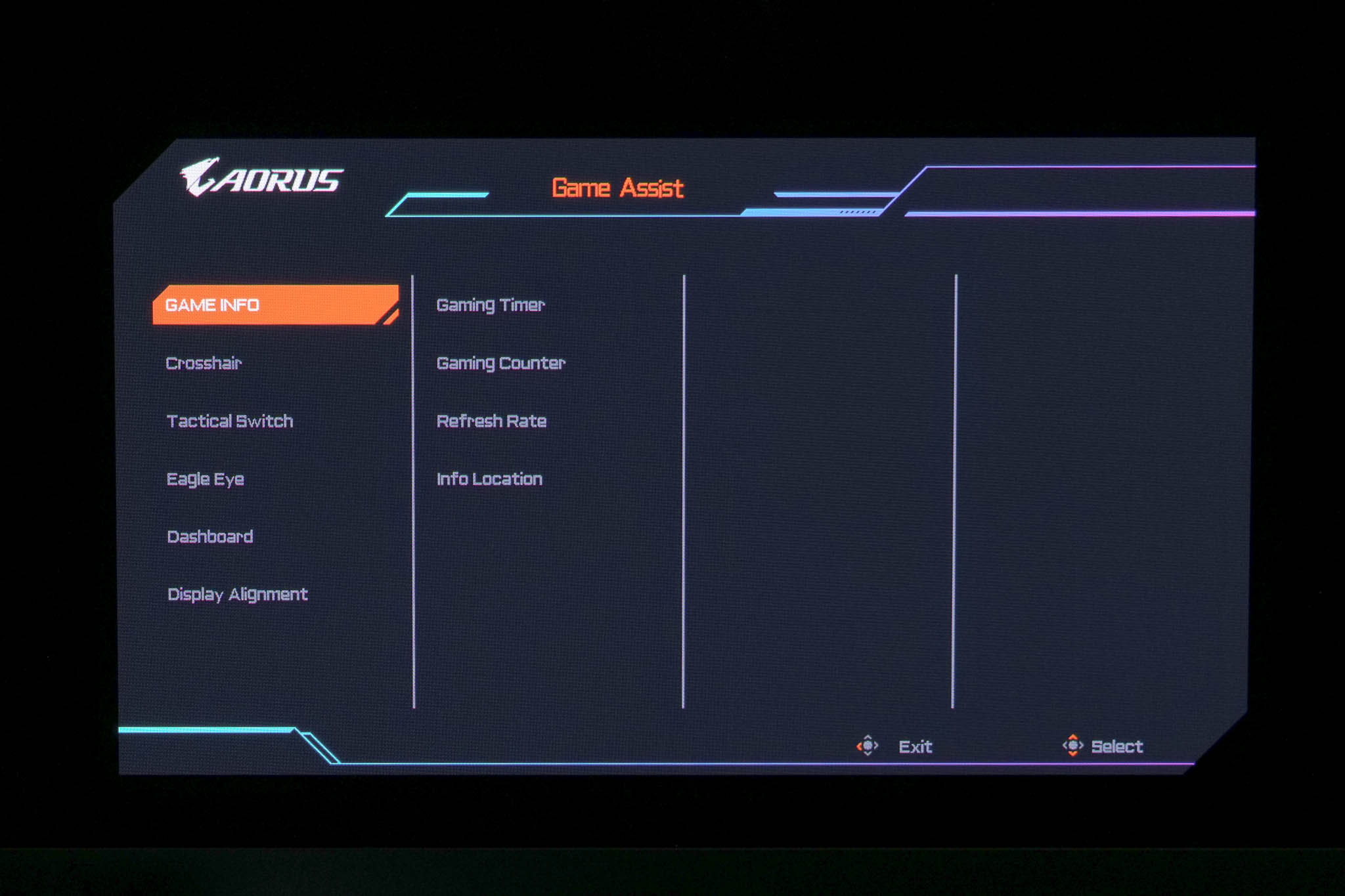
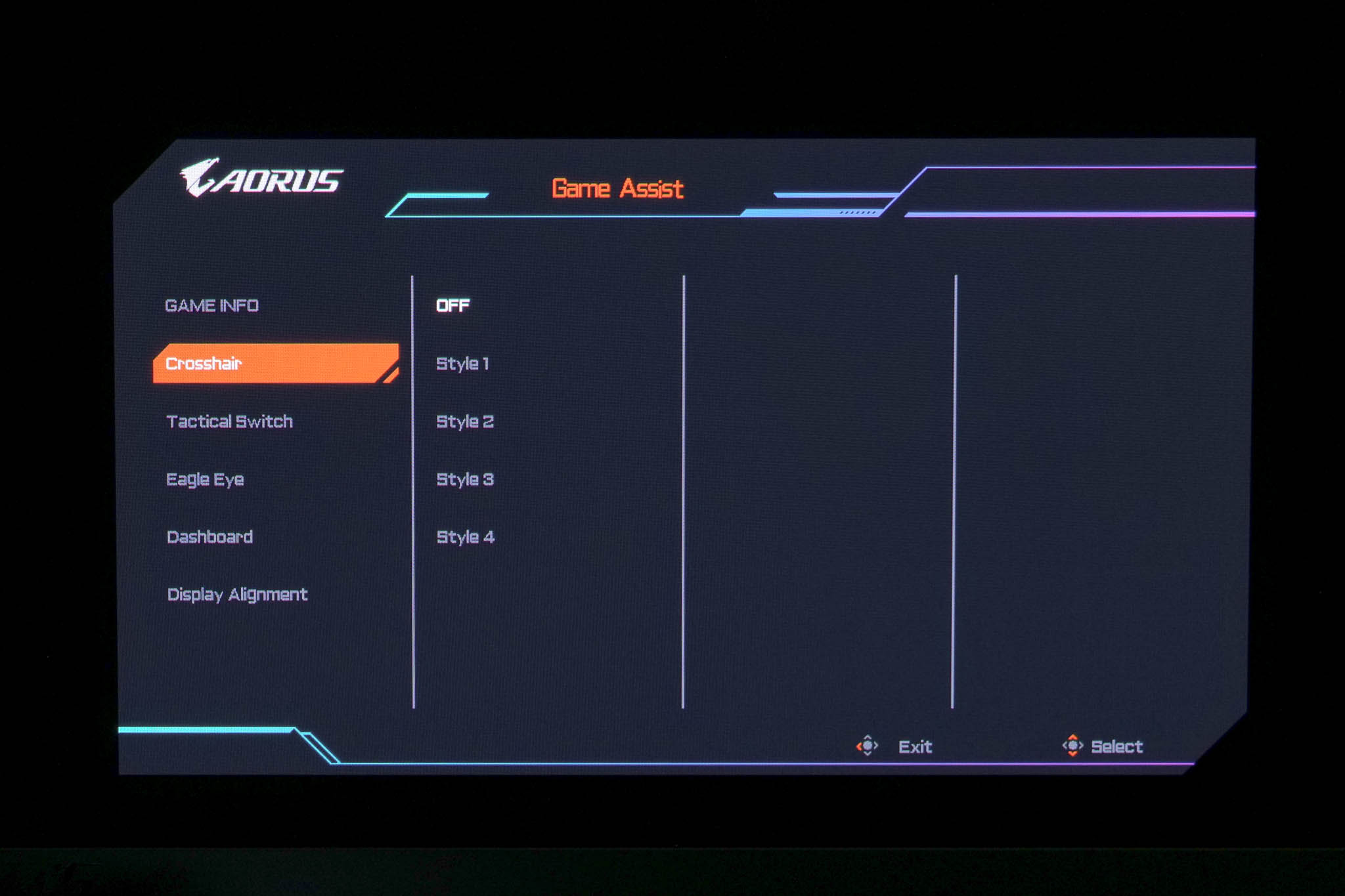
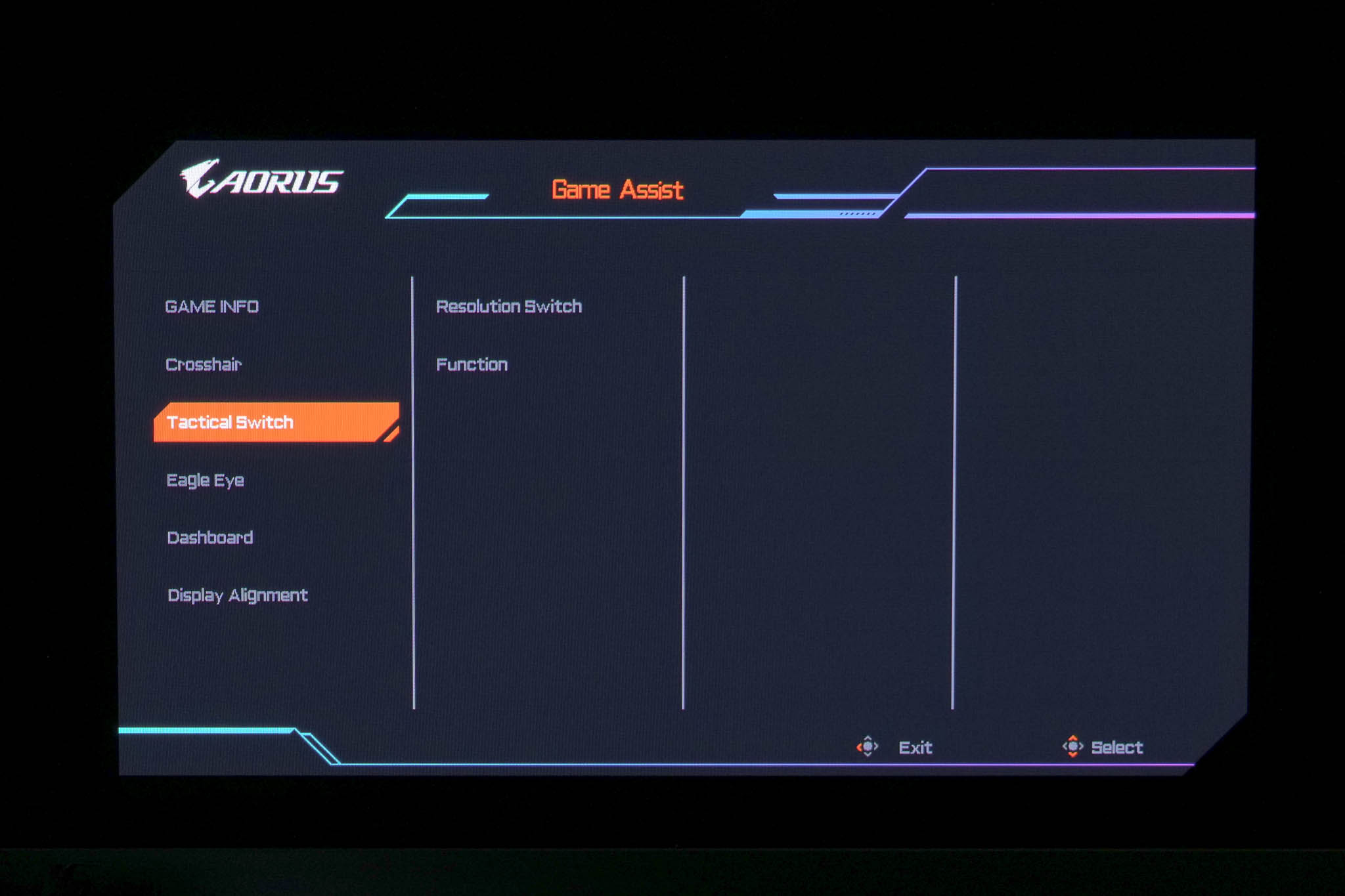
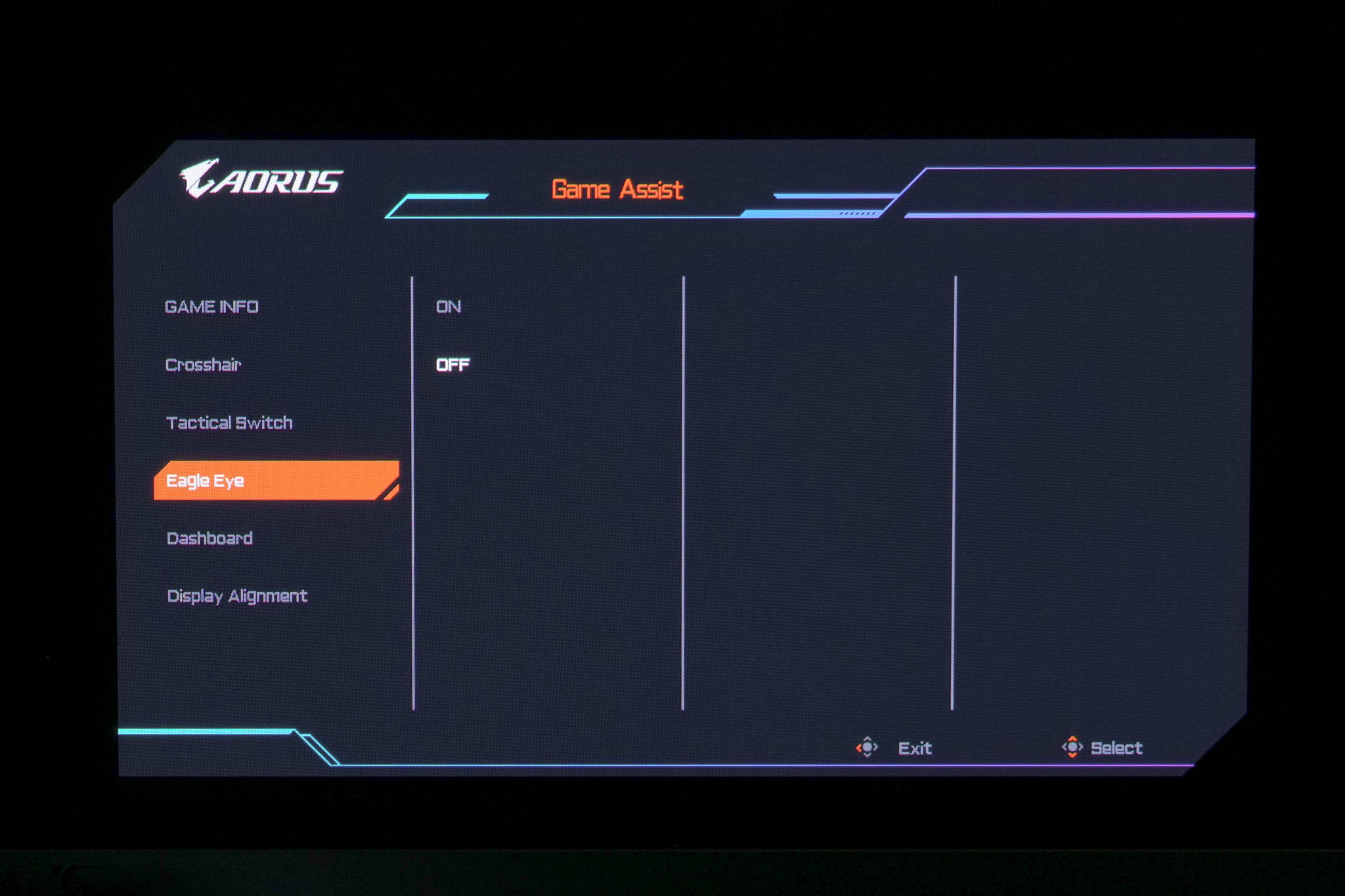
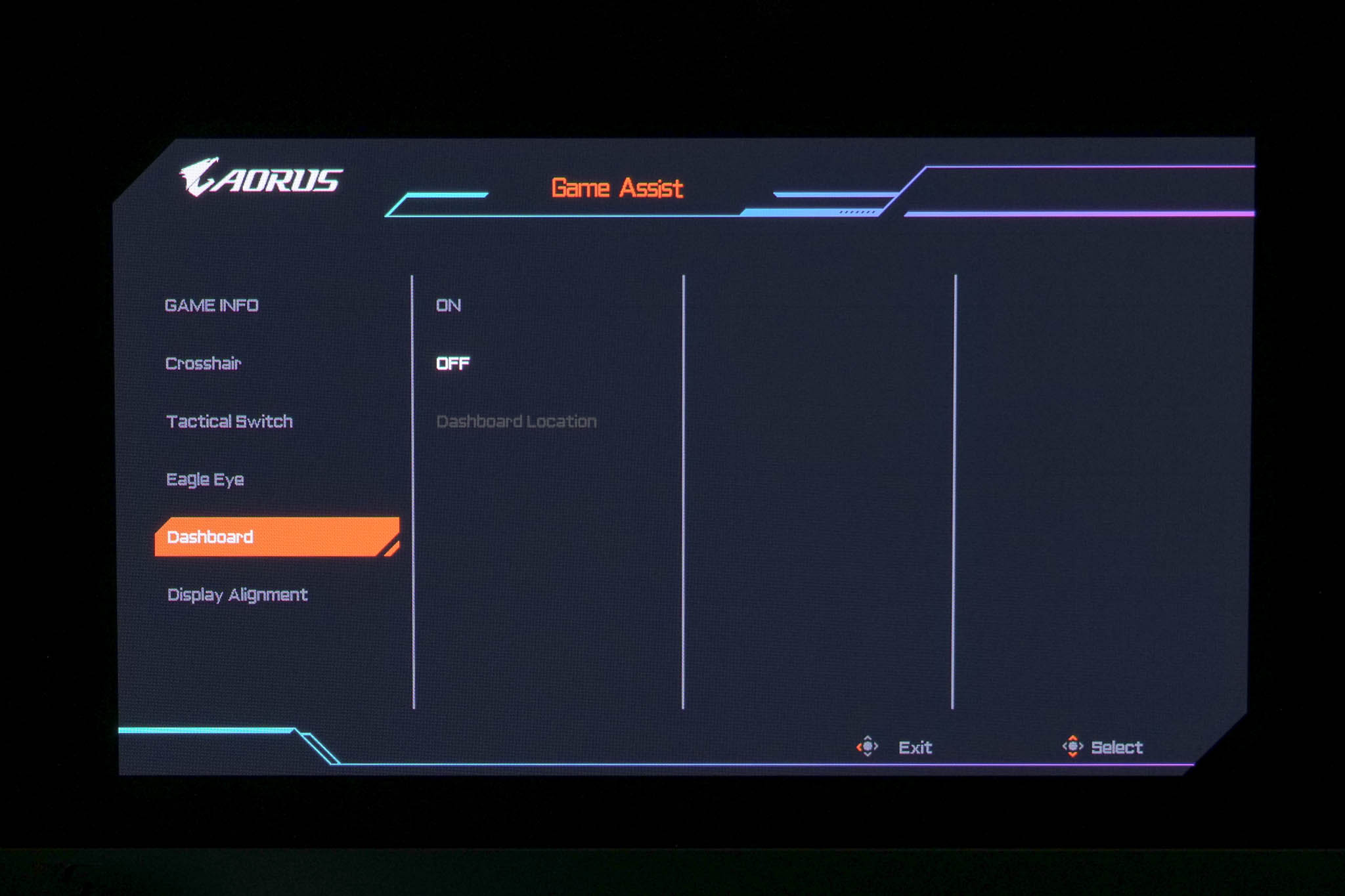
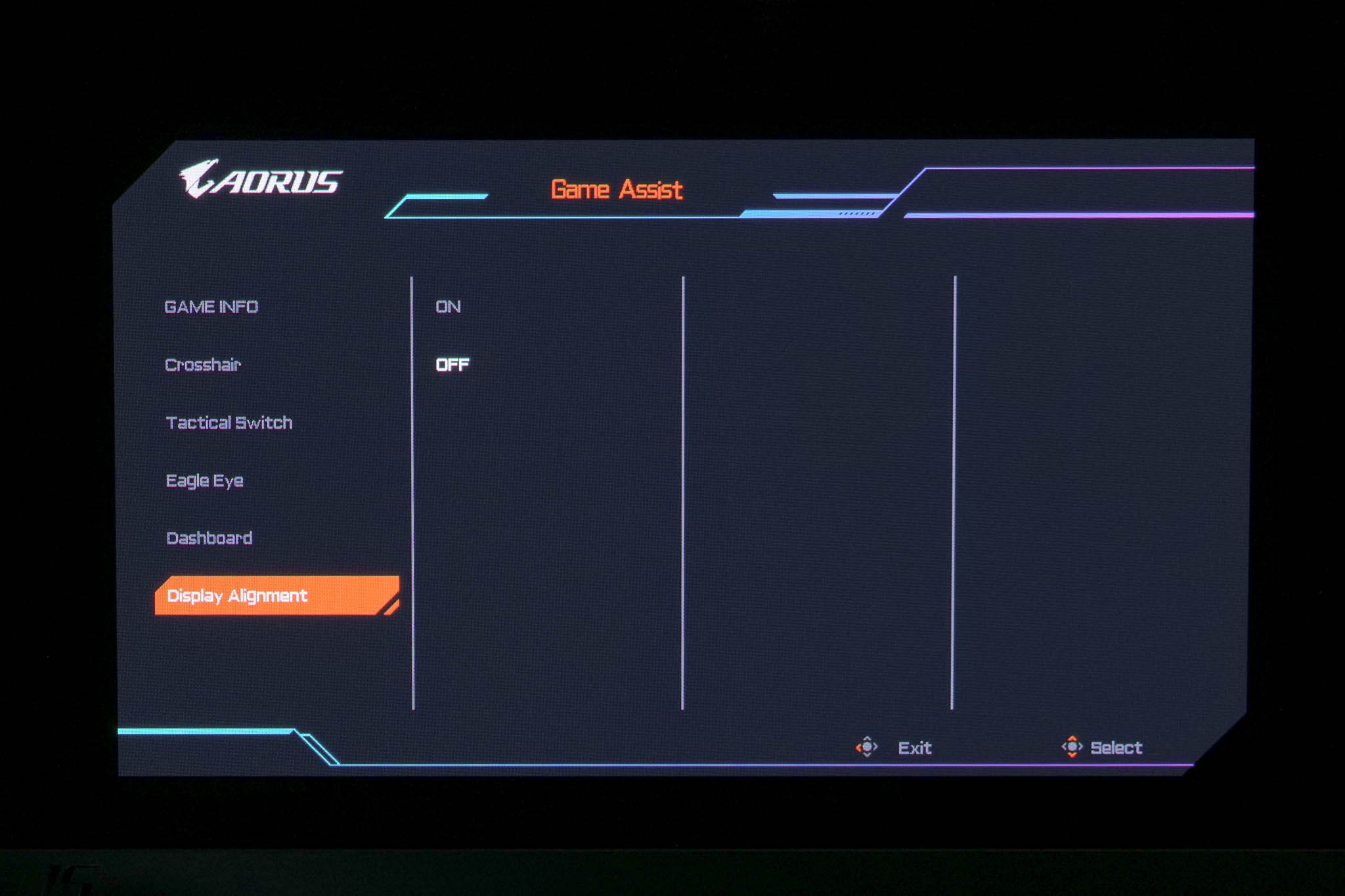
Overall, it's a very clean and easy to use OSD with a whole heap of options afforded to the user. I really don't have any complaints here – it looks good, is easy to use and is fully-featured across all the pages and pages of menus. Good job, Gigabyte.
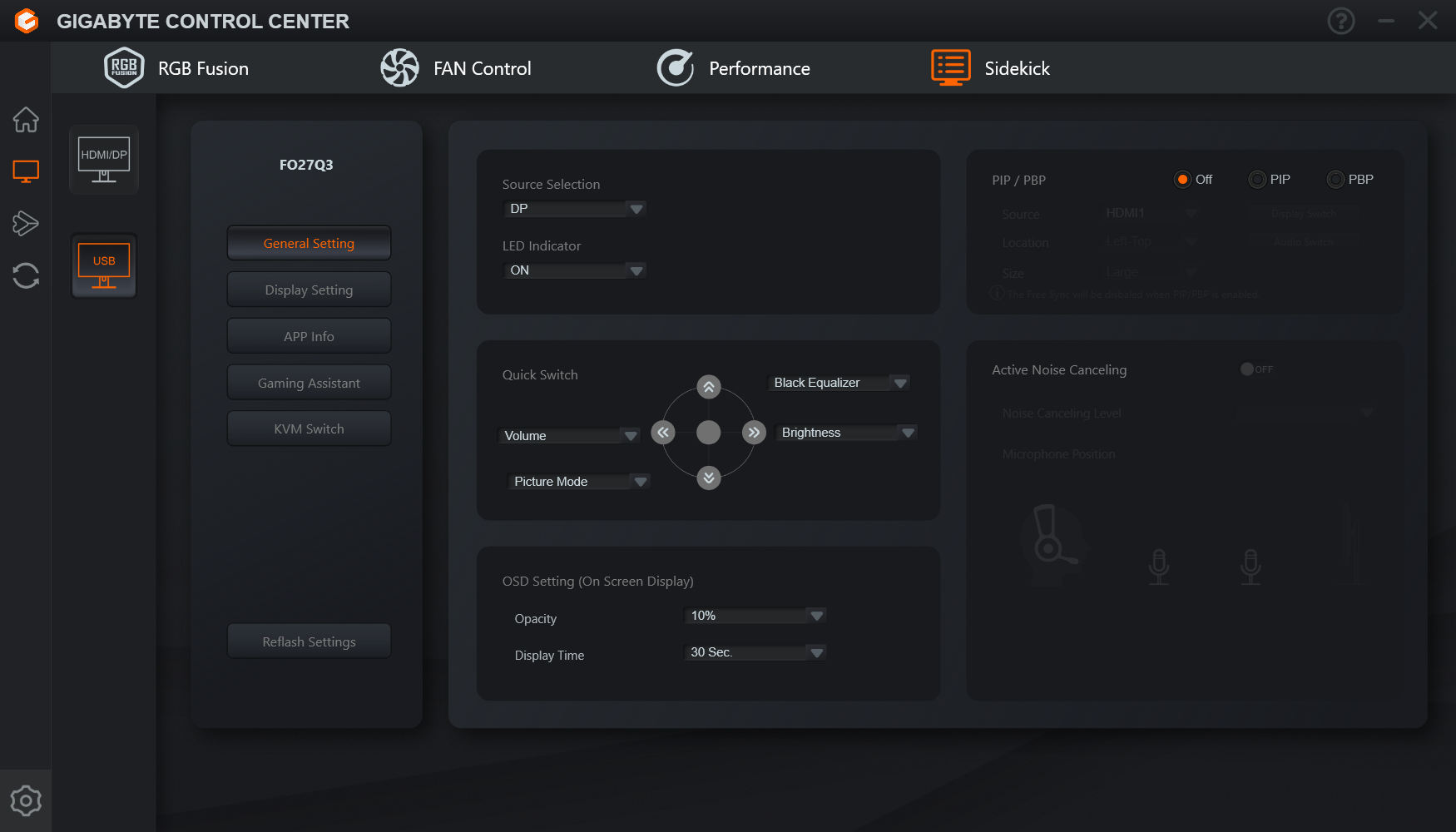
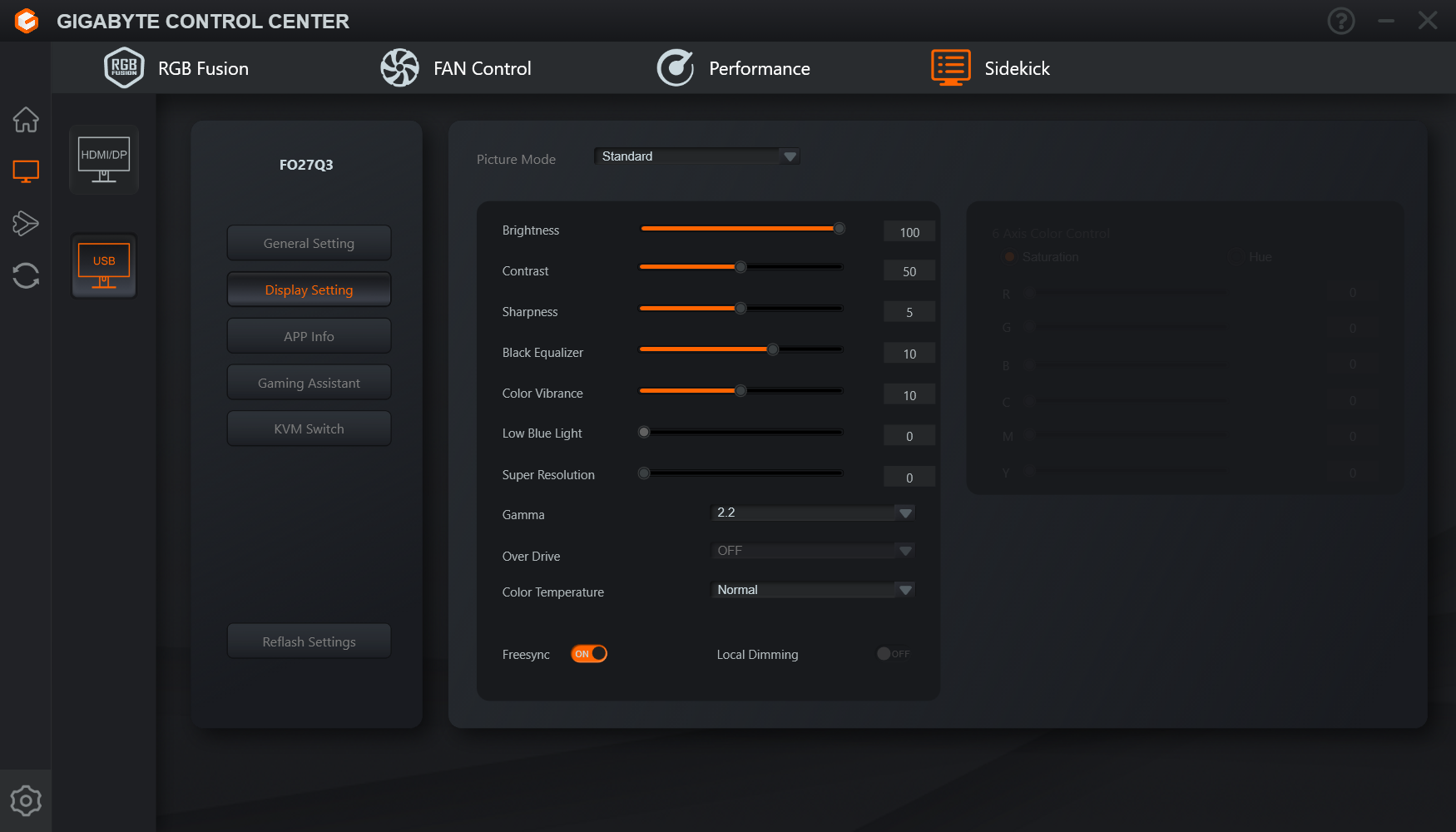
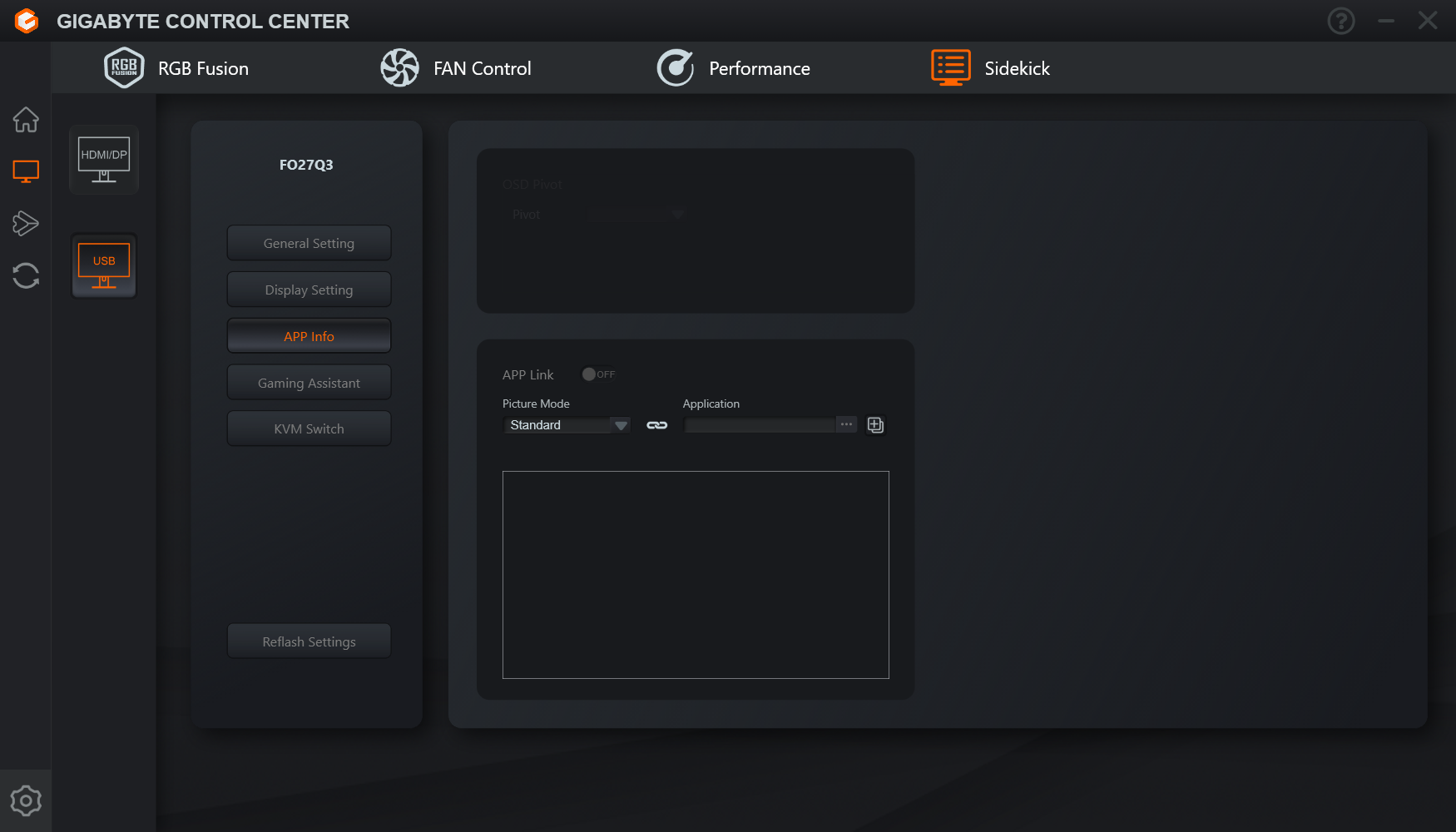
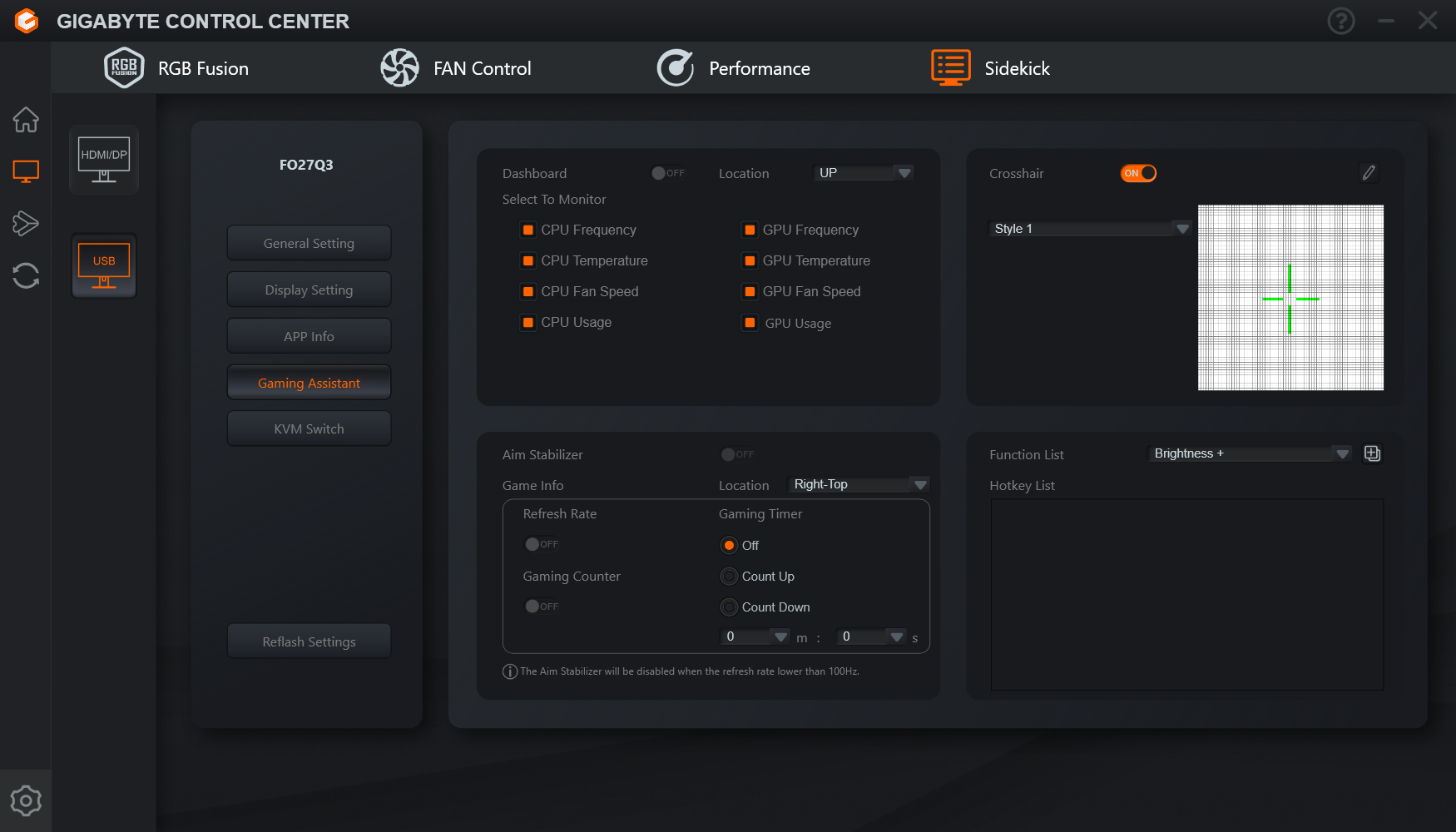
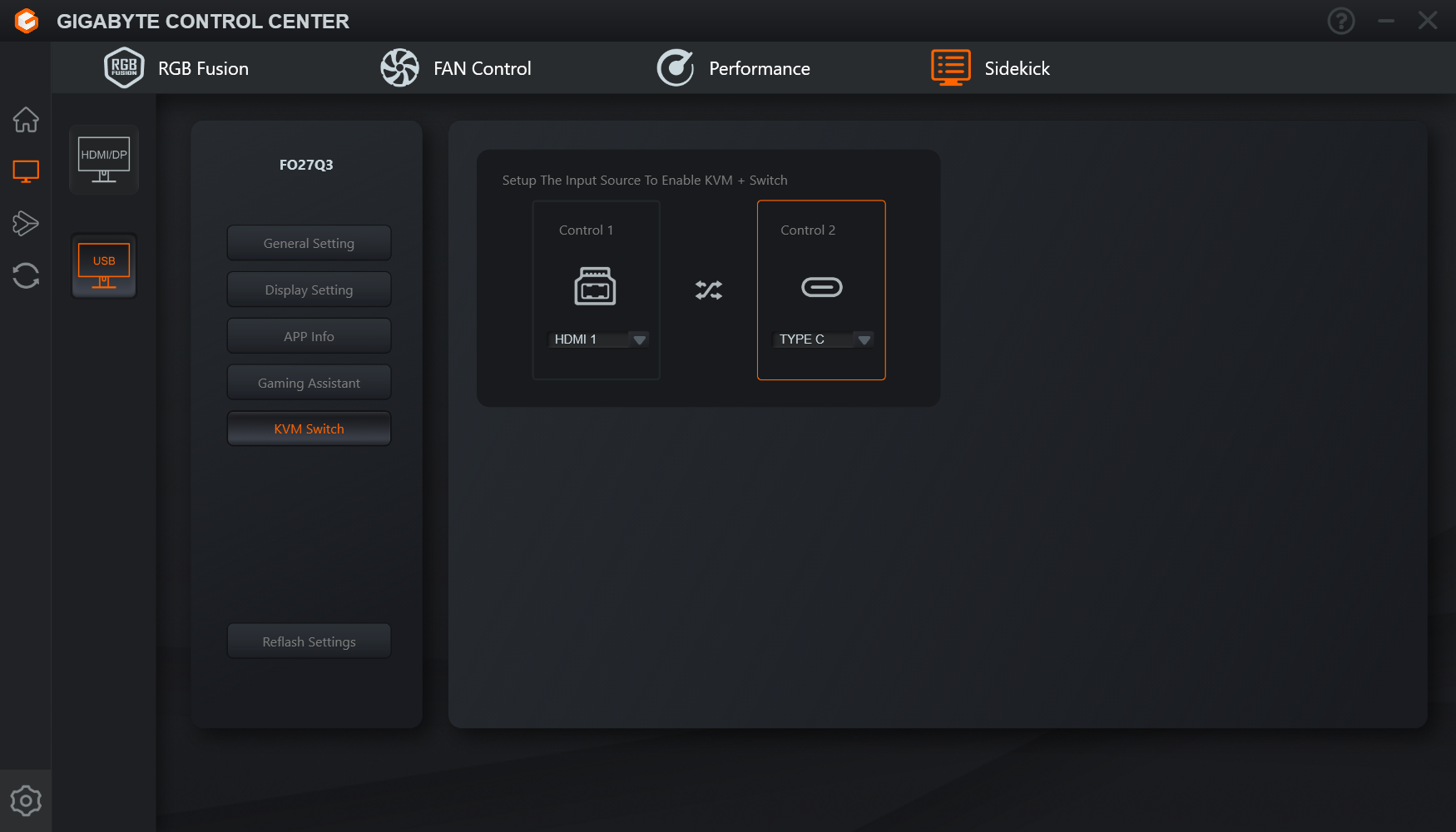
You can also using the Gigabyte Control Centre software to control the screen's options, affording the same level of control as the OSD, just in a Windows-based environment. Just be aware that firmware updates are done separately, with downloadable executables on the Gigabyte website.