KitGuru KitGuru.net – Tech News | Hardware News | Hardware Reviews | IOS | Mobile | Gaming | Graphics Cards


Microsoft has released the first public preview build of the Xbox Full Screen Experience (FSE), expanding its availability beyond handheld devices. The feature, previously limited to sub-10-inch displays like the ROG Xbox Ally X, is now officially accessible for testing on traditional desktops, laptops, and tablets via the Xbox Insider program.
The Full Screen Experience is designed with console-style navigation in mind, transforming the standard Windows 11 desktop into a streamlined, controller-first environment. Microsoft states that this mode also pauses background maintenance activities and mutes notifications to ensure consistent frame delivery. Furthermore, running FSE instead of the standard Windows Explorer shell can reportedly save approximately up to 2GB of system memory.
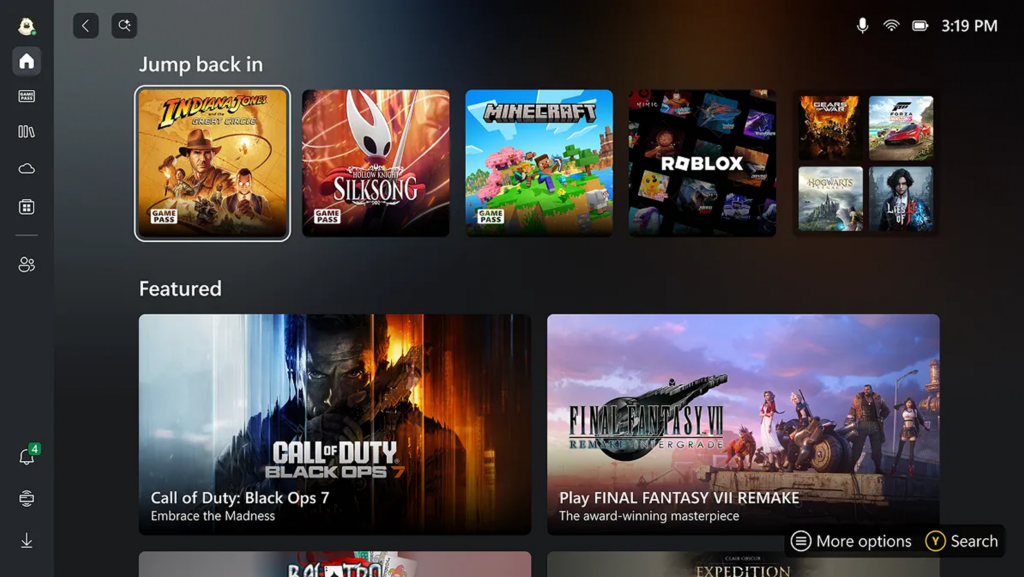
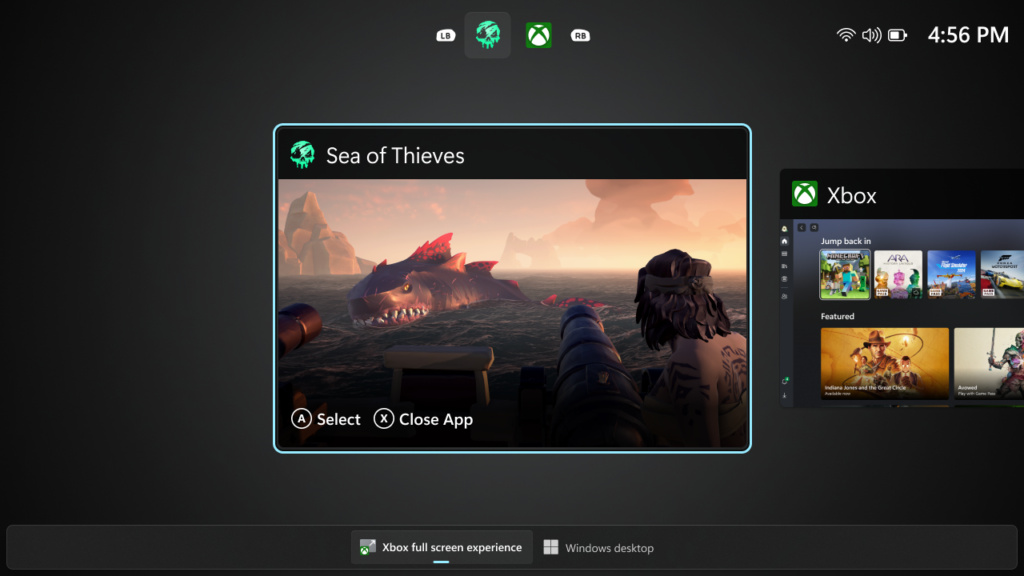
Once the FSE is enabled in Windows Settings, the interface can be accessed via Task View, Game Bar settings, or by pressing Windows key + F11. To access the official preview, users must be enrolled in both the Xbox Insider Program and the Windows Insider Program (Dev and Beta Channels). To join the Windows Insider and Xbox Insider programs, you first need to sign up for the Xbox Insider Program and install and open the Xbox Insider Hub application. In the app, go to Previews > Preview of PC Games, then select Join. Moreover, you'll also have to sign up for the Windows Insider Program and join the beta or dev channels.
The functionality is rolling out gradually with the latest Windows 11 preview release, 26220.7271. Microsoft expects that the Xbox Full Screen Experience will be rolled out to all Windows 11 users sometime next year.
Discuss on our Facebook page, HERE.
KitGuru says: Are you interested in the new Xbox Full Screen Experience? Will you try it out while it's still in beta, or wait for the full release?