 KitGuru KitGuru.net – Tech News | Hardware News | Hardware Reviews | IOS | Mobile | Gaming | Graphics Cards


Metro: Last Light
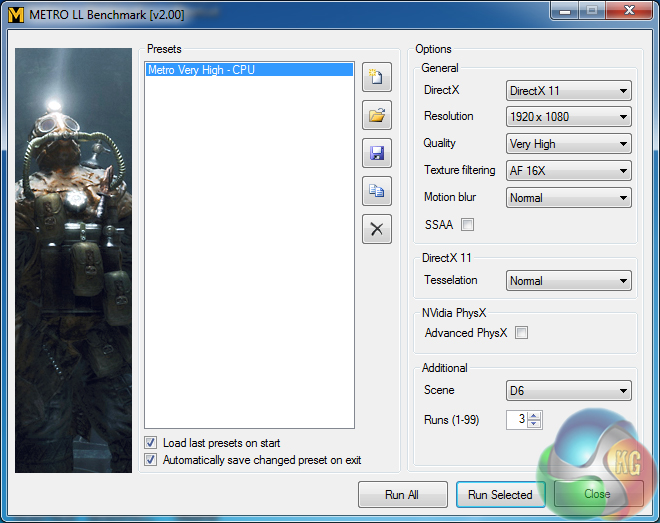
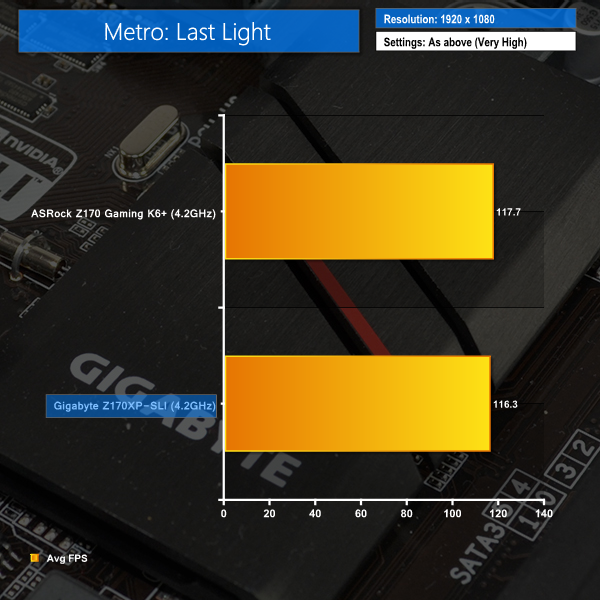
We used a 1920 x 1080 resolution and the Metro: Last Light built-in benchmark set to ‘Very High’ quality to offer an intense challenge for the hardware.
Grand Theft Auto V
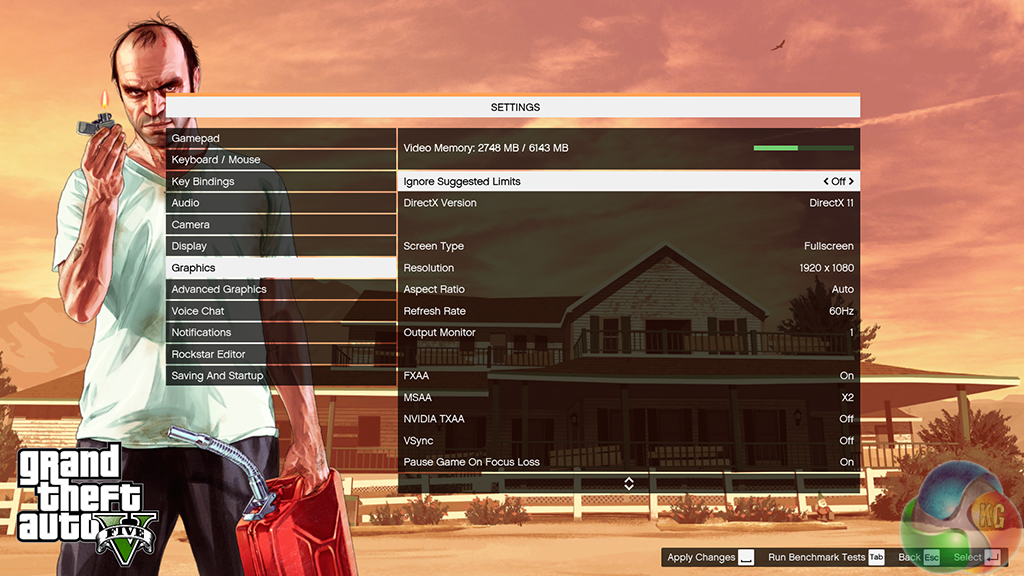
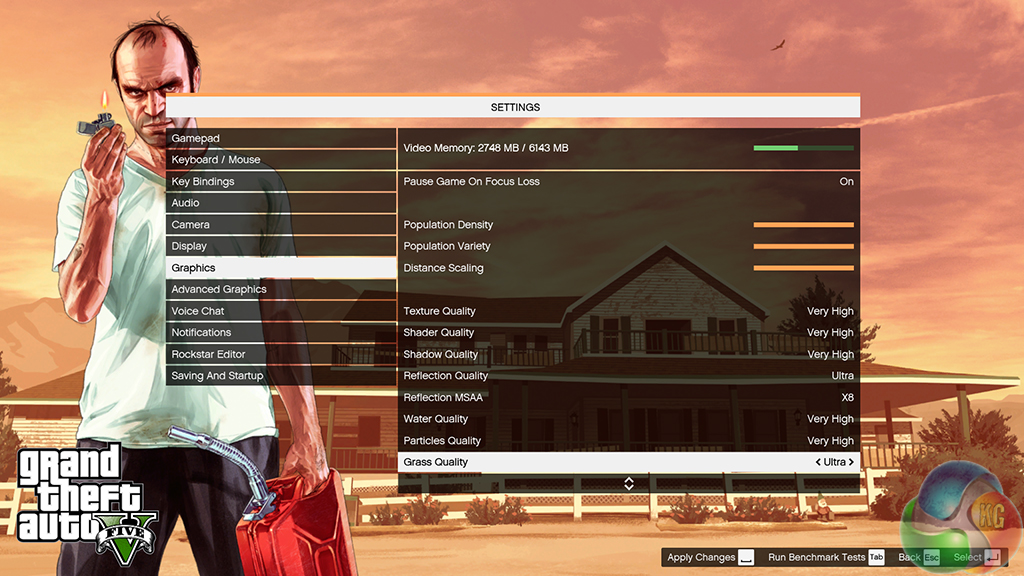
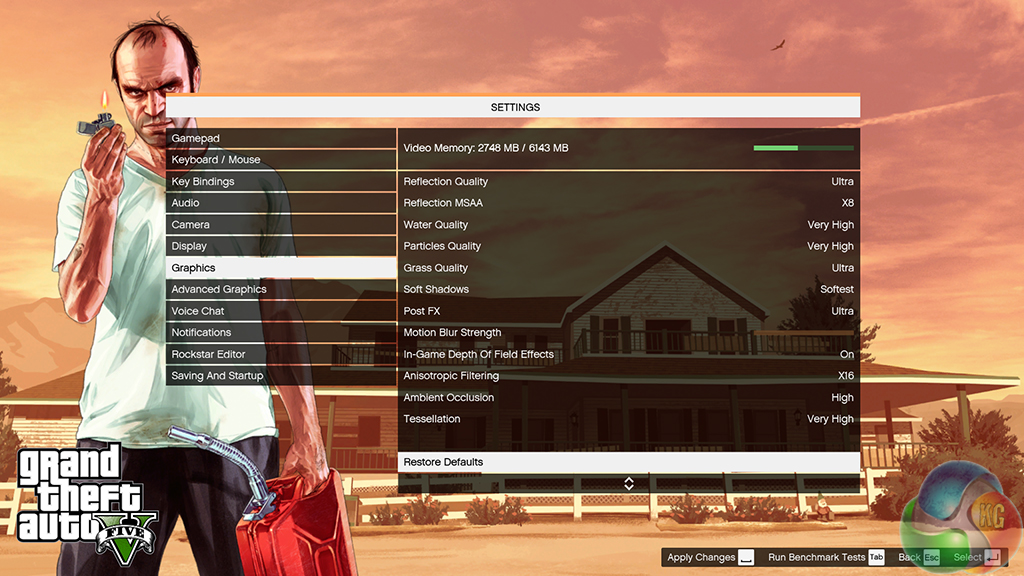
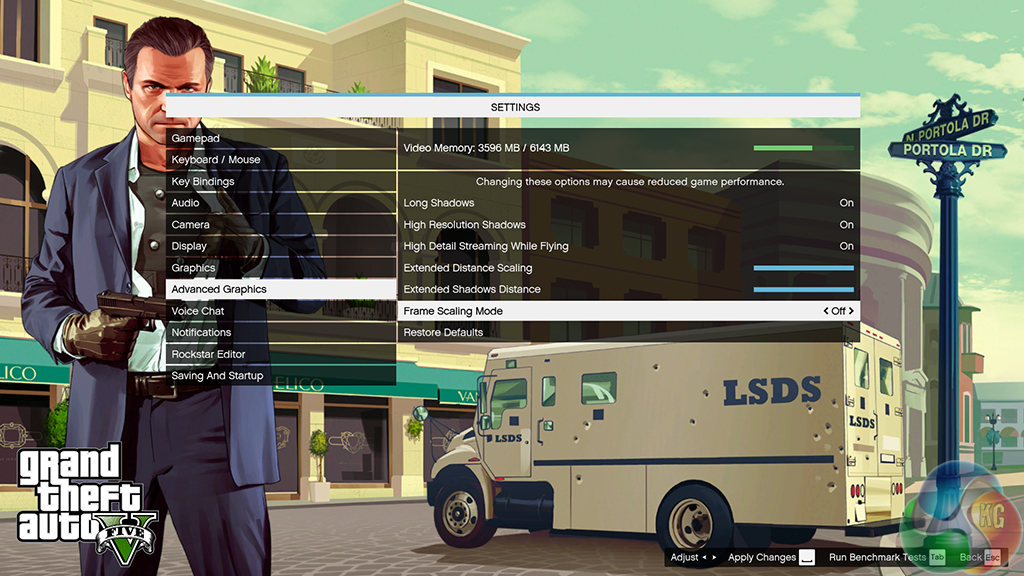
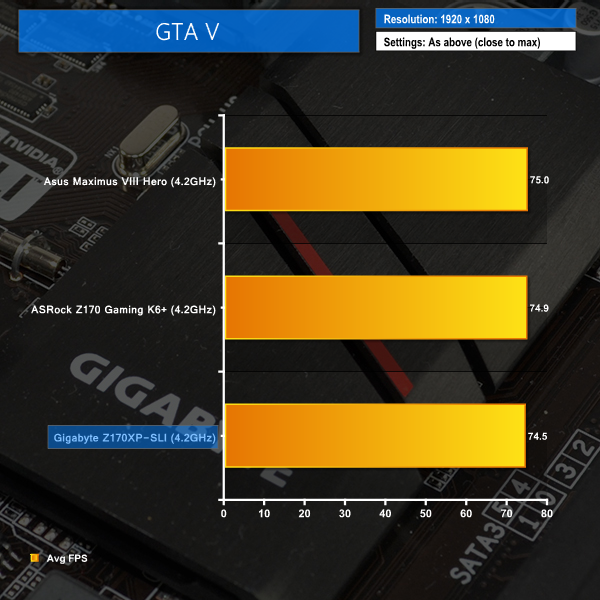
We apply very near maximum settings in Grand Theft Auto V and a 1920×1080 resolution to push today’s hardware. Our data was recorded using the built-in benchmark.
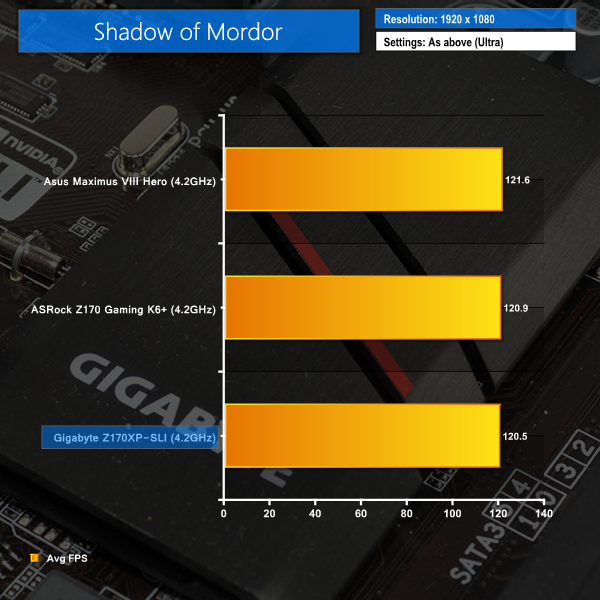
Middle Earth: Shadow of Mordor
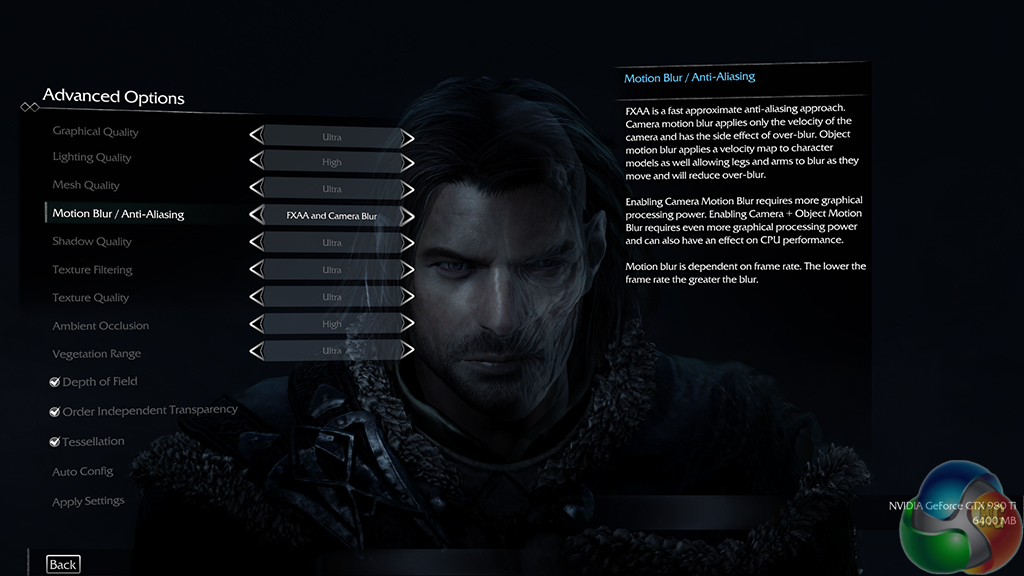
We used a 1920×1080 resolution and the Middle Earth: Shadow of Mordor built-in benchmark set to ‘Ultra’ quality.
Tomb Raider
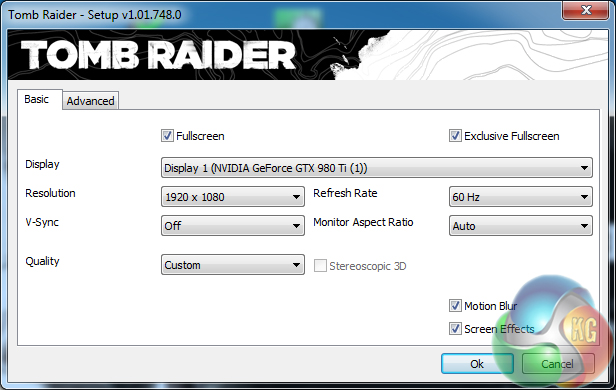
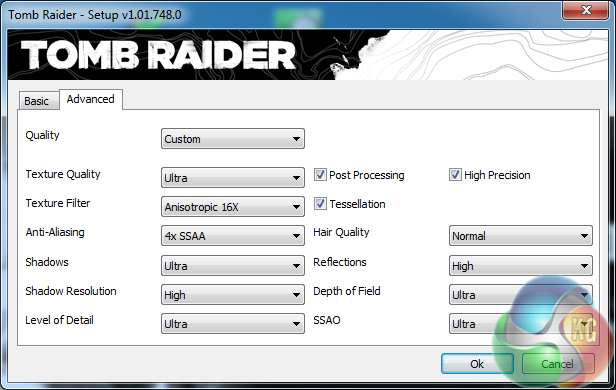
We used a 1920×1080 resolution and the Tomb Raider built-in benchmark set to maximum quality, with TressFX disabled.
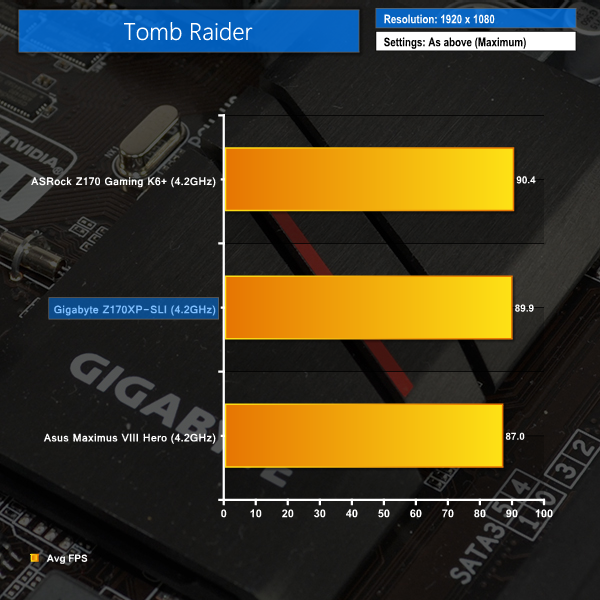
Gaming performance for Gigabyte's Z170XP-SLI is decent. It is generally a little slower than the higher-priced competitors, although a couple of percentage point drops in frame rates are unlikely to be noticeable in general gameplay and is close to benchmarking error margins.
By ploughing the money saved when buying Gigabyte's low-cost motherboard into a higher-performance graphics card, that minor frame rate deficit could be overcome with ease.

I fail to see how this board is slower than the other 2 as the frame testing is within margin of error.
When one activates the XMP profile it automatically activates a memory stability option that should be set to normal to regain those 10Gbps extra. I don’t remember exactly how that option is called but just search for a memory related option that says “compatibility” or “stability” and switch it to “normal” instead.