 KitGuru KitGuru.net – Tech News | Hardware News | Hardware Reviews | IOS | Mobile | Gaming | Graphics Cards


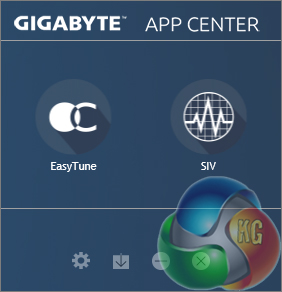
Gigabyte's App Center tool is the launch point for most of the utilities that one can download. Gigabyte allows users to choose which utilities they would like to install, rather than bundle some potentially unwanted tools inside a larger software suite.
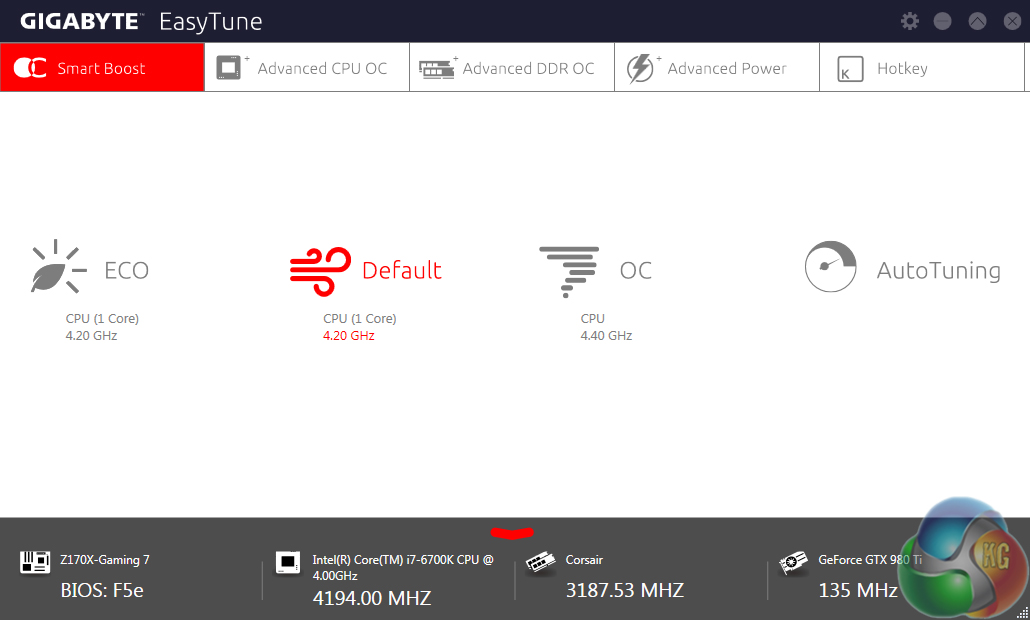
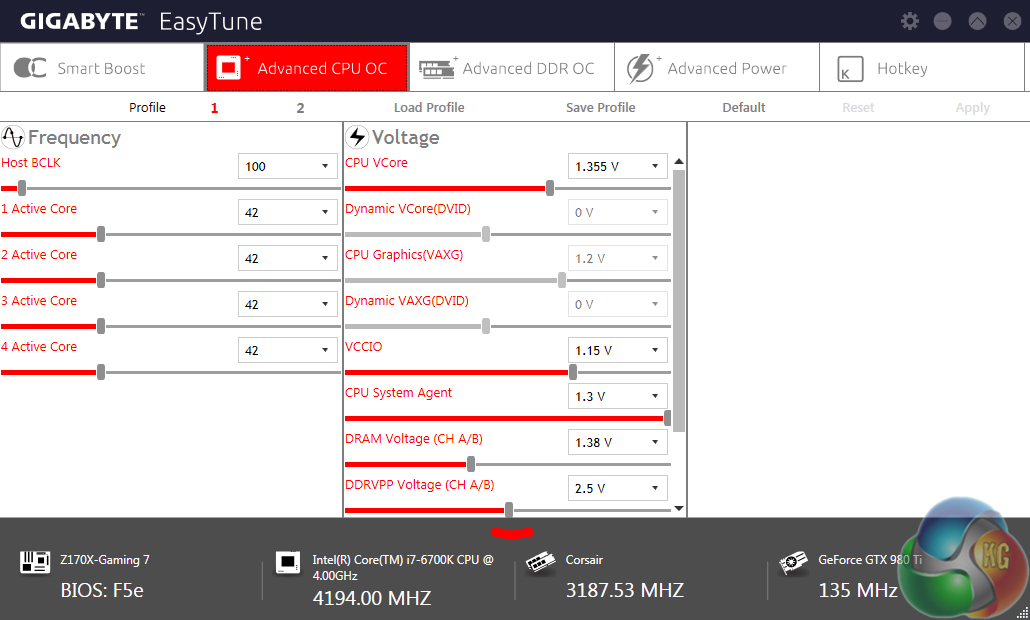
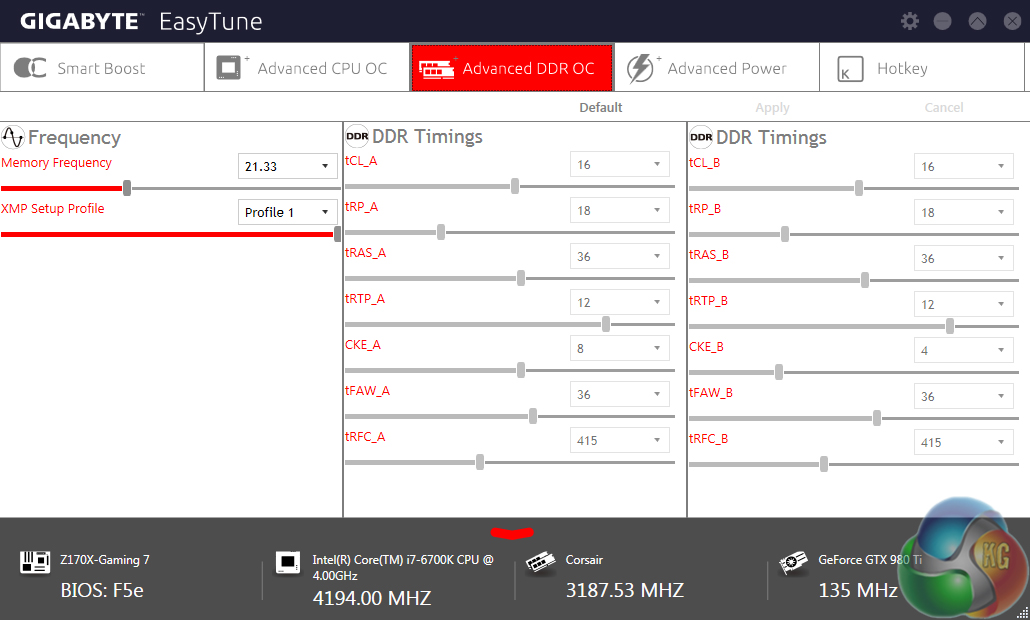
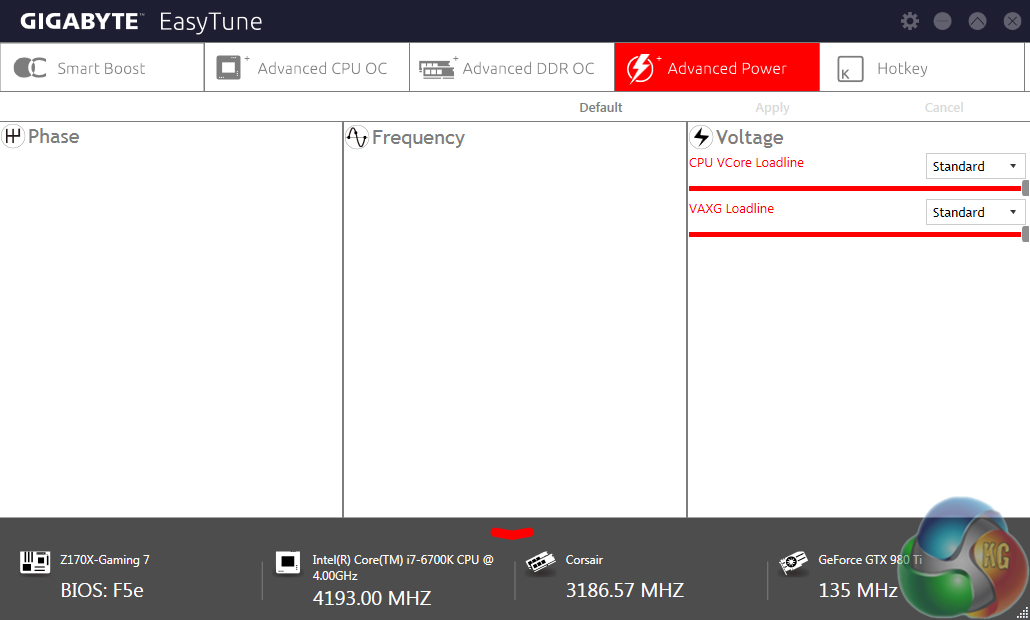
Parameters relating to the system and hardware operation are found in the EasyTune software. This is the location that can be used to alter certain settings via Gigabyte's OS-based software tool.
Gigabyte includes a variety of system operating modes that may suit those interested in efficiency, overclocked performance, or simply default speeds.
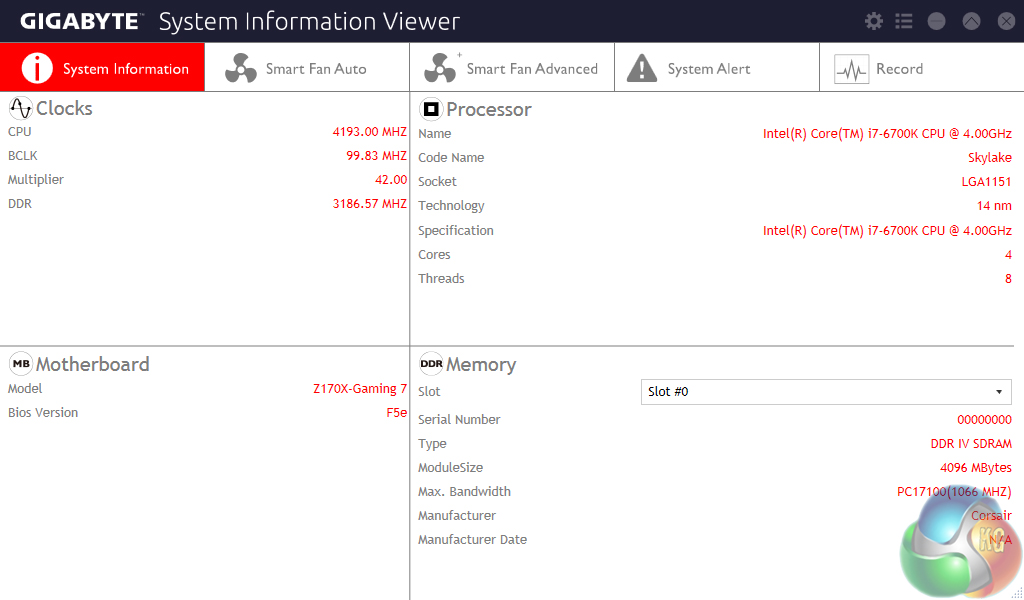
The System Information Viewer tool can be used to find much of the system's general information.
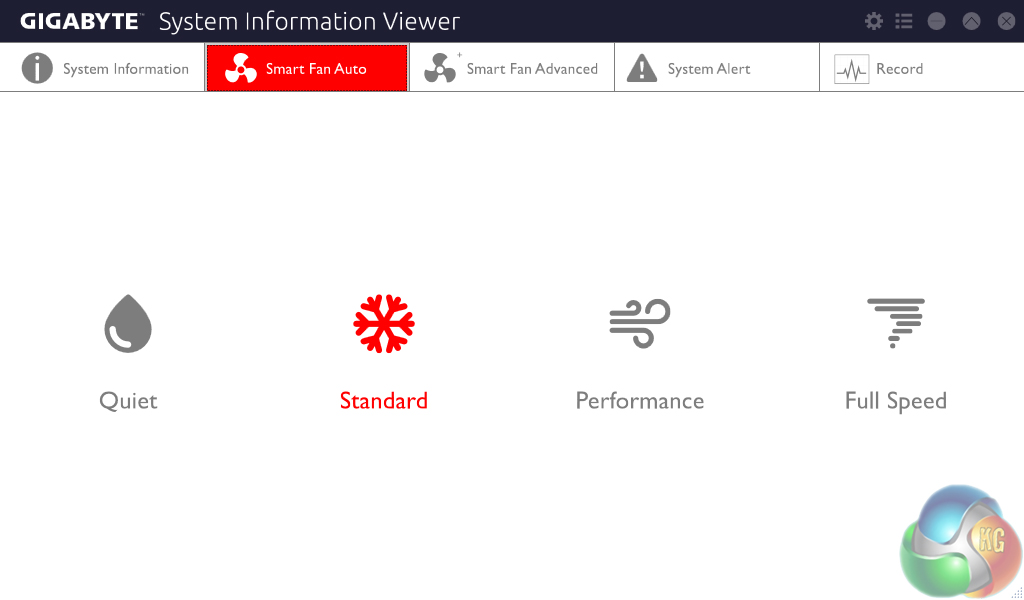
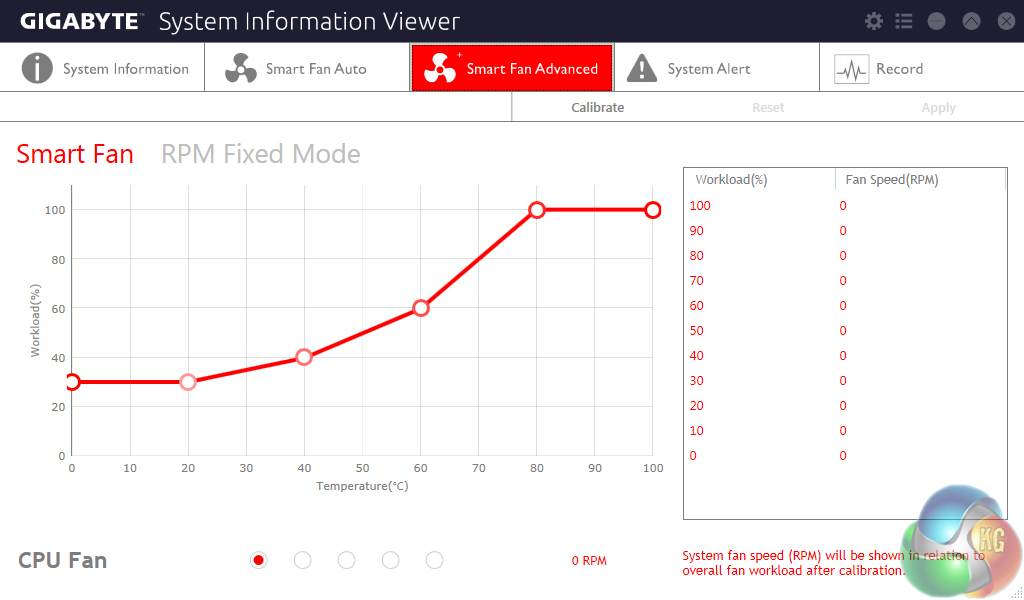
Gigabyte includes a number of fan speed pre-sets as well as a user-friendly graphical interface for plotting fan speed. These two points make up for the terrible fan control method deployed in the UEFI.
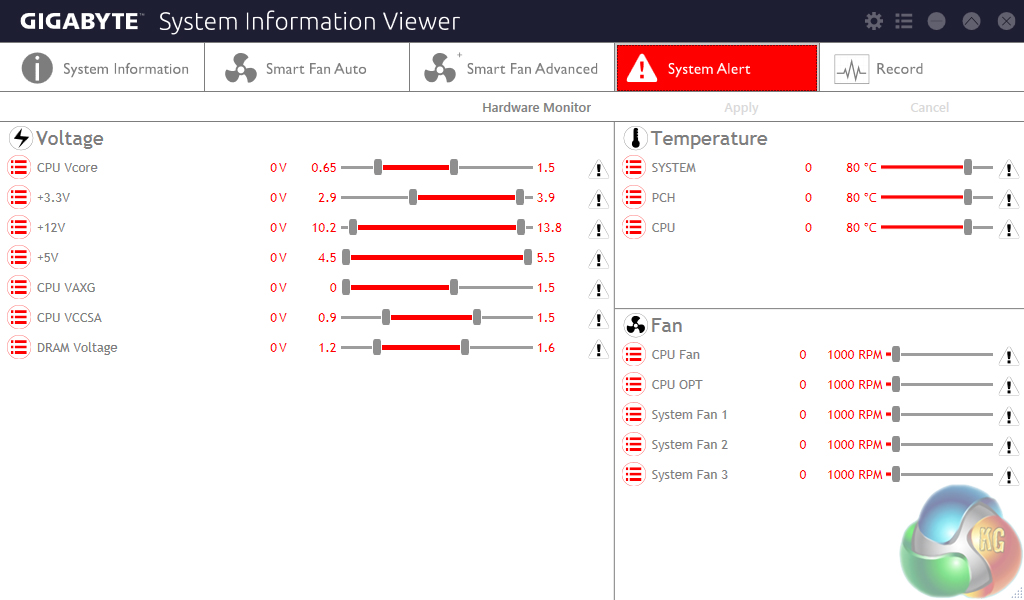
Users can set alerts to ensure that operating points such as certain temperature levels are not exceeded. This could be convenient to users who are trying to achieve a balance between system noise output and component temperatures by altering fan speeds.
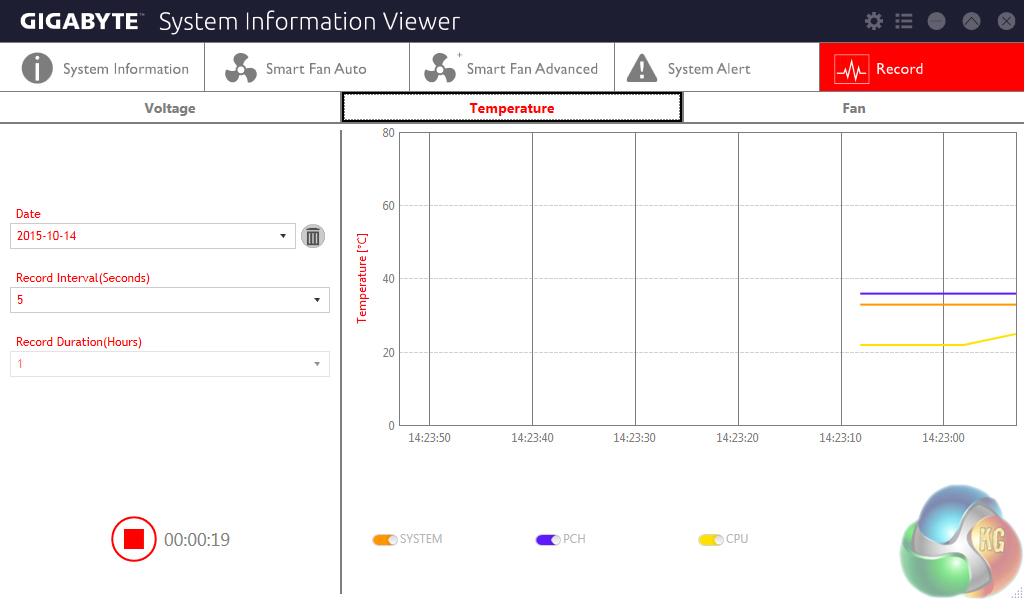
There is also a recording page which is useful for tracking the system's operation over time.
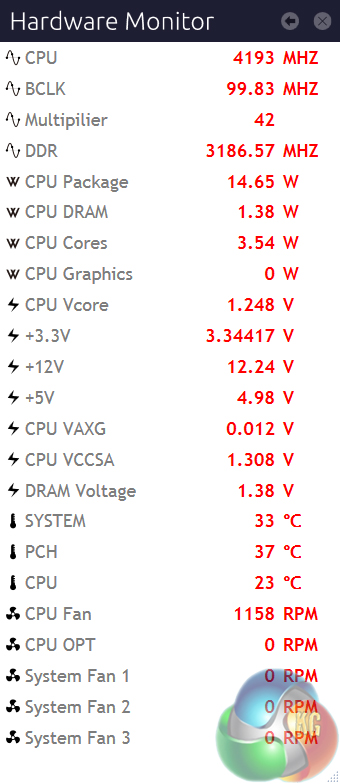
A breakout panel called Hardware Monitor contains much of the system's key information and displays it in a convenient form factor that requires very little on-screen real estate.

Bought it and am loving it. The one complaint I have is that the mouse lags like hell in UEFI. I haven’t tried a different mouse with it yet though (currently using Cougar 550M). The SB audio is superb.
how the settings for memory on the mainboard? is it stable with xmp auto settings?